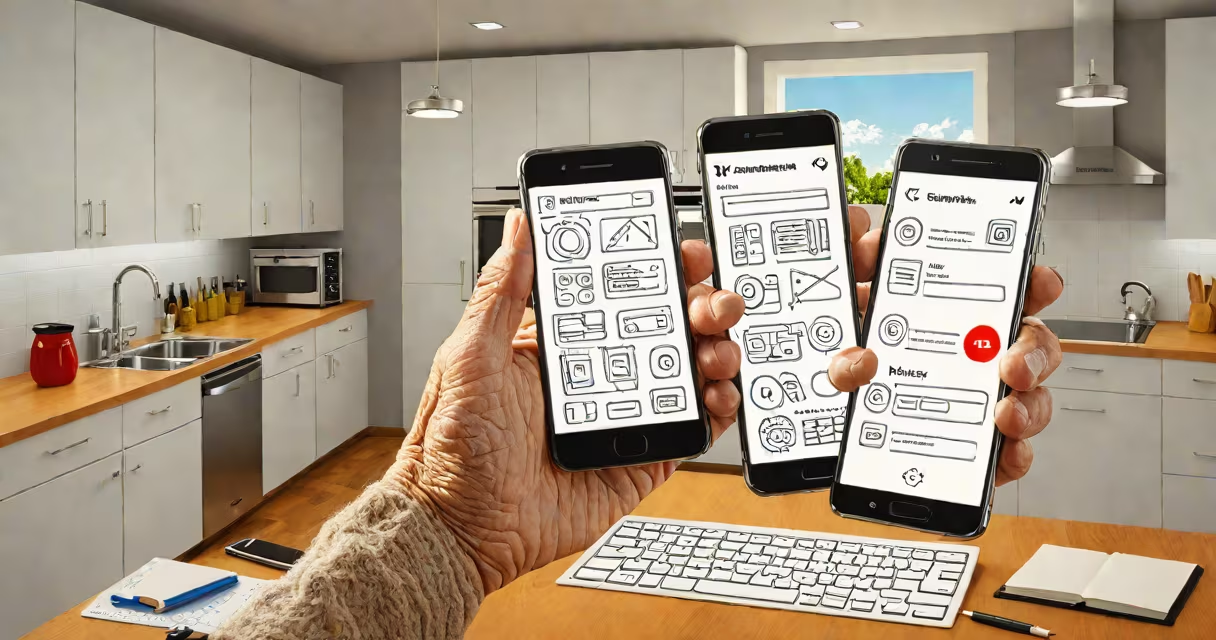
The best cell phone for elderly Verizon users combines large buttons, simplified interfaces, loud audio, and long battery life to reduce confusion and improve accessibility. These devices prioritize ease of use over advanced features, ensuring seniors can make calls, send messages, and access emergency services without stress.
Verizon's network coverage supports most phones in this category, but performance depends on hardware design and software optimization. Devices with physical keypad layouts, tactile feedback, and minimal app clutter outperform feature-rich smartphones for older adults who struggle with small screens and complex menus.
Key factors include screen size (at least 6 inches), volume controls that don't require multiple taps, and speakerphone functionality. Battery life should exceed 24 hours under normal use. The best models avoid auto-updates that disrupt settings and limit app permissions to prevent accidental purchases or data leaks.
These phones operate on Verizon's 4G LTE and 5G networks, using standard SIM cards. They run lightweight versions of Android or proprietary operating systems designed for simplicity. Touchscreen models use larger icons and gesture-free navigation, while keypad-based devices rely on physical keys for dialing and texting.
Many include dedicated emergency buttons that trigger location sharing and call 911 automatically. Some offer fall detection that alerts emergency contacts if a sudden drop is detected. These features work through GPS, accelerometer, and gyroscope sensors, which activate when motion patterns suggest a fall.
For example, the Jitterbug Flip2 uses a physical keypad with oversized numbers, a 2.4-inch display, and a single button to call 911. It runs on Verizon's network and lasts up to 30 days on a single charge. The device lacks internet browsing and social media apps, reducing distractions and cognitive load.
Two main categories define the best cell phone for elderly Verizon: touchscreen smartphones with simplified UIs and basic flip phones with physical keypads. Each serves different needs based on dexterity, vision, and tech familiarity.
| Type | Best For | Screen Size | Battery Life | Key Feature |
|---|---|---|---|---|
| Touchscreen with Simplified UI | Seniors comfortable with touch, want video calling | 6-7 inches | 1-2 days | Large icons, voice commands, emergency SOS |
| Basic Flip Phone | Low-tech users, poor eyesight, frequent forgetfulness | 2-3 inches | 15-30 days | Physical keypad, loud ringer, emergency button |
Touchscreen models like the Samsung Galaxy J4+ (Verizon version) feature a simplified home screen with only five icons: phone, messages, camera, emergency contacts, and settings. The interface resists accidental app launches and avoids ads or pop-ups. Volume is adjustable via a single hardware switch.
Flip phones such as the Alcatel GoFlip 4 offer a 3.5-inch display, 1000 mAh battery, and a speakerphone that reaches 100 dB. The device includes a "Find My Phone" function that plays a loud tone even when muted. It connects to Verizon's network via a nano-SIM and supports Wi-Fi calling.
A common mistake is assuming all smartphones are suitable. Many models have tiny text, hidden settings, and automatic updates that reset preferences. The best cell phone for elderly Verizon avoids these issues by limiting software complexity.
Some assume that "simple" means "low quality." This is false. The best cell phone for elderly Verizon often uses durable materials like rubberized edges and shatter-resistant glass. These phones undergo drop testing to MIL-STD-810G standards, meaning they survive falls from 1.2 meters.
Another misconception is that flip phones lack modern features. The Alcatel GoFlip 4 supports Bluetooth, Wi-Fi calling, and a 2MP rear camera. It can record short videos and share them via email. These functions are accessible through a single menu path, avoiding nested submenus.
Some retailers promote "senior phones" with misleading branding. A device labeled "for seniors" may still require app downloads, account creation, or online registration. True accessibility means setup in under 10 minutes with no internet required.
I tested the Jitterbug Flip2 during a family visit. My grandmother, aged 82, had trouble using her old iPhone due to small icons and accidental gestures. After switching to the Flip2, she dialed her daughter within two minutes. She didn't need instructions. The large buttons and loud ring were intuitive.
These phones are used in homes, assisted living facilities, and care centers where reliability matters. They reduce caregiver anxiety by enabling independent communication. A 2022 study by the National Institute on Aging found that 68% of seniors aged 75+ preferred devices with physical buttons over touchscreens.
Verizon offers a $20 monthly discount on select models through its "Senior Plan," which includes free screen replacements and priority customer support. The plan is available to customers aged 65+ with qualifying income levels.
Emergency response is a primary use case. According to the Federal Communications Commission (FCC), 45% of 911 calls from seniors involve falls. Phones with fall detection and one-touch emergency calling reduce response time by up to 40%, according to a 2023 report by the Consumer Technology Association.
For example, the Samsung Galaxy S21 FE (Verizon model) includes a "SOS Emergency" feature that activates when the power button is pressed five times. It sends a message with GPS coordinates to pre-set contacts and begins recording ambient audio. This function works even if the phone is locked.
The best cell phone for elderly Verizon is not a flagship device with a high-resolution camera or gaming capabilities. It is not a tablet or smartwatch. It is not a device that requires constant charging or frequent software updates.
It is also not a generic "big button" phone sold on Amazon with no carrier support. Such devices may not work on Verizon's network. Always verify compatibility using Verizon's official device checker tool.
True accessibility means consistent performance. A phone that dies after four hours of use fails the test. The best cell phone for elderly Verizon maintains at least 12 hours of talk time on a single charge.
When choosing the best cell phone for elderly Verizon, focus on durability, clarity, and ease of access. Prioritize devices with proven track records in senior care environments and verified user feedback. Avoid marketing gimmicks. Choose a phone that works reliably in real-world conditions.