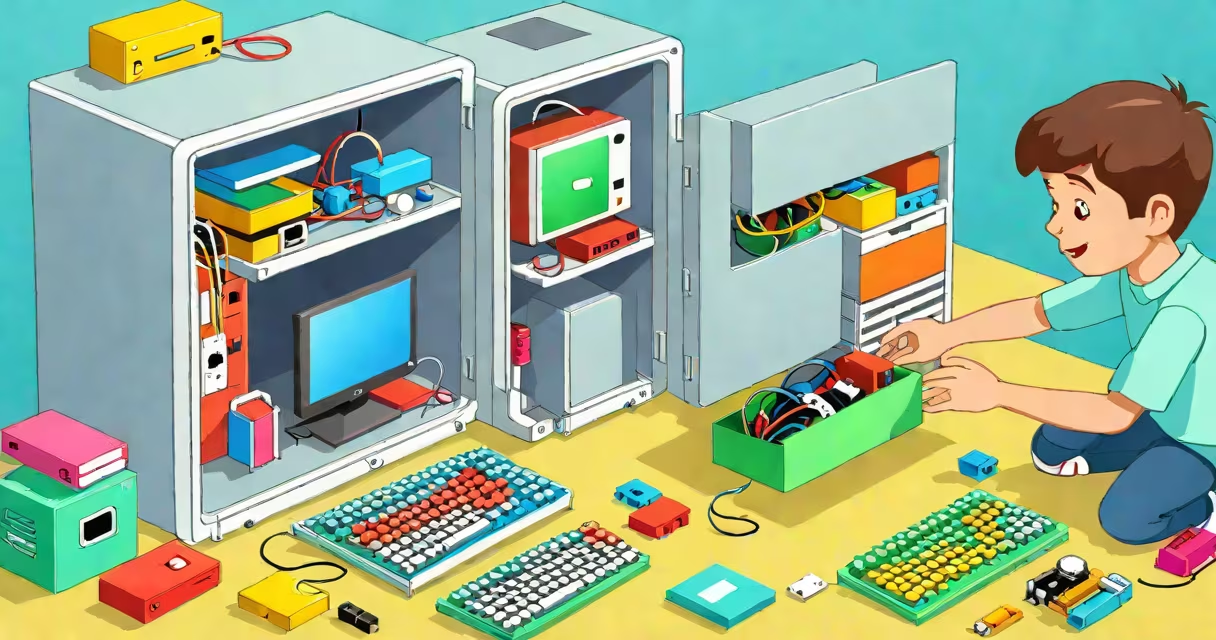
A computer consists of physical components that work together to process data, store information, and display results. These parts include the central processing unit (CPU), memory, storage drive, motherboard, power supply, and input/output devices like the keyboard and monitor.
Each part plays a specific role. The CPU acts as the brain, making decisions based on instructions. Memory (RAM) holds data the CPU is currently using. Storage (like a hard drive or SSD) keeps files long-term. The motherboard connects all parts. The power supply delivers electricity. Input devices let you give commands; output devices show results.
Understanding these parts helps kids grasp how their devices work. This knowledge supports learning in science, math, and digital literacy. It also builds curiosity about technology and opens doors to careers in engineering, programming, and design.
When you press a key on the keyboard, a signal travels through wires to the motherboard. The CPU interprets the command and sends a response to the monitor. The monitor displays the letter you typed. This entire chain happens in milliseconds.
For example, when you open a game, the CPU loads instructions from the storage drive into RAM. The graphics card processes images, and the monitor shows them. All parts must function correctly for the system to work smoothly.
Think of the computer like a team. The CPU is the coach, deciding what to do. RAM is the assistant holding notes during the game. The storage drive is the filing cabinet storing past games. The motherboard is the field where everyone plays. Without coordination, the game stops.
Here's a breakdown of core components and what they do:
| Part | Function | Real-World Example |
|---|---|---|
| CPU (Processor) | Executes instructions and performs calculations | Like a robot brain that decides what to do next |
| RAM (Memory) | Stores temporary data while the computer runs | Like a desk where you lay out papers to work on |
| Hard Drive / SSD | Stores files permanently, even when powered off | Like a library where books stay until someone checks them out |
| Motherboard | Connects all internal parts and allows communication | Like a city's road network linking homes, schools, and stores |
| Power Supply | Delivers electricity to all parts | Like a power plant feeding energy to homes |
| Keyboard & Mouse | Input devices for giving commands | Like hands and voice telling the computer what to do |
| Monitor | Displays visual output | Like eyes showing what the computer sees |
Some parts are replaceable. For example, upgrading RAM can make a slow computer faster. Replacing a traditional hard drive with an SSD improves startup speed dramatically. A student who swapped their old HDD for an SSD saw boot time drop from 90 seconds to under 10 seconds.
Many think the monitor is the computer itself. But the monitor only shows what the CPU and other parts are doing. Turning off the monitor doesn't stop the computer from running. The machine continues working in the background.
Another common mistake is believing that more cores in a CPU always mean better performance. While multiple cores help with multitasking, single-core speed matters too. A dual-core processor with high clock speed may outperform a four-core model with low frequency in tasks like gaming or video editing.
Also, people often confuse RAM with storage. RAM is volatile-it clears when the power turns off. Storage keeps files forever. A kid who saved a drawing to RAM forgot it after restarting the computer. That's why saving to the hard drive or cloud is essential.
I once helped a group of 10-year-olds assemble a basic desktop computer during a school STEM fair. We used a pre-built kit with labeled parts. They connected the motherboard to the case, plugged in the CPU, added RAM sticks, and attached the power supply.
One child asked why the CPU had a fan. I explained heat builds up during work, and fans cool it down. He then compared it to a backpack with cooling vents. After assembling, we powered it on. When the screen lit up, the room erupted in cheers. That moment showed how tangible understanding makes technology less mysterious.
Afterward, students played games and edited photos. They understood that each click involved dozens of parts working together. This experience led to deeper interest in coding and electronics.
Computers use these parts in homes, schools, offices, and even vehicles. Laptops have compact versions of each component. Tablets use solid-state chips instead of separate drives and motherboards.
Classrooms use computers for research, presentations, and online learning. Schools often install computers with 8GB RAM and 256GB SSDs-enough for web browsing, word processing, and video calls. According to the National Center for Education Statistics, 94% of U.S. public schools had internet access in 2022, with most classrooms using at least one computer per 3 students.
Even video game consoles contain many of the same parts. A PlayStation 5 uses a custom AMD CPU and GPU, 16GB of GDDR6 RAM, and a high-speed SSD. It functions like a mini-computer designed for entertainment.
People often refer to "the computer" as the whole system-the tower, monitor, keyboard, and mouse. But technically, the computer is the internal hardware. The monitor and peripherals are external devices.
This matters because troubleshooting starts with identifying which part fails. If the screen stays black, the issue might be the monitor, cable, or GPU-not the CPU. Knowing the difference helps isolate problems quickly.
For example, if a child's computer won't turn on, checking the power supply and motherboard connections is faster than assuming the CPU is broken. A quick test with a multimeter confirmed a loose wire in the power cable. Fixing it took under five minutes.
Knowing the parts of a computer for kids builds foundational digital literacy. It demystifies devices they use daily. Understanding how components interact encourages problem-solving and critical thinking.