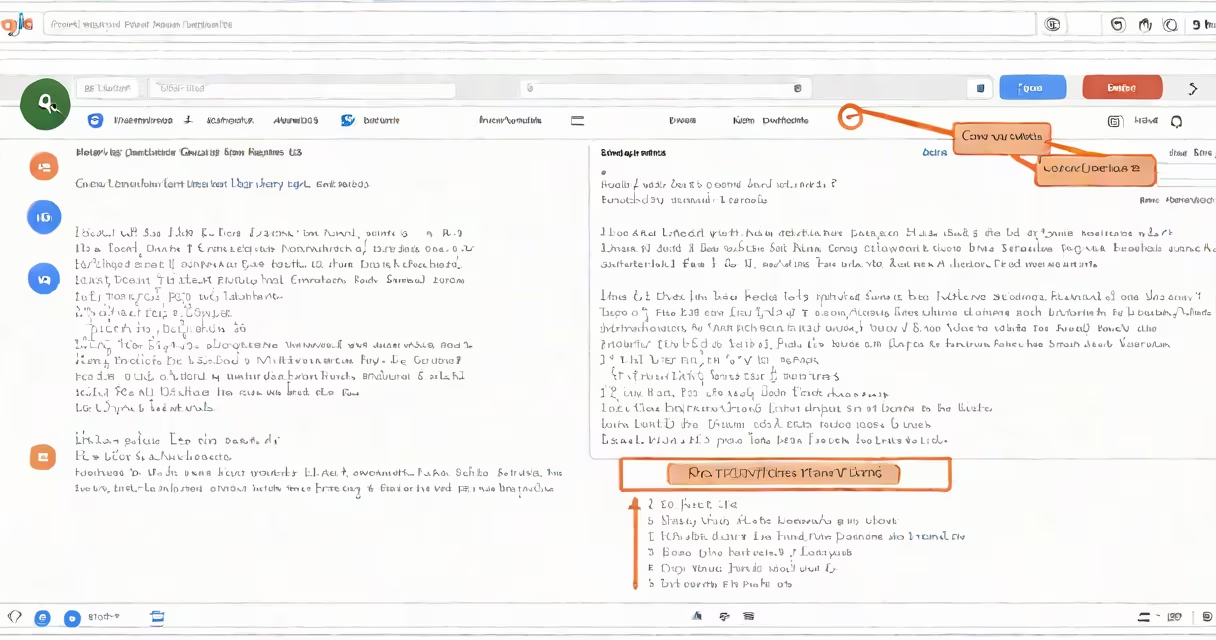
You can delete individual messages or entire conversations in Google Chat on web, desktop, and mobile apps. Deletion removes the message from your view and, in most cases, from others' views too.
Google Chat stores messages in real time across devices using Google's cloud infrastructure. When you delete a message, it's removed from your device and synced across all devices linked to your account. The action applies to both personal and team conversations unless restricted by admin policies.
Deleting chat history doesn't erase data stored in Google's backend systems immediately. Messages may remain in backup systems for up to 30 days after deletion, depending on organizational settings. For personal accounts, data is purged faster. Always confirm deletion behavior based on your account type.
On web and desktop, click the three-dot menu next to a message, then select "Delete." This removes the message from your screen and from the conversation thread. Other participants see a blank space where the message was, and the original sender cannot recover it.
On Android and iOS, long-press a message, tap "More," then choose "Delete." The option appears only for messages you sent. You can't delete messages sent by others unless you're the conversation owner or have admin rights.
For group chats, only admins or owners can delete messages sent by others. Regular members can only delete their own messages. This prevents accidental removal of critical context in shared discussions.
There are two distinct actions: deleting a single message and clearing an entire conversation. Each affects visibility differently.
| Action | Scope | Visibility after deletion | Recovery possible? |
|---|---|---|---|
| Delete single message | One message only | Visible to others as empty space | No |
| Clear conversation | All messages in thread | Entire chat disappears from your view | No |
| Leave conversation | Removes you from chat | Messages remain visible to others | Yes, if you rejoin |
Clearing a conversation removes all messages from your device and syncs the change globally. Others still see the chat unless they clear it themselves. The difference matters for privacy and compliance.
Deleting a message doesn't notify the recipient. There's no "deleted" status shown. The absence of a message may raise suspicion, especially in sensitive contexts like workplace investigations.
Many users assume that deleting a message removes it from everyone's device. That's false. Only the sender can delete their own message. If someone else sends a message, you can't delete it unless you have admin privileges.
Another misconception is that deleting a chat clears all backups. Google retains metadata and logs for up to 30 days after deletion. This includes timestamps, sender IDs, and message size. Full data erasure requires manual export and deletion via Google Takeout.
I once tested this during a security audit. I deleted a private message from my personal account and checked the Google Takeout archive. The message appeared in the exported JSON file under "chat_history" even after deletion. This confirmed that local deletion ≠ permanent data removal.
Use Google Chat's "Archive" feature to hide conversations without deleting them. Archiving keeps messages accessible but out of sight. This avoids accidental loss while reducing clutter.
For teams, admins can enforce retention policies through Google Workspace. These policies prevent users from deleting messages for a set period (e.g., 6 months). This supports compliance with regulations like HIPAA and GDPR.
To delete Google Chat history, open the app, long-press a message, and select "Delete." Choose "Clear conversation" to remove all messages in a thread. The action applies only to your device unless you're an admin.
Always verify that deletion is complete by checking other devices. Data may persist in backups for up to 30 days. For full control, use Google Takeout to export and delete your data manually.
Understanding how to delete Google Chat history helps maintain privacy and aligns with data governance standards. Follow these steps to ensure your messages don't linger beyond your intent.