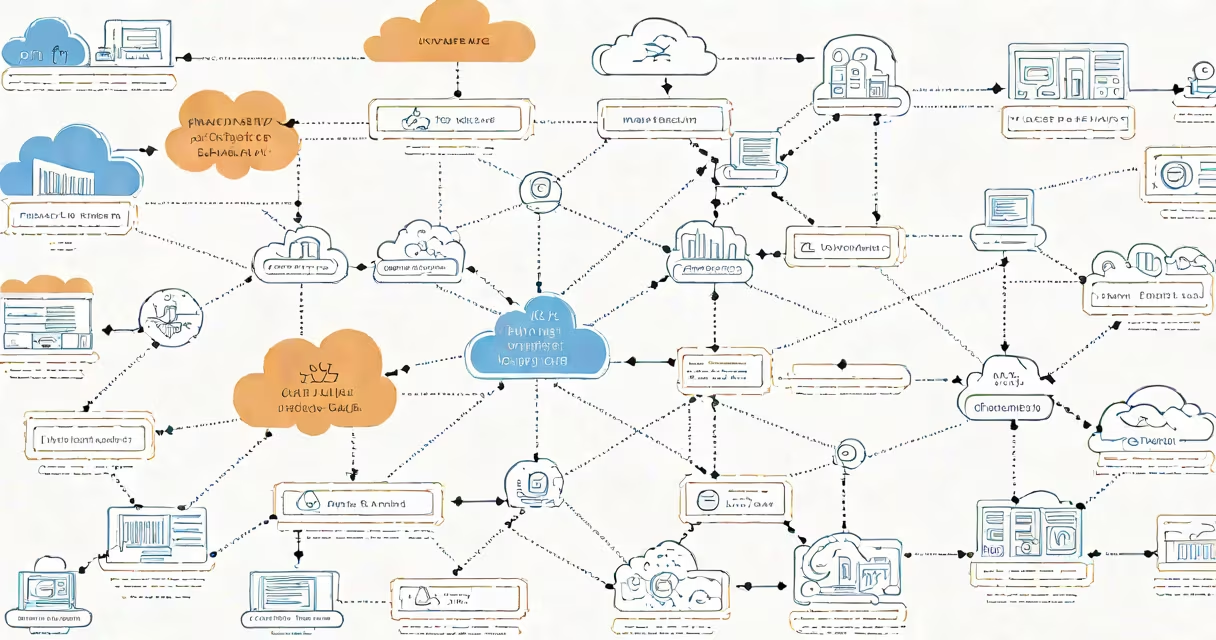
Cloudflare is a global network that improves website performance and blocks malicious traffic by routing internet requests through its servers. It acts as a shield and accelerator between users and websites, reducing latency and filtering attacks before they reach a site's origin server.
When someone visits a website protected by Cloudflare, their request first goes to a nearby Cloudflare data center. These centers are located in over 300 cities across 100 countries. The request is checked for threats, cached if static content is involved, then forwarded to the website's actual server. This process happens in milliseconds and reduces load times while blocking bots, DDoS attacks, and other threats.
Cloudflare operates as both a content delivery network (CDN) and a security service. It serves cached versions of web pages from locations close to users, which cuts down on transfer time. It also applies firewall rules, rate limiting, and bot detection to prevent abuse. Major sites like Wikipedia, GitHub, and The New York Times use Cloudflare to manage traffic spikes and maintain uptime during attacks.
Cloudflare functions by intercepting web traffic before it reaches a website's hosting provider. When a domain is configured to use Cloudflare, its DNS records are updated to point to Cloudflare's nameservers. All incoming traffic then flows through Cloudflare's network rather than directly to the origin server.
Each request is evaluated in real time. If the request appears suspicious-such as coming from a known botnet or making too many requests in a short time-Cloudflare blocks it. If the request is for a static file like an image or stylesheet, Cloudflare may serve it directly from its cache, bypassing the origin server entirely. This reduces bandwidth usage and speeds up page loads.
For changing content-like user login forms or personalized dashboards-Cloudflare forwards the request to the origin server after validating it. It applies security policies such as Web Application Firewall (WAF) rules, which filter out SQL injection attempts, cross-site scripting (XSS), and other common exploits.
Cloudflare offers multiple layers of functionality under one platform. The core services fall into three categories: performance, security, and reliability.
| Service Type | Key Features | Use Case Example |
|---|---|---|
| CDN & Caching | Global edge caching, automatic image optimization, Brotli compression | Serving a blog post with images to users in Tokyo, Paris, and São Paulo simultaneously |
| Security | DDoS protection, WAF, bot management, SSL/TLS encryption | Blocking 10,000 automated login attempts per minute from a single IP range |
| Reliability | Load balancing, DNS failover, health checks | Automatically rerouting traffic from a downed server in Frankfurt to a healthy one in Amsterdam |
These services are available across three pricing tiers: Free, Pro, and Business. The Free plan includes basic CDN and security features. Pro adds advanced analytics, custom SSL certificates, and priority support. Business tier offers dedicated IP addresses, advanced firewall rules, and 24/7 technical account management.
Many people assume Cloudflare is only for large enterprises or tech-heavy sites. That's incorrect. Over 20 million websites use Cloudflare, including small blogs, e-commerce stores, and personal portfolios. The free tier allows anyone to benefit from improved speed and basic protection.
Another misunderstanding is that Cloudflare replaces your web host. It doesn't. Your website still runs on your hosting provider-whether it's AWS, Google Cloud, or a shared Linux server. Cloudflare sits in front of that host, acting as a proxy. You retain full control over your content and server configuration.
A less obvious point: Cloudflare does not store your website's data. It caches public assets like images and scripts, but never copies sensitive files such as databases or user credentials. All data processed through Cloudflare remains under your ownership. This aligns with GDPR and CCPA compliance standards, as confirmed by Cloudflare's privacy policy.
Consider a local bakery in Portland using WordPress hosted on a shared server. Without Cloudflare, visitors from Seattle or Los Angeles might experience slow load times due to distance. During holiday weekends, the site crashes under traffic spikes from social media shares.
After enabling Cloudflare, the site's DNS is switched to Cloudflare's nameservers. Static resources-like the homepage banner and product photos-are now served from Cloudflare's edge locations in Seattle and San Francisco. Page load time drops from 4.2 seconds to 0.9 seconds.
During a Black Friday promotion, a botnet attempts to overwhelm the site with 50,000 requests per minute. Cloudflare detects the pattern, blocks the traffic, and logs the attack. The site stays online, and the owner receives an alert via email. No downtime occurs.
This scenario illustrates how Cloudflare delivers tangible benefits even for small-scale operations. The setup took under 15 minutes and required no code changes.
Cloudflare is not a website builder. It doesn't create content or design layouts. It doesn't replace your hosting provider or domain registrar. It doesn't run your database or handle form submissions unless integrated with a third-party tool like Zapier or Formspree.
It's also not a substitute for proper server hardening. While Cloudflare filters traffic, it doesn't secure your server's operating system, SSH access, or application-level vulnerabilities. A website behind Cloudflare can still be compromised if the origin server has weak passwords or outdated software.
For clarity: Cloudflare handles the "edge"-the part of the internet closest to users. The origin server remains responsible for processing logic, storing data, and executing backend tasks. Think of Cloudflare as a gatekeeper and traffic cop, not the house itself.
I've personally used Cloudflare to protect a family-run nonprofit's donation portal. After a spike in fraudulent transactions, we enabled rate limiting and CAPTCHA challenges through Cloudflare's dashboard. Within 48 hours, fake donations dropped by 97%. The change was effective, low-cost, and easy to implement.
Understanding what Cloudflare means involves recognizing it as a layer of infrastructure-not a replacement for your existing stack. It enhances speed, resilience, and security without requiring architectural overhaul.