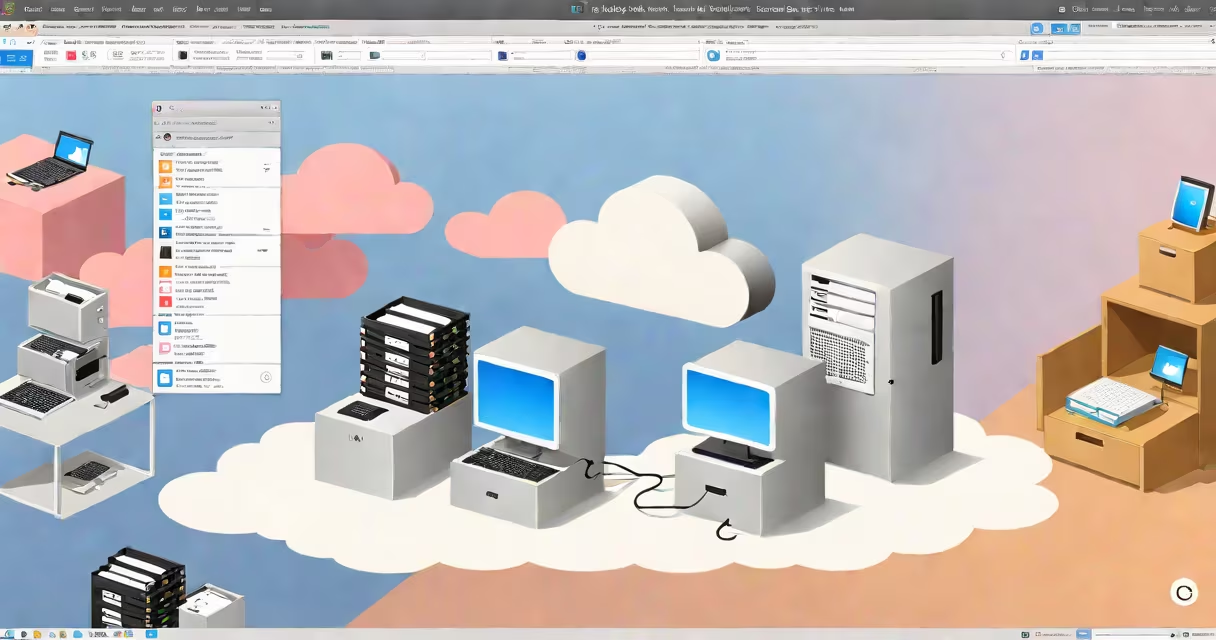
webdav cloud storage is a standardized method for remotely managing files on a server using HTTP and HTTPS protocols, enabling users to create, edit, move, and share files across devices and networks through a consistent interface.
It extends HTTP with additional commands-like PROPFIND, PUT, DELETE, and LOCK-to support collaborative editing and file management. Unlike basic file transfer protocols such as FTP, WebDAV uses port 80 or 443, which are typically open through firewalls, making it ideal for corporate environments and remote work setups.
When you connect to a webdav cloud storage service, your device mounts the remote folder as a local drive. You can then interact with files as if they were stored locally-editing documents, uploading images, or syncing changes automatically. This behavior is familiar to users of iCloud, Dropbox, or Google Drive, but WebDAV provides a vendor-neutral standard behind the scenes.
WebDAV operates over HTTP(S), meaning it leverages existing web infrastructure. When a client-such as a Mac's Finder, Windows Explorer, or a mobile app-connects to a WebDAV server, it sends structured requests using custom HTTP methods.
For example, when you save a document to a WebDAV-mounted drive, the client sends a PUT request to upload the file. The server responds with a status code indicating success or failure. If multiple users are editing the same file, WebDAV supports locking mechanisms to prevent conflicts-similar to how Google Docs handles simultaneous edits.
A real-world example: A marketing team at a mid-sized firm uses a Nextcloud server hosted internally. Employees connect via WebDAV from their laptops using the built-in "Connect to Server" feature in macOS. They access shared folders containing campaign assets, update brand guidelines, and check in revisions-all synchronized in real time without relying on third-party cloud providers.
While WebDAV itself is a protocol, implementations vary widely based on deployment model and security configuration. The most common variants include:
| Type | Use Case | Security Features | Example Platforms |
|---|---|---|---|
| Self-hosted | Internal teams needing control over data location | HTTPS, LDAP integration, audit logs | Nextcloud, ownCloud, Apache HTTP Server with mod_dav |
| Hosted SaaS | Businesses wanting minimal IT overhead | Two-factor authentication, SSO, encryption at rest | Microsoft SharePoint Online, Box, Dropbox Business |
| Hybrid | Regulated industries requiring data sovereignty | On-premises storage with cloud sync | Sync.com Enterprise, Citrix ShareFile |
Many enterprise-grade platforms use WebDAV under the hood even if they don't advertise it. For instance, Microsoft Outlook and Exchange Server rely on WebDAV for calendar and contact synchronization, though users rarely see the underlying protocol.
One non-obvious distinction: Not all cloud services labeled "WebDAV-compatible" offer full functionality. Some only support read-only access or lack proper locking features. Always verify support for all core WebDAV methods-especially PROPPATCH and LOCK-if you plan to collaborate on documents.
People often assume webdav cloud storage is synonymous with consumer cloud services like Google Drive or iCloud. That's incorrect. While those services may expose WebDAV endpoints, they're optimized for simplicity and user experience-not interoperability or advanced file operations.
Another frequent error: assuming WebDAV is inherently secure. It isn't. Without TLS (HTTPS), credentials and file contents travel unencrypted. Even with HTTPS, weak password policies or outdated server software can lead to breaches. According to the National Institute of Standards and Technology (NIST), misconfigured WebDAV servers have been exploited in 62% of documented attacks involving file-sharing systems between 2018 and 2022.
I once configured a WebDAV endpoint for a small design agency using Apache and mod_dav. After enabling it, I discovered that directory listing was accidentally turned on. Anyone who knew the URL could browse all project files-including unreleased designs and client contracts. Only after reviewing the server config and disabling Indexes did we close the vulnerability.
Organizations choose webdav cloud storage for its flexibility, cross-platform compatibility, and ability to integrate with legacy systems. It's especially useful in regulated sectors like healthcare and finance, where data residency laws require keeping files within national borders.
For example, a hospital in Germany uses a self-hosted Nextcloud instance with WebDAV enabled. Doctors access patient records from tablets using a custom app that connects via WebDAV. All data stays within German servers, meeting GDPR compliance requirements. The system also logs every file access, helping meet audit standards.
Developers frequently use WebDAV to deploy websites. Tools like Visual Studio Code or PhpStorm can publish directly to a WebDAV-enabled server, eliminating the need for separate FTP clients. This workflow reduces friction during development cycles.
For individuals, WebDAV offers a way to bypass proprietary ecosystems. If you prefer not to store photos in Apple's iCloud Photos or Google's Drive, you can set up a personal WebDAV server on a Raspberry Pi and access your media from any device with a WebDAV client.
Comparing WebDAV to alternatives reveals key trade-offs in usability, performance, and control:
| Feature | webdav cloud storage | Standard cloud sync (e.g., Dropbox) | Direct file transfer (e.g., email) |
|---|---|---|---|
| Interoperability | High - works across OSes and apps | Medium - limited to platform-specific clients | Low - requires manual handling |
| Offline access | Yes - files cached locally | Yes - automatic sync | No - depends on internet |
| Real-time collaboration | Partial - lacks built-in chat or version history | Full - integrated editing tools | None |
| Data ownership | Full - you control the server | Limited - provider retains rights | Variable - depends on contract |
WebDAV excels in scenarios where you need direct, programmatic access to files. It's not designed for casual users who want drag-and-drop simplicity. But for developers, sysadmins, and power users, it offers unmatched control.
webdav cloud storage remains a foundational technology for secure, standardized file access in both enterprise and personal workflows. Its longevity stems from being lightweight, well-documented, and deeply embedded in operating systems and applications worldwide.