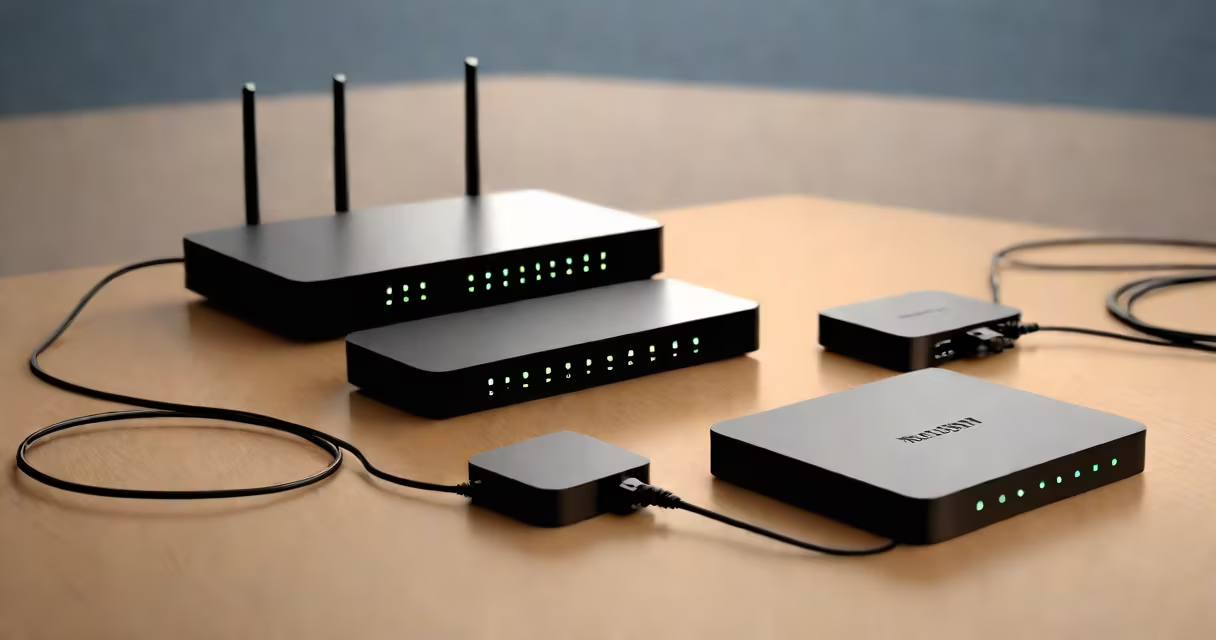
A modem router switch is a single device or combination of separate units that enables internet access, distributes Wi-Fi, and expands wired network connections in a home or small office. It integrates the functions of a modem (connects to your Internet Service Provider), a router (manages local network traffic and broadcasts Wi-Fi), and a switch (adds extra Ethernet ports for wired devices).
These three components operate at different layers of network communication. The modem converts signals from your ISP's cable, fiber, or DSL line into data your internal network can use. The router assigns IP addresses, manages traffic between devices, and creates a secure Wi-Fi network. The switch extends the number of available wired connections beyond the router's built-in ports.
Many users assume a modem router switch is a single physical unit. While combo devices exist-such as the Netgear Nighthawk C7000 or TP-Link Deco X60-they often lack flexibility. Most setups use separate devices: a modem supplied by your ISP, a standalone router, and a dedicated switch like the Ubiquiti UniFi Switch 8 or TP-Link TL-SG1008P.
The modem receives the internet signal from your ISP via coaxial, fiber, or phone line. It translates this signal into digital data packets. These packets travel through an Ethernet cable to the router, which assigns unique IP addresses to each connected device using DHCP.
The router then broadcasts a Wi-Fi signal (typically on 2.4 GHz and 5 GHz bands) and manages data flow between devices. It performs firewall duties, blocks malicious traffic, and handles port forwarding for services like gaming servers or remote access.
When you plug a desktop computer, smart TV, or networked printer into a switch, it connects to the router via a single Ethernet cable. The switch acts as a hub, allowing multiple wired devices to share the same connection without slowing down the network. A typical 8-port switch supports eight devices simultaneously.
There are two primary configurations: integrated and modular. Integrated units combine all three functions into one box. Modular setups use separate devices, offering better performance and upgradeability.
| Component | Function | Typical Port Count | Common Example |
|---|---|---|---|
| Modem | Connects to ISP; converts signal to digital | 1 WAN port | Arris SB6190 (DOCSIS 3.1) |
| Router | Manages Wi-Fi, assigns IPs, handles security | 1 WAN, 4 LAN, Wi-Fi | ASUS RT-AX86U (Wi-Fi 6) |
| Switch | Expands wired Ethernet ports | 4-24 LAN ports | TP-Link TL-SG1008D (8-port) |
For most homes, a separate router and switch offer better control. For example, placing a switch in a basement server room allows you to run Ethernet lines to multiple devices without running cables through living areas.
Some users mistakenly believe a switch improves internet speed. It doesn't. Speed is determined by the modem and ISP plan. A switch only increases the number of wired connections. A 1 Gbps switch won't boost your 100 Mbps internet plan-it just lets you connect more devices at that speed.
People often confuse a modem with a router. A modem brings the internet into your home. A router shares it. You cannot use a router without a modem unless you have a mobile hotspot or fiber-to-the-home setup with an integrated ONT (Optical Network Terminal).
Another mistake is assuming a Wi-Fi extender is the same as a switch. Extenders repeat the signal but degrade bandwidth. A switch maintains full speed across all ports. Plugging a 1 Gbps hard drive into a switch gives you 1 Gbps transfer speeds. Using a Wi-Fi extender may limit you to 300 Mbps due to interference and distance.
I once set up a home network for a client who had four devices connected via Wi-Fi and two via Ethernet. The router handled Wi-Fi fine, but the wired devices experienced lag during video calls. After adding a managed switch with QoS (Quality of Service) support, bandwidth prioritization resolved the issue. The switch allowed us to assign higher priority to VoIP traffic, reducing packet loss.
Without a modem router switch setup, you cannot access the internet securely or reliably. A single malfunctioning component breaks the chain. For example, if the modem fails, no device can reach the internet-even if the router and switch are working perfectly.
According to the Federal Communications Commission (FCC), over 70% of U.S. households rely on broadband internet for work, education, and healthcare. The reliability of the modem router switch configuration directly affects daily operations. A study by the Pew Research Center found that 54% of Americans report poor Wi-Fi quality at home, often due to outdated or misconfigured hardware.
For optimal performance, ensure your modem supports your ISP's required standard (e.g., DOCSIS 3.1 for cable providers). Use a dual-band or tri-band router for better Wi-Fi coverage. Choose a switch with gigabit ports if you're streaming 4K video or backing up large files.
When troubleshooting, check the lights on each device. A solid green light on the modem indicates a connection. Blinking red on the router suggests a firmware issue. A switch with no lights may have a faulty power adapter.
Understanding the roles of a modem router switch prevents common failures and ensures consistent performance. It's not a single device-it's a system. And knowing how each part contributes helps you build a faster, more reliable network.