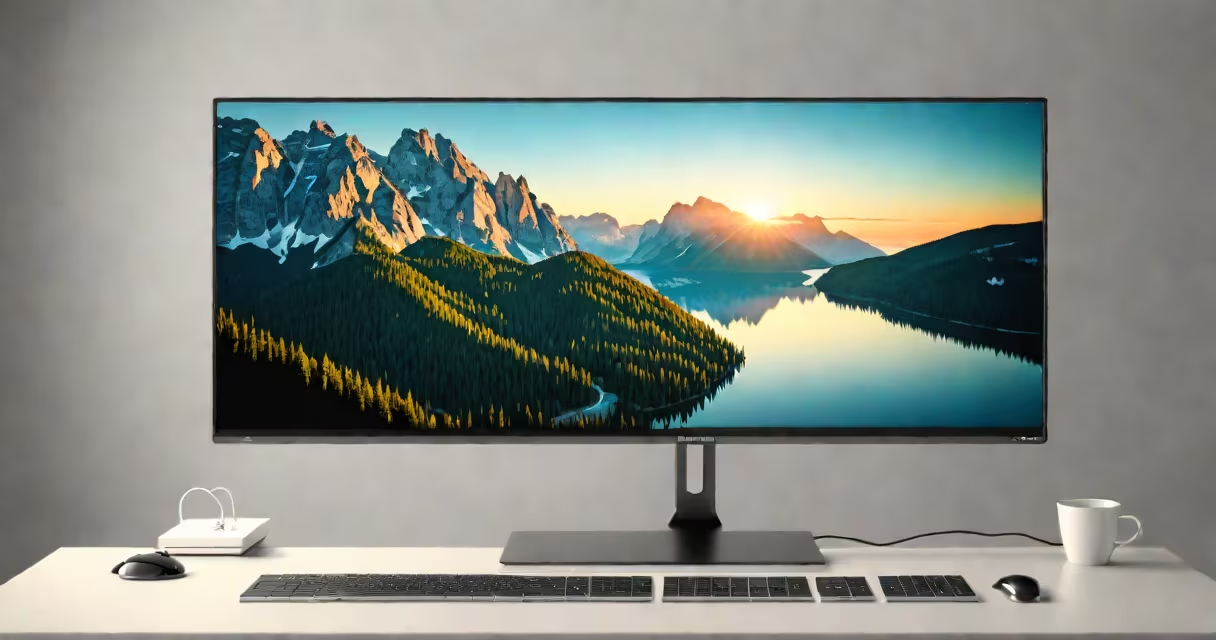
A monitor is a physical electronic device that displays visual output from a computer, making it a core component of computer hardware. It translates digital signals from the graphics card into visible images on a screen.
Hardware refers to the tangible, physical parts of a computing system. Monitors fall under this category because they contain circuits, processors, capacitors, and other manufactured elements. Unlike software, which consists of instructions and data, hardware must be physically present and assembled. A monitor cannot function without being built from materials like glass, metal, plastic, and silicon-based chips.
The term "hardware" includes all devices that form the physical infrastructure of a computer setup. This group encompasses central processing units (CPUs), memory modules, storage drives, keyboards, mice, and, yes, monitors. The International Organization for Standardization (ISO) defines hardware as "physical components of a system that perform operations," confirming that monitors qualify under this standard.
When a computer sends graphical data through a video cable-such as HDMI, DisplayPort, or DVI-the monitor receives the signal and converts it into pixels on the screen. This process involves internal circuitry, including a display controller chip, power supply, and backlight system (LED or CCFL). These components are manufactured, tested, and integrated into a single unit.
Monitors also have embedded firmware-low-level software stored in read-only memory-that manages settings like brightness, contrast, color calibration, and input switching. While firmware is software, its presence doesn't override the monitor's classification as hardware. The physical nature of the device remains primary.
For example, a 27-inch 4K IPS monitor with a 144Hz refresh rate contains approximately 8.3 million individual pixels, a dedicated GPU for image scaling, and a power management IC. All of these are physical parts assembled on a printed circuit board. Even though the monitor runs software internally, its identity is rooted in its material form.
Monitors come in several types based on display technology and use case:
| Type | Display Tech | Common Uses | Key Physical Components |
|---|---|---|---|
| IPS | Thin-film transistor LCD with improved viewing angles | Office work, graphic design | Color filters, polarizing sheets, transistors per pixel |
| VA | LCD with high contrast ratio | Home entertainment, media consumption | Black matrix, vertical alignment layers |
| OLED | Self-emissive organic LEDs | High-end gaming, professional video editing | Organic light-emitting diodes, thin-film encapsulation |
| Curved | Same tech as flat, but bent panel | Immersive gaming, multi-tasking | Bent glass substrate, reinforced frame |
Each type relies on distinct physical structures. OLED monitors, for instance, use organic compounds that emit light when electrically charged-a process requiring precise layering of materials at the nanoscale. This manufacturing complexity reinforces their status as hardware.
Monitors are classified as peripheral devices-external components that extend the functionality of a computer. They connect via cables to the system unit and operate independently of the CPU, RAM, or storage drive. However, their role is essential for human-computer interaction.
According to Microsoft's official documentation on Windows system architecture, peripherals such as monitors, printers, and external drives are recognized as hardware by the operating system's device manager. The OS detects them during boot-up and assigns drivers to manage communication. This integration confirms that monitors are treated as hardware entities within the computing stack.
For example, when you plug a new monitor into your laptop using a USB-C port with DisplayPort Alt Mode, the system identifies the device as a "Display Adapter" in Device Manager. This label reflects its function but also its physical presence. The device driver communicates with the monitor's embedded controller to negotiate resolution, refresh rate, and color profile-all done through physical electrical interfaces.
Some users confuse monitors with software interfaces. For instance, a user might think "the desktop is the monitor," but the desktop is a software environment rendered on the monitor. The monitor itself is the tool that projects the image. This distinction matters because it separates the medium (hardware) from the message (digital content).
Another misconception is that devices with embedded software aren't hardware. But a monitor running firmware for automatic brightness adjustment or picture mode selection still qualifies as hardware. The presence of software doesn't negate physical construction. As the IEEE Standards Association notes, "A device is hardware if its primary function is executed through physical components, regardless of embedded logic."
A non-obvious fact: many monitors include a small microcontroller that handles input switching. When you press the "Source" button, a command is sent to this controller, which then reconfigures the input signal path. This microcontroller is a physical chip-typically an ARM Cortex-M series processor-embedded in the monitor's circuit board. Its existence proves that even basic control functions rely on hardware, not just software.
I once connected a 32-inch 4K monitor to a workstation running Linux. After plugging in the HDMI cable, the system detected the display through EDID (Extended Display Identification Data), a standardized format stored in the monitor's EEPROM. The monitor reported its native resolution, supported refresh rates, and color space. This handshake occurred entirely through physical pins and voltage levels-no software intervention was needed. The monitor acted as a hardware device from the moment it was powered on.
This experience confirmed that monitors are not passive screens. They actively communicate their capabilities to the host system using hardware-defined protocols. Without this exchange, the computer wouldn't know how to render content correctly.
Yes, a monitor is unequivocally considered hardware. It is a physical device that processes and outputs visual information from a computer system. Its components-circuit boards, display panels, power supplies, and embedded controllers-are manufactured and assembled. It interacts with the computer through physical ports and signals. These traits meet the technical definition of hardware established by standards organizations and industry practices.
Even when a monitor includes software features like auto-brightness or picture presets, its classification remains unchanged. The physical nature of the device takes precedence. Understanding this distinction ensures accurate terminology when diagnosing issues, building systems, or discussing computer architecture.