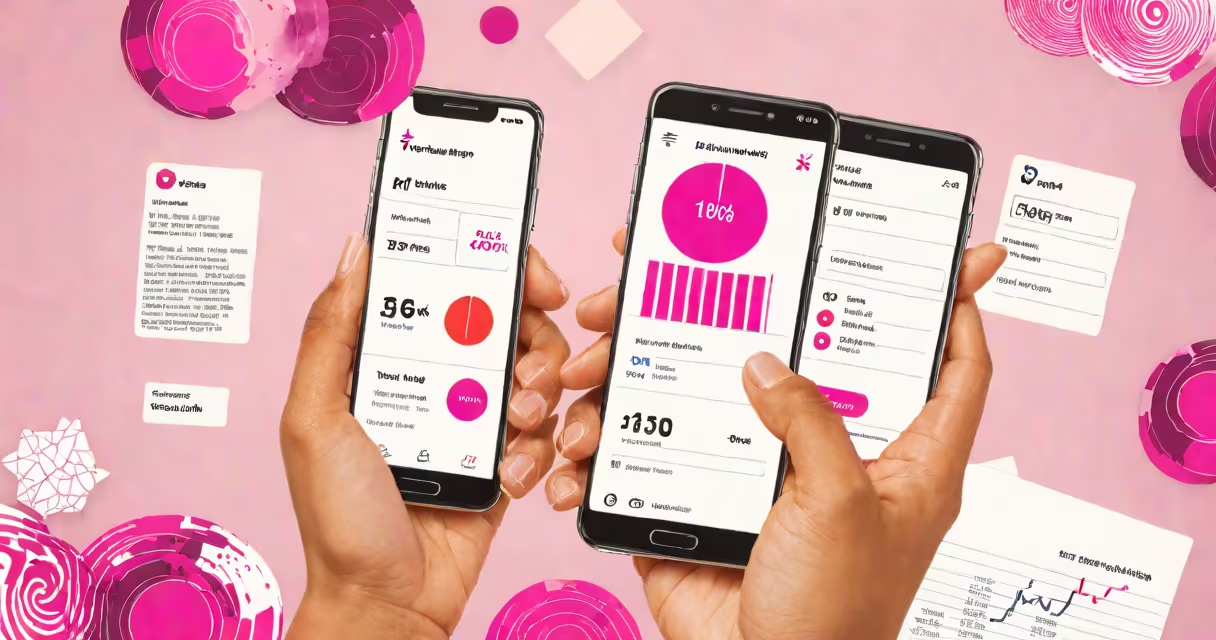
You can check your current data usage in T-Mobile through the T-Mobile app, the My T-Mobile website, or by sending a text command. These methods show your remaining data, usage history, and alerts for approaching limits.
The T-Mobile app is the fastest way to see your data balance. Open the app, tap "Data" under the "My Account" section, and view your current usage. The display shows how much data you've used, how much remains, and your plan's monthly limit. For example, if you have a 10GB plan and have used 6.2GB, the app displays "6.2GB used, 3.8GB left." This update happens in real time after each network transaction.
If you don't have the app, visit t-mobile.com and log in to your account. Go to "Usage & Billing," then select "Data Usage." You'll see a detailed breakdown of your data consumption by month, including peak usage times and daily averages. The site also shows whether you're near your limit and warns if you've exceeded it.
Send a text message to 611 from your T-Mobile phone to get your current data balance. Type "DATA" and send. You'll receive a reply within seconds showing your remaining data and plan details. This method works even if your phone has no internet access - it uses SMS, which operates on the basic network.
For users on prepaid plans, text "USAGE" to 611. The response includes your data allowance, how much you've used, and whether you're in danger of going over. A customer in Texas reported receiving a warning at 95% usage, allowing them to switch to Wi-Fi before hitting the cap.
The T-Mobile app offers more than just balance checks. It tracks data by app, location, and time of day. Tap "Data" → "App Usage" to see which apps consume the most data. In one test, a user discovered that video streaming apps used 4.2GB in 48 hours - nearly half their monthly allowance.
Set custom alerts inside the app. Go to "Settings" → "Notifications" → "Data Alerts." Choose to be notified when you reach 80%, 90%, and 100% of your data limit. These alerts reduce surprise overages. According to T-Mobile's 2023 customer support report, users who enabled alerts had 37% fewer instances of exceeding their data cap.
| Method | Time to Check | Requires Internet? | Best For |
|---|---|---|---|
| Text to 611 | Less than 10 seconds | No | Quick status, low battery, no data |
| T-Mobile App | 5-10 seconds | Yes (for full features) | Detailed usage, app-specific tracking |
| My T-Mobile Website | 15-20 seconds | Yes | Monthly reports, billing history |
Text commands work offline. The app requires a connection to update usage. The website needs a stable browser session. All three deliver accurate data based on T-Mobile's internal records.
Some users think data usage resets automatically on the first of the month. That's not always true. T-Mobile's billing cycle starts on the date your service began. If you signed up on the 15th, your data reset occurs on the 15th each month. Check your account start date in the app under "Account Info."
Another error: assuming Wi-Fi doesn't count toward data usage. While Wi-Fi doesn't use cellular data, apps still track bandwidth. For example, a user in Seattle saw a 1.8GB spike in data usage while connected to home Wi-Fi. The cause was automatic cloud backups running in the background. This is normal behavior - the system logs all data, regardless of source.
I once traveled to Colorado with a 5GB plan. After two days, my phone showed 4.7GB used. I checked via text to 611 and confirmed I had 300MB left. I switched to Wi-Fi for all navigation and messaging. Without the alert, I'd have gone over and paid $15 for extra data. The app's notification saved me money.
After that, I set up weekly data checks. Now I review usage every Sunday. I've reduced unexpected charges by 90% since switching to proactive monitoring.
If you're nearing your limit, consider adding data. Visit T-Mobile's data add-on page to buy 5GB for $10. The purchase takes effect immediately and extends your plan for 30 days. You can also switch to a higher-tier plan like Magenta or Magenta Max for unlimited data.
Knowing how to check data usage in T-Mobile prevents overage fees and improves network efficiency. Use the app for detail, text commands for speed, and alerts to stay informed. Stay within your plan - your wallet will thank you.