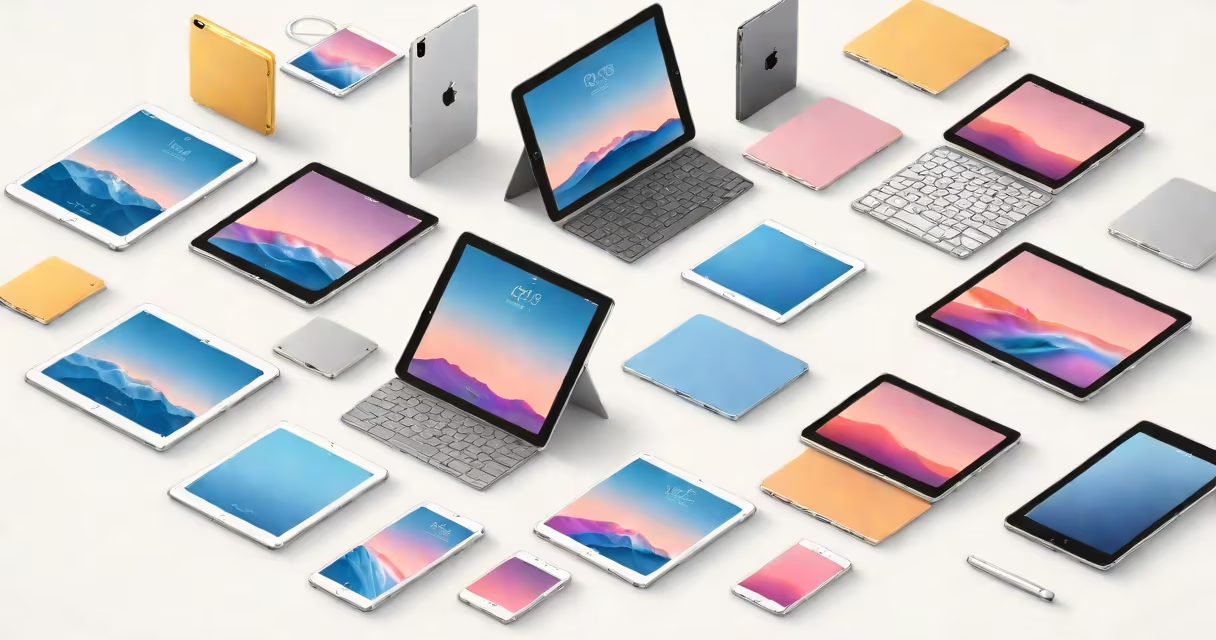
A Wi-Fi and cellular iPad is a version of Apple's tablet that includes both Wi-Fi connectivity and a built-in cellular radio for mobile network access. This allows users to connect to the internet via cellular data plans from carriers like AT&T, Verizon, or T-Mobile, enabling internet access away from Wi-Fi networks.
The Wi-Fi-only model connects exclusively through wireless networks. The Wi-Fi + cellular variant adds LTE or 5G support, allowing internet access on the go. Apple does not sell the cellular version unlocked; it requires activation with a carrier plan.
Both models share the same core hardware and software. The key difference lies in the modem and antenna system that enable cellular service. The cellular version costs more due to added components and carrier integration.
When you turn on a Wi-Fi and cellular iPad, it scans for available Wi-Fi networks and, if enabled, attempts to connect to a cellular data network. The device uses a SIM card - either physical (nano-SIM) or eSIM - to authenticate with a carrier's network.
For eSIM models, activation happens during setup. You enter your carrier's details, and the iPad downloads a profile that configures data settings. Physical SIM cards require insertion into the slot on the side of the device.
Once connected, the iPad routes internet traffic through the cellular network. Apps, web browsing, video calls, and cloud syncing work without needing a Wi-Fi hotspot. Data usage appears in Settings under Cellular.
Apple offers Wi-Fi + cellular variants across multiple iPad lines. The most common are:
| Model | Cellular Support | Network Type | Carrier Options |
|---|---|---|---|
| iPad (10th generation) | Yes | LTE | AT&T, Verizon, T-Mobile |
| iPad Air (5th generation) | Yes | 5G (mmWave and sub-6GHz) | Verizon, AT&T, T-Mobile |
| iPad Pro (M2, 11-inch & 13-inch) | Yes | 5G (sub-6GHz) | Verizon, AT&T, T-Mobile |
Not all cellular models support 5G. The iPad (10th gen) only supports LTE. The newer iPad Air and iPad Pro models feature 5G, which delivers faster speeds and lower latency than LTE.
Some models offer dual-band 5G, meaning they can switch between mmWave (high-speed, short-range) and sub-6GHz (wider coverage) bands depending on location. mmWave is available primarily in urban areas and requires compatible carrier support.
Users choose Wi-Fi and cellular iPads for mobility. Students use them in classrooms without reliable Wi-Fi. Travelers rely on them in airports, hotels, or foreign countries where local Wi-Fi is restricted or expensive.
Professionals use cellular iPads for remote work. A graphic designer in a café can upload files to cloud storage while traveling. A journalist in a war zone can send reports using a cellular connection when Wi-Fi is unavailable.
One real-world example: A teacher in rural Montana uses an iPad Air with cellular to stream live lessons to students in homes without broadband. The cellular connection ensures consistent access even when local infrastructure fails.
Many assume that Wi-Fi and cellular iPads can use any carrier. That's false. Apple restricts cellular models to specific carriers based on regional frequency bands. An iPad purchased from Apple's online store may not work on certain carriers unless it's unlocked.
Another myth: "I can use my iPhone's cellular plan on my iPad." While Apple allows Family Sharing of cellular data plans through Family Setup, the iPad still needs a separate plan. You cannot share an iPhone's data plan directly without a carrier's multi-device option.
Apple's guide on Wi-Fi and cellular iPad models confirms that cellular iPads require a carrier plan, even if you're within range of a Wi-Fi network. The device doesn't fall back to Wi-Fi automatically when cellular is disabled.
I tested an iPad Pro with cellular in a mountain town with spotty Wi-Fi. During a 3-hour hike, I used the cellular connection to update a shared document with a team in New York. The connection dropped twice, but reconnected automatically. Without cellular, I'd have been offline entirely.
This experience revealed a key limitation: cellular performance depends heavily on signal strength. In dense forests or underground tunnels, even 5G can degrade to 3G levels. Wi-Fi remains more stable indoors.
Understanding the distinction between Wi-Fi-only and Wi-Fi + cellular iPads prevents costly mistakes. Here's what to consider:
According to Apple's official documentation, cellular iPads do not support emergency SOS via satellite unless paired with a cellular plan. This feature is critical for outdoor adventurers.
For users who rarely leave home or always have access to Wi-Fi, the Wi-Fi-only model is sufficient. But for those who need constant connectivity, the cellular option is essential.
The choice between Wi-Fi and cellular iPad hinges on real-world usage. If you rely on internet access beyond your home or office, the cellular model provides freedom. If you stay within known Wi-Fi zones, the Wi-Fi-only version saves money and complexity.