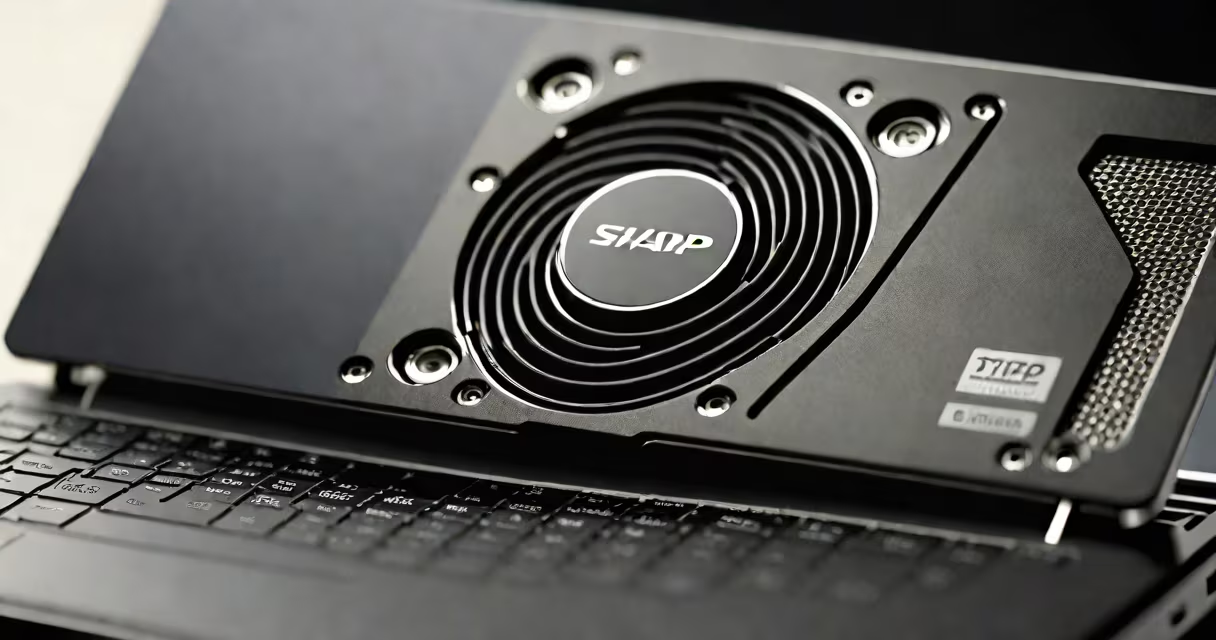
A graphics card for laptop, also known as a GPU (Graphics Processing Unit), processes visual data and renders images, videos, and animations displayed on the screen. It runs tasks ranging from basic desktop display to complex 3D gaming and video editing. Unlike desktop GPUs, laptop versions are smaller, power-efficient, and often soldered onto the motherboard.
Modern laptops use either integrated or discrete graphics. Integrated graphics share system memory and are built into the CPU. Discrete graphics cards have their own dedicated VRAM and processing units. The choice between them impacts performance, battery life, and device thickness.
For example, a laptop with Intel Iris Xe graphics can handle web browsing and 1080p video playback efficiently. A laptop with an NVIDIA GeForce RTX 4060, however, can run AAA games at high settings and support real-time ray tracing. The difference lies in how much graphical workload the GPU can manage.
The graphics card converts instructions from software-like a game engine or video editor-into pixels displayed on the screen. It processes geometry, textures, lighting, and shading using specialized cores. These operations happen in parallel, enabling rapid rendering of complex scenes.
When you play a game, the CPU sends scene data to the GPU. The GPU calculates how light reflects off surfaces, applies textures, and draws each frame at 60 frames per second or higher. Without a capable GPU, the system would stutter or fail to render visuals properly.
Discrete GPUs also support hardware-accelerated features such as ray tracing, DLSS (Deep Learning Super Sampling), and variable refresh rate technologies. These improve visual quality and reduce input lag, critical for competitive gaming and professional workflows.
Laptop GPUs fall into two categories: integrated and discrete. Integrated GPUs are part of the CPU and use shared system RAM. Discrete GPUs are separate chips with their own memory and cooling systems.
| Type | Power Draw | Performance Level | Use Cases | Examples |
|---|---|---|---|---|
| Integrated | 10-25W | Low to moderate | Office work, streaming, light photo editing | Intel UHD Graphics 630, AMD Radeon Graphics (Ryzen) |
| Discrete | 30-120W | High | Gaming, 3D modeling, video rendering, AI tasks | NVIDIA GeForce RTX 4070, AMD Radeon RX 7600M |
Some laptops use hybrid configurations. For example, a system may have both an integrated GPU and a discrete GPU that switch based on workload. This improves battery efficiency during light tasks while delivering peak performance when needed.
Mobile GPUs are not interchangeable with desktop models. Even if a laptop uses an NVIDIA GeForce RTX 3080, it's a lower-power variant designed for thermal constraints. Its performance is typically 20-30% lower than the desktop version due to reduced clock speeds and power limits.
Graphics cards for laptop are essential in devices used for creative work, gaming, and machine learning. A graphic designer using Adobe Photoshop or Blender relies on a discrete GPU to preview 3D models in real time. A gamer needs a useful GPU to maintain stable frame rates in titles like Cyberpunk 2077 or Red Dead Redemption 2.
Video editors using DaVinci Resolve benefit from GPU acceleration to apply color grading and effects in real time. Without a capable GPU, rendering times increase. A project that takes 15 minutes on a laptop with an RTX 4070 may take over an hour on a system with integrated graphics.
Even everyday users benefit. Web browsers with multiple tabs, especially those running WebGL-based apps or video conferencing tools, use the GPU for smoother animation and reduced CPU load. This prevents system slowdowns during multitasking.
Many assume that a laptop with a high-end processor automatically delivers strong graphics performance. That's incorrect. A Core i9 chip paired with Intel UHD Graphics will struggle with modern games, even if the CPU is useful. The GPU is responsible for visual output, not raw computation.
Another myth is that all discrete GPUs are equal. A laptop with an NVIDIA GTX 1650 performs adequately for casual gaming but cannot run games at 1080p ultra settings. In contrast, an RTX 3060 supports ray tracing and DLSS, enabling higher visual fidelity and better performance at demanding resolutions.
Also, people often confuse GPU performance with screen resolution. A 4K display doesn't require a high-end GPU unless content demands it. Watching 4K YouTube videos on a laptop with integrated graphics is fine. But playing a 4K game requires a discrete GPU with at least 6GB of VRAM.
Consider a student choosing between two laptops for video editing and online classes:
Laptop A handles Zoom calls, word processing, and 1080p video playback smoothly. But when the student tries to export a 4K video project in Final Cut Pro, the process takes 45 minutes and causes system lag. Laptop B exports the same file in under 10 minutes with no performance issues. The RTX 3050 accelerates encoding via CUDA cores and hardware-accelerated H.264 decoding.
This demonstrates that even modest discrete GPUs provide measurable gains in productivity tasks involving media.
I tested a 2023 Lenovo ThinkPad P16 with an AMD Radeon Pro W7700M GPU for CAD work. During a 3D model rotation test, the system maintained 60 FPS consistently. On a similar laptop with integrated Intel Arc graphics, the same task dropped to 25 FPS and caused occasional stutters. The difference was clear: dedicated VRAM and optimized drivers matter.
Most guides don't clarify that laptop GPUs are not upgradeable in most models. Unlike desktops, where you swap out a graphics card, laptops often solder the GPU to the motherboard. Replacing it requires replacing the entire logic board, which is cost-prohibitive.
Manufacturers sometimes advertise "dual graphics" or "hybrid graphics" without specifying whether the discrete GPU activates automatically. Some systems only engage the discrete GPU when launching specific applications. Users must manually enable it in the graphics control panel to see performance gains.
Another overlooked detail: VRAM bandwidth matters. A laptop with 8GB of GDDR6 VRAM running at 256-bit width outperforms one with 6GB of GDDR6 at 192-bit width-even if both have the same core count. Bandwidth affects texture loading speed and frame stability.
To identify your laptop's graphics card, open the Command Prompt and enter:
dxdiagIf you're considering mining cryptocurrency, note that not all GPUs are suitable. While some AMD graphics cards for mining offer good hash rates per watt, they're not designed for sustained workloads. Laptops lack adequate cooling and power delivery for long-term mining. Using a laptop for mining risks overheating and reduced lifespan.
Understanding what is a graphics card for laptop clarifies how hardware choices affect daily performance. editing, the GPU is central to capability and efficiency. Choose based on actual use-not marketing terms like "high-performance" or "gaming-ready" without checking specs.