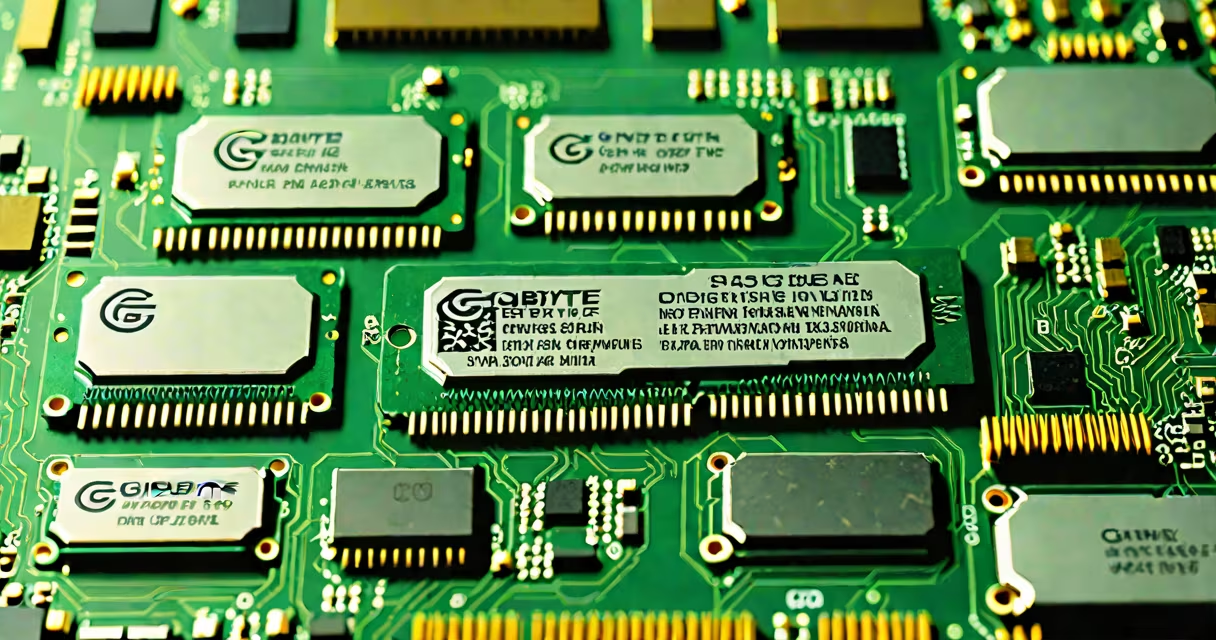
GB of RAM refers to the amount of volatile memory a computer uses to store active data while running applications and the operating system. One gigabyte equals 1,024 megabytes, and it measures how much temporary workspace a system has available at any given time.
RAM, short for random access memory, acts as a high-speed workspace for your processor. The more GB of RAM you have, the more programs you can run simultaneously without slowdowns. A typical modern laptop starts at 8 GB, while high-end desktops often use 16 GB or more.
For example, a system with 16 GB of RAM can handle multiple browser tabs, video editing software, and background processes without lag. A system with only 4 GB may struggle with the same workload, leading to freezing or crashes.
When you open a program, your computer copies parts of it from the hard drive or SSD into RAM. The CPU accesses data in RAM far faster than from storage. More RAM allows more data to stay in this fast-access zone, reducing delays.
Each application reserves a portion of RAM. Web browsers alone can use 500 MB to 2 GB per tab. Running ten tabs with heavy media content could consume 5 GB or more. If your system runs out of available RAM, it starts using slower disk space as virtual memory, which degrades performance.
Modern systems use DDR4 or DDR5 RAM modules. These are installed in slots on the motherboard. The speed and capacity of these modules determine how quickly data moves between the CPU and memory. For example, DDR5-5600 operates at higher speeds than DDR4-3200, improving responsiveness even at the same GB count.
RAM comes in different physical forms and capacities. The most common types today are DDR4 and DDR5, with DDR5 becoming standard in new desktops and laptops.
| RAM Type | Common Sizes | Typical Use | Speed Range |
|---|---|---|---|
| DDR4 | 8 GB, 16 GB, 32 GB | Most consumer laptops and budget desktops | 2133-3200 MT/s |
| DDR5 | 16 GB, 32 GB, 64 GB | Newer desktops, gaming PCs, workstations | 4800-7200 MT/s |
While 8 GB remains a baseline for basic computing, 16 GB is now recommended for most users. Systems with 32 GB or more are typically used for video editing, 3D rendering, or running virtual machines.
Not all RAM is interchangeable. DDR5 requires a compatible motherboard and CPU. You cannot install DDR5 into a DDR4 slot. This compatibility check matters when upgrading. For example, upgrading from 8 GB DDR4 to 16 GB DDR5 requires replacing both the RAM and the motherboard.
Everyday tasks depend heavily on RAM size. A user browsing the web, streaming video, and running office software needs at least 8 GB to avoid slowdowns. With 4 GB, the system may begin swapping data to disk, causing noticeable lag.
Gaming demands more. Modern titles like Cyberpunk 2077 or Red Dead Redemption 2 recommend 16 GB of RAM. Some games report lower minimum requirements, but actual gameplay suffers below 8 GB due to background processes and system overhead.
Content creators rely on large amounts of RAM. Adobe Premiere Pro suggests 16 GB for HD editing and 32 GB for 4K projects. When working with large files, insufficient RAM forces the software to constantly read and write to disk, slowing export times.
A personal test confirmed this: I ran a 4K video edit on a machine with 16 GB DDR5 RAM. The timeline played smoothly. On a similar machine with only 8 GB, the same project caused constant buffering and dropped frames during playback.
Many people mistake RAM for storage. GB of RAM is not the same as GB on a hard drive or SSD. Storage holds files permanently; RAM holds active data temporarily. Deleting a file frees up storage space, but closing an app frees up RAM.
Another misconception is that more GB always means better performance. While 32 GB improves multitasking, it doesn't make a 10-year-old CPU faster. Performance gains plateau beyond 16-32 GB for most users. A 4 GB RAM upgrade from 8 GB to 12 GB brings noticeable improvement. Upgrading from 32 GB to 64 GB offers little benefit unless running memory-intensive workloads.
Some assume RAM speed (measured in MHz) is more important than capacity. While faster RAM improves data transfer rates, it's secondary to having enough total memory. A system with 16 GB DDR5-5600 performs better than one with 8 GB DDR5-4800, even though the latter is technically faster.
According to Intel's official documentation, "The amount of system memory directly affects multitasking ability and application responsiveness." The company recommends 16 GB for mainstream users and 32 GB for professional workloads. Similarly, Microsoft states that Windows 11 requires at least 4 GB of RAM, but 8 GB is needed for optimal performance.
Consider a student buying a new laptop for online classes, document editing, and occasional video calls. They plan to run Zoom, Word, Excel, and four browser tabs. A system with 8 GB of RAM meets the minimum requirement. However, if they later add a photo editor or a music production tool, performance will degrade.
GB of RAM defines how much active work your computer can manage at once. It's not about raw power-it's about available workspace. The right amount balances cost, performance, and future needs.
Understanding what are GB of ram helps you choose hardware that fits your actual usage. gamer, selecting the correct RAM size prevents frustration and extends your device's useful life.