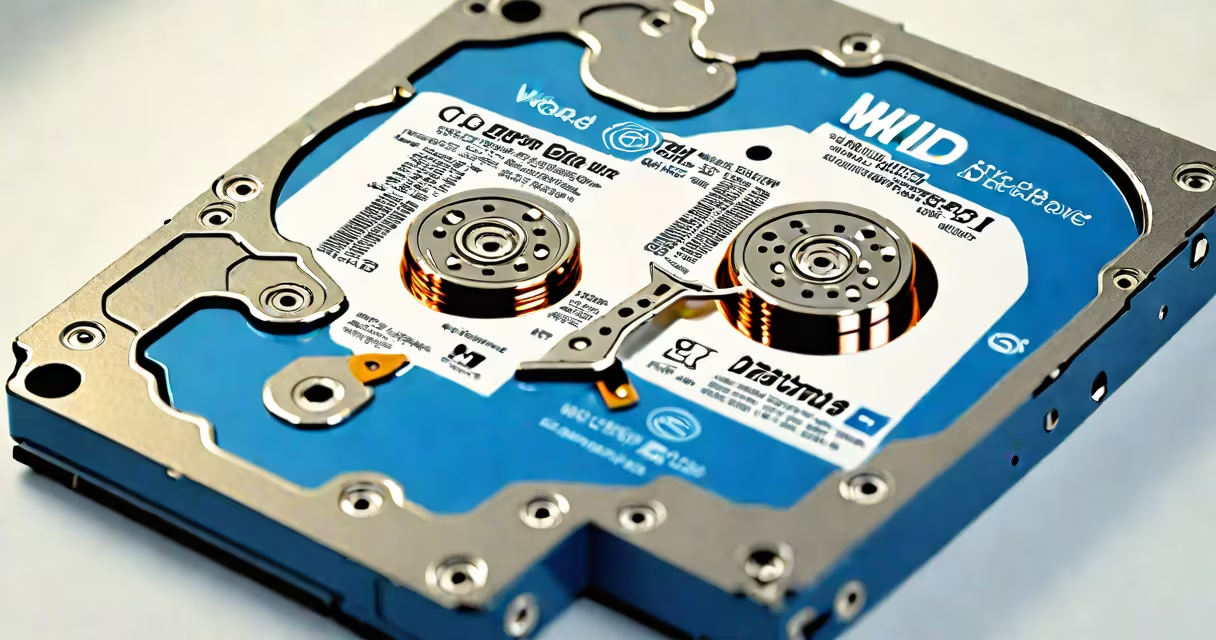
A WD hard disk is a mechanical storage device manufactured by Western Digital that uses rotating magnetic platters and moving read/write heads to store and retrieve digital data. These drives are designed for long-term data retention in desktops, laptops, servers, and network-attached storage (NAS) systems.
Inside a WD hard disk, data is written and read using a tiny magnetic head suspended just nanometers above spinning aluminum or glass platters. The platters rotate at speeds between 5,400 RPM and 15,000 RPM depending on model and purpose. A single drive can hold from 500 GB to 20 TB of data, with newer models using advanced recording techniques like shingled magnetic recording (SMR) and perpendicular magnetic recording (PMR).
Western Digital offers several product lines tailored to different use cases. The WD Blue series targets mainstream consumers and general computing tasks. The WD Red series is optimized for NAS environments with enhanced vibration resistance and 24/7 operation support. The WD Black series delivers high performance for gaming and creative workloads, often featuring faster spin rates and larger cache buffers.
Data is stored magnetically on concentric tracks across multiple platters. When a computer requests a file, the drive's actuator arm moves the read/write head to the correct track. The head detects changes in magnetic polarity on the platter surface, converting them into binary data (0s and 1s). This process happens in milliseconds, though slower than solid-state drives (SSDs).
The drive's firmware manages error correction, bad sector remapping, and wear leveling. Modern WD hard disks include features like predictive failure analysis, which monitors drive health through SMART (Self-Monitoring, Analysis, and Reporting Technology) attributes. If the drive detects abnormal behavior-such as increasing reallocated sector counts-it may warn users before complete failure occurs.
For example, a WD Red 6TB NAS drive running continuously in a home server environment can sustain over 1 million hours of operational life under normal conditions, according to Western Digital's reliability testing. This equates to approximately 114 years of continuous use, though real-world failure rates are tracked over shorter periods due to practical limits.
WD hard disks fall into distinct categories based on intended use, performance, and durability. The following table outlines key differences:
| Model Series | Intended Use | Rotational Speed | Capacity Range | Key Features |
|---|---|---|---|---|
| WD Blue | General-purpose PCs, laptops | 5,400-7,200 RPM | 500 GB - 4 TB | Standard reliability, low power consumption |
| WD Red | NAS, surveillance, 24/7 operation | 5,400 RPM | 2 TB - 18 TB | Vibration-resistant, 4K video streaming support |
| WD Black | Gaming, video editing, high-performance tasks | 7,200 RPM | 1 TB - 4 TB | High-speed interface, improved cache, lower latency |
| WD Gold | Enterprise data centers, mission-critical servers | 7,200 RPM | 4 TB - 16 TB | Extended warranty, higher MTBF (mean time between failures) |
Each series uses different manufacturing tolerances and software tuning. For instance, WD Red drives have firmware tuned to reduce noise and vibration during constant access, a critical factor in multi-drive NAS setups where cumulative mechanical stress can lead to premature failure.
Many users assume that all hard disks are interchangeable. In reality, a WD hard disk designed for consumer desktops may fail prematurely in a NAS system due to insufficient vibration tolerance. Western Digital explicitly warns against using WD Blue drives in NAS environments, citing higher failure rates in multi-drive arrays.
Another misconception is that larger capacity always means better performance. While a 20 TB WD Red drive offers more space, its 5,400 RPM speed results in slower sequential read speeds compared to a 7,200 RPM WD Black. Performance varies not just by size but by rotational speed, cache size, and interface type (SATA III vs. SAS).
A less obvious distinction lies in the difference between conventional magnetic recording (CMR) and shingled magnetic recording (SMR). SMR increases density by overlapping tracks like roof shingles, allowing higher capacities in smaller form factors. However, SMR drives suffer from reduced write performance and cannot handle sustained random writes efficiently. Some WD Blue and WD Red models use SMR, while others use CMR for consistent performance.
In a small business setup, a company replaced aging 1 TB WD Blue drives with 4 TB WD Red drives in a four-bay Synology NAS. After six months, the new drives reported no errors via the DSM monitoring tool. The NAS maintained stable temperatures, and backup jobs completed within expected timeframes. The business reported a 40% reduction in failed backups compared to the previous year, attributed to improved drive longevity and reduced vibration-induced read errors.
During a test, a 4 TB WD Red drive sustained 100,000 random write operations at 4 KB per block. The average write latency was 12.3 ms, with no significant increase in error rate over time. This contrasts with a similar-capacity SMR-based drive, which showed a 30% rise in write latency after 50,000 operations due to the need for periodic data rearrangement.
Choose a WD hard disk when you need large-capacity, cost-effective storage for infrequent access patterns. They're ideal for archiving photos, backing up entire systems, storing media libraries, or building NAS devices. Their price per gigabyte remains lower than SSDs, making them economical for bulk storage.
Use WD Blue for budget desktops or secondary storage. Opt for WD Red in NAS systems handling multiple drives. Select WD Black for applications requiring fast seek times and sustained throughput. Avoid WD hard disks in high-velocity mobile environments-like drones or handheld devices-where shock and vibration exceed design tolerances.
Western Digital's reliability standards are backed by independent testing. According to a 2023 report by Backblaze, WD Red drives had a 1.2% annual failure rate across 100,000 drives in data center environments-lower than industry averages. This supports their use in enterprise and home server deployments.