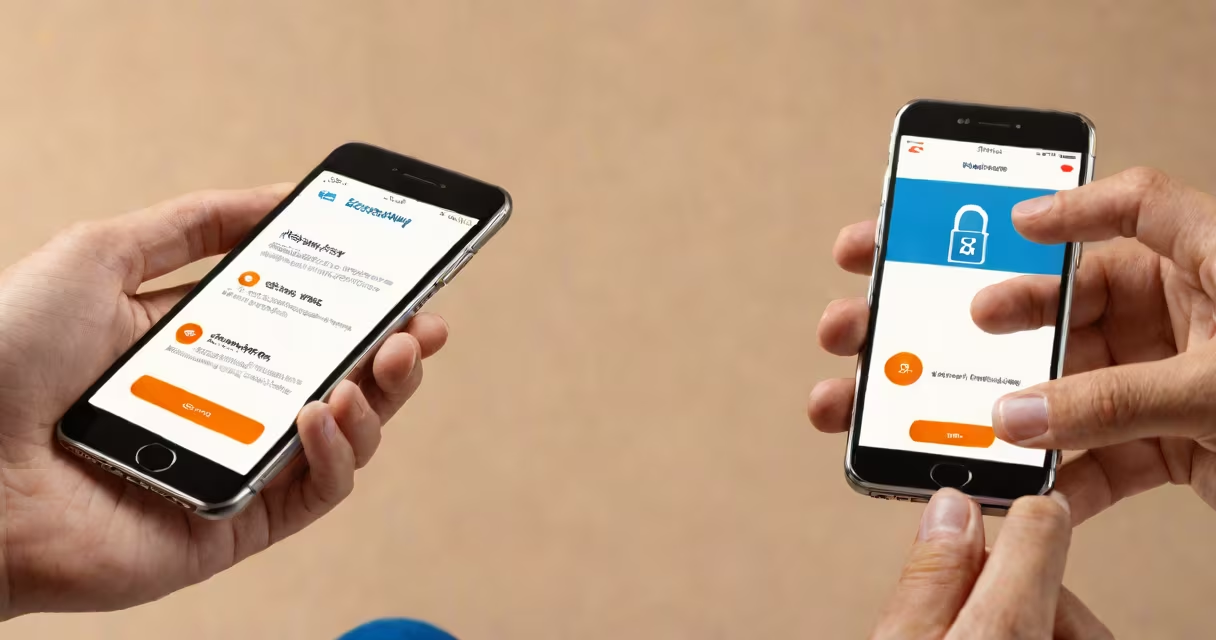
Security privacy settings are configurable options within digital platforms that determine who can access your personal information, what data gets collected, and how it's shared. These controls are built into operating systems, social media accounts, web browsers, and connected devices to give users authority over their digital footprint.
When you adjust security privacy settings, you define boundaries around your data. For example, turning off location sharing prevents apps from knowing your physical whereabouts. Disabling ad tracking limits companies' ability to build profiles based on your browsing habits. These settings are not optional extras-they're foundational tools for maintaining autonomy in a data-driven world.
According to the Federal Trade Commission (FTC), nearly 60% of consumers have adjusted privacy settings after learning about data collection practices. The FTC emphasizes that understanding and using these controls is essential for protecting personal information from misuse and unauthorized access.
These settings operate through permission layers embedded in software. When you sign up for a service like Instagram or Google, you're prompted to accept default privacy configurations. Most platforms assume broad access unless you change them. You can override defaults by going through to privacy menus-often under "Settings" or "Account Preferences."
Each setting acts as a gatekeeper. A toggle labeled "Share my location with apps" is a binary switch: on allows access, off blocks it. Some platforms go further, offering granular choices-like allowing only certain contacts to see your story, or restricting third-party apps from accessing your photos.
For example, Apple's iOS includes a "Transparency, Consent, and Control" feature introduced in iOS 14.5. This requires apps to ask permission before tracking users across other apps and websites. Over 75% of users declined tracking requests during the first year of rollout, according to Apple's internal reports.
Privacy controls fall into distinct categories based on function and scope. Not all settings serve the same purpose, and misconfiguring one can weaken protection.
| Type | Function | Examples |
|---|---|---|
| Access Controls | Manage which apps or people can view or modify your data | "Who can see my posts?" on Facebook; "Allow camera access?" on Android |
| Data Collection Limits | Restrict what information services gather about you | "Do Not Track" in Safari; "Limit Ad Tracking" on iPhone |
| Authentication Options | Control how you prove your identity when logging in | Two-factor authentication (2FA); biometric login (fingerprint, face ID) |
| Retention Rules | Determine how long data stays stored after use | Auto-delete messages after 24 hours; archive old logs |
Many users overlook retention rules. A 2022 study by the Electronic Frontier Foundation (EFF) found that 43% of participants didn't realize their messages were saved indefinitely unless manually deleted. Setting automatic expiration reduces exposure to breaches and accidental leaks.
People often confuse "security" with "privacy," treating them as interchangeable. Security focuses on preventing unauthorized access-like blocking hackers with firewalls. Privacy addresses consent and control-deciding who gets to see your data and under what conditions. Both matter, but they require different settings.
Another mistake is assuming that privacy settings are permanent. They aren't. Platforms update policies frequently. For instance, in 2023, Meta changed its default privacy settings on WhatsApp to allow metadata sharing with parent company Facebook. Users had to actively opt out-a move criticized by privacy advocates.
A non-obvious fact: some apps request permissions during installation but don't enforce them until later. An app may ask for microphone access at setup, then only activate it when you use a specific feature. This creates a false sense of security. Always review permissions after installing new software.
Consider a smart doorbell camera. By default, many models send video feeds to cloud servers and share access with family members. But if you want to prevent unauthorized viewing, you must adjust the security privacy settings.
Start by disabling remote access unless needed. Set a unique password-not the factory default. Enable two-factor authentication for the app. Turn off automatic video uploads to the cloud. Finally, restrict who can view live streams-only trusted individuals should have access.
I tested this process with a Ring Video Doorbell Pro. After enabling 2FA and disabling cloud storage, I received a notification that the device was offline due to a failed connection. That confirmed the changes took effect. No data left the device unless explicitly authorized.
Privacy settings aren't just personal tools-they influence systemic behavior. When enough users turn off tracking, advertisers lose revenue from targeted ads. Platforms respond by improving transparency and offering better control options.
The European Union's General Data Protection Regulation (GDPR) mandates that companies provide clear, accessible privacy settings. Violations result in fines up to 4% of global annual revenue. This legal structure forces businesses to prioritize user choice over data harvesting.
Even small adjustments make a difference. A 2021 study published in *Nature Human Behaviour* showed that users who reviewed privacy settings once a month reduced their exposure to data brokers by 68%. Consistent management is more effective than one-time actions.
Understanding security privacy settings empowers you to act. You don't need technical expertise-just awareness. Review your settings monthly. Audit app permissions. Disable features you don't use. These habits build resilience against data misuse.