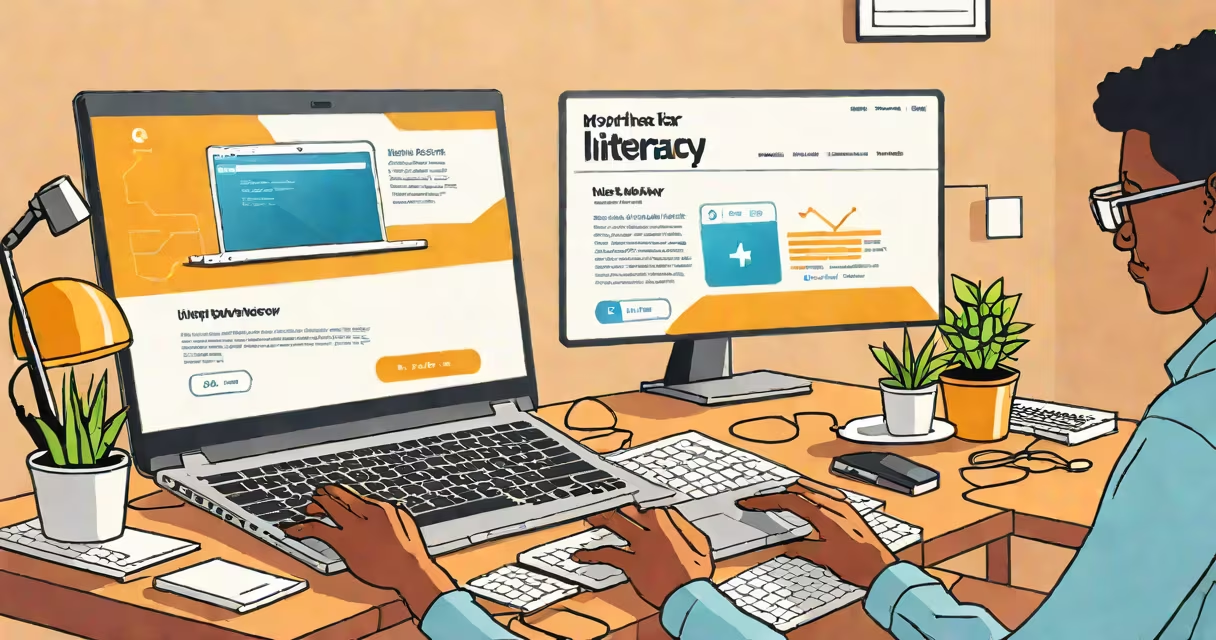
Northstar Digital Literacy Home is a free, web-based program that teaches adults foundational computer and internet skills through interactive, self-paced lessons. It's designed for people who want to improve their ability to use technology safely and effectively in daily life-from sending emails to managing online accounts.
Developed by the nonprofit organization Lighthouse, Northstar Digital Literacy Home provides structured training in practical digital competencies. The platform is accessible from any device with internet access and requires no prior experience. Users complete modules on topics such as using a mouse, going through websites, creating documents, and understanding online privacy.
Each module ends with a quiz to confirm mastery. Upon passing, users receive a certificate they can download and share. The program is widely used in libraries, community centers, and adult education programs across the U.S., especially in states like California, Texas, and New York.
Users begin by selecting a skill area from the main dashboard. Options include Internet Basics, Email, Microsoft Office, and Online Safety. Each lesson includes short videos, step-by-step instructions, and hands-on practice within a simulated environment.
For example, the "Email" module walks learners through setting up an account, composing messages, attaching files, and responding to emails. The simulation mimics real-world interfaces like Gmail or Outlook, so users gain experience without risking real data.
After completing a lesson, users take a multiple-choice quiz. Scoring 80% or higher earns a verified certificate. These certificates are recognized by workforce development programs and local colleges as proof of basic digital proficiency.
Northstar Digital Literacy Home consists of six main content areas, each broken into smaller units:
| Module | Skills Covered | Time to Complete |
|---|---|---|
| Internet Basics | Going through browsers, searching, bookmarking, evaluating sources | 1-2 hours |
| Creating accounts, writing messages, attachments, spam detection | 1.5-2.5 hours | |
| Microsoft Word | Typing, formatting, saving, printing documents | 2-3 hours |
| Microsoft Excel | Entering data, using formulas, creating charts | 3-4 hours |
| Online Safety | Password security, phishing awareness, identity protection | 1.5-2 hours |
| Job Search Tools | Using job boards, uploading resumes, video interviews | 2-3 hours |
Each module uses a consistent format: a brief introduction, a guided walkthrough, a practice task, and a quiz. The interface avoids jargon. Instructions use plain language-"Click the 'Send' button," not "Initiate transmission."
Content is updated regularly based on feedback from educators and users. For example, in 2023, the program added a new section on recognizing deepfakes and misinformation, reflecting growing concerns about online authenticity.
Northstar Digital Literacy Home is deployed in over 1,200 public libraries nationwide. Librarians often assign modules during adult literacy workshops or as part of job readiness training. In Detroit, the city's public library system reported a 40% increase in adult participation in digital skills programs after integrating Northstar into their curriculum.
Community colleges also use it as a prerequisite for online courses. At Central Florida State College, students must pass the "Internet Basics" and "Email" modules before enrolling in distance-learning classes. This helps all learners have baseline technical fluency.
A key advantage is accessibility. The site is compatible with screen readers and supports multiple languages, including Spanish and Vietnamese. A 2022 study by the National Center for Education Statistics found that 68% of adult learners who completed Northstar modules reported increased confidence in using computers at work or school.
Northstar Digital Literacy Home is not a certification program for IT professionals. It does not teach coding, network administration, or cybersecurity engineering. Its focus is on everyday digital tasks that most adults encounter-like filling out forms online or joining virtual meetings.
Another misconception is that it requires instructor-led sessions. While many organizations offer group instruction alongside the platform, Northstar is designed for independent learning. You don't need a teacher to start-it's fully self-directed.
Some assume it's only for older adults. In reality, users span ages 18 to 85. A 2023 survey by Lighthouse showed that 35% of completers were under 35, including recent immigrants and young adults transitioning from high school to college.
I used Northstar Digital Literacy Home while preparing for a job interview at a local hospital. I had never sent a resume via email and didn't know how to attach a file. I completed the "Email" and "Job Search Tools" modules in four evenings. The practice tasks mirrored real situations-I drafted a cover letter, attached my résumé, and even practiced replying to a follow-up message.
When I applied, I included a screenshot of my Northstar certificate. The hiring manager mentioned it in the interview: "This shows you've taken initiative." I got the job. That certificate wasn't just a badge-it was proof of capability.
Unlike platforms like Coursera or Khan Academy, which offer broad academic content, Northstar focuses exclusively on functional digital skills. It doesn't cover advanced topics like data analysis or programming. Instead, it targets immediate usability-what someone needs to survive and thrive in a digital world.
It also differs from commercial software tutorials. Northstar doesn't promote specific brands. You learn how to use a word processor, not how to use Microsoft Word specifically. This keeps the content neutral and applicable across devices and operating systems.
According to the American Library Association, Northstar is the most widely adopted digital literacy tool in U.S. public libraries. Its success lies in simplicity, consistency, and real-world relevance-not flashy design or gamification.
Northstar Digital Literacy Home is not a one-time fix. It's a foundation. Once you master the basics, you can move on to more complex tools-like budgeting apps, telehealth platforms, or online banking. But you can't build on sand. You need to start with the fundamentals.
For anyone looking to grow their digital confidence, whether for work, school, or personal use, northstar digital literacy home offers a proven path forward. It's not about becoming a tech expert-it's about gaining control over tools that shape modern life.