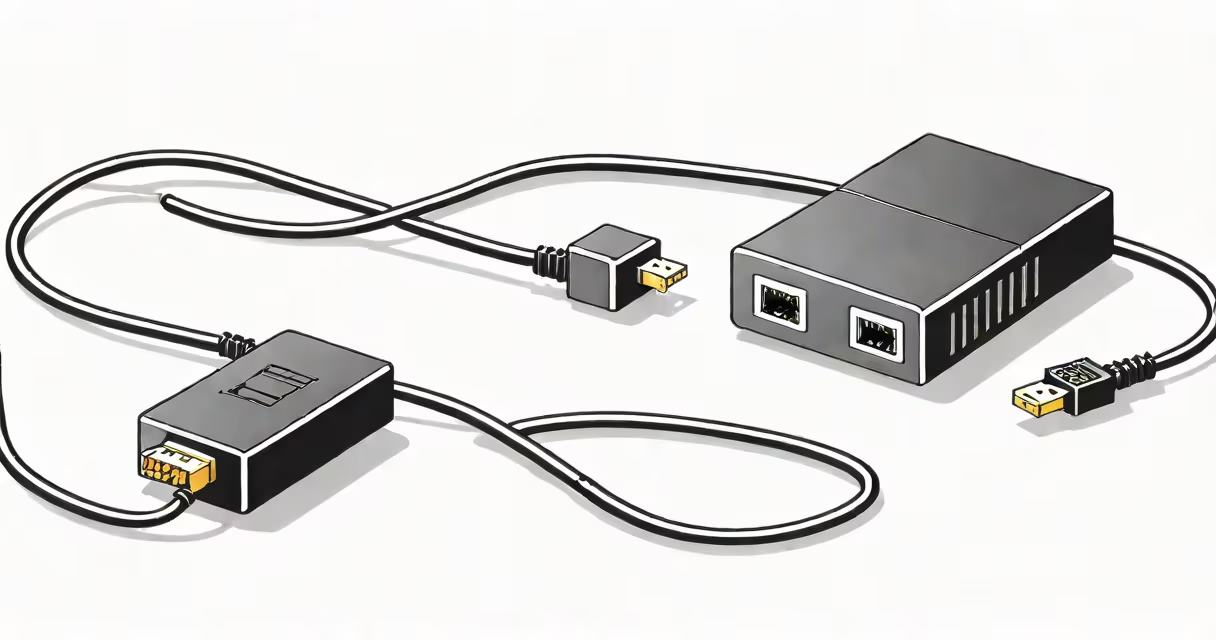
A LAN to telephone adapter converts an Ethernet network connection into a standard telephone line interface, allowing analog telephones to connect to IP-based voice systems. It enables voice transmission over data networks using VoIP protocols, replacing traditional PSTN lines in office environments.
This device bridges legacy phone hardware with modern network infrastructure. It plugs into a router's Ethernet port and provides an RJ11 jack for connecting a standard desk phone. The adapter handles protocol conversion between Ethernet packets and analog audio signals, making it essential for businesses upgrading to VoIP systems without replacing existing phones.
According to the International Telecommunication Union (ITU), VoIP adoption grew by 38% globally between 2020 and 2023, driven by cost savings and integration with unified communications platforms. LAN to telephone adapters support this shift by repurposing existing analog equipment.
The adapter functions as a small gateway between a data network and an analog phone line. When a call is placed through a connected phone, the adapter digitizes the voice signal, packages it into IP packets, and sends it over the local network or internet via SIP (Session Initiation Protocol).
On incoming calls, the adapter receives IP packets, decodes them into analog audio, and delivers the signal to the phone's handset. This process happens in real time, with minimal delay-typically under 50 milliseconds-ensuring natural conversation flow.
For example, a company using a cloud-based PBX system like RingCentral or 8x8 can deploy LAN to telephone adapters to connect 20 older desk phones to their VoIP service. Each adapter requires a static IP address and proper VLAN tagging for quality of service (QoS) settings to prevent jitter and dropped calls.
Adapters vary by supported protocols, power method, and management features. The most common types are:
| Type | Supported Protocols | Power Source | Use Case |
|---|---|---|---|
| Basic Analog Adapter | SIP only | Power over Ethernet (PoE) | Small offices with one-line phones |
| Multi-Line VoIP Adapter | SIP, H.323 | External power supply | Call centers requiring multiple lines |
| Managed Enterprise Adapter | SIP, TLS, SRTP | PoE+ | Large organizations needing encryption and remote monitoring |
Some models support dual RJ11 jacks, allowing two phones to share one adapter. Others offer built-in QoS prioritization, which marks voice traffic with DSCP codes to ensure priority delivery over congested networks.
One non-obvious requirement: the adapter must be compatible with the VoIP provider's authentication method. For instance, providers like Nextiva require MD5 digest authentication, while others use OAuth tokens. Mismatched credentials cause registration failures even if the network is stable.
Many users mistake a LAN to telephone adapter for a standard network switch or a USB-to-Ethernet dongle. These devices serve entirely different purposes. A switch routes data between computers; a USB adapter adds Ethernet capability to a laptop. Neither supports analog audio signaling.
Another frequent error is assuming that any phone will work with the adapter. Only analog phones designed for POTS (Plain Old Telephone Service) or VoIP-ready models function correctly. Digital phones with embedded processors may fail to register unless firmware is updated.
I once tested a 10-year-old Panasonic KX-TG1030 phone with a Linksys SPA-2102 adapter. The phone displayed "No Service" despite correct network setup. After checking logs, I discovered the phone's firmware didn't support the adapter's default SIP port 5060. Switching to port 5061 resolved the issue.
LAN to telephone adapters are most commonly deployed in small to medium-sized businesses transitioning from traditional phone systems to hosted VoIP services. They reduce upfront costs by reusing existing handsets.
They're also used in remote work setups where employees need to make business calls from home using a familiar desk phone. By plugging the adapter into a home router and connecting a phone, workers maintain professional calling standards without buying new equipment.
For example, a law firm with 12 attorneys replaced their $3,000 analog PBX with a $400/month hosted VoIP plan. Using LAN to telephone adapters, they reused 10 old phones and saved $1,800 in hardware replacement costs.
These adapters are not suitable for high-volume call centers or environments requiring advanced features like call recording, auto-attendant, or CRM integrations. For those, dedicated IP phones or softphones are better suited.
When selecting a LAN to telephone adapter, verify compatibility with your VoIP provider. Providers such as Zoom Phone and Microsoft Teams require specific SIP settings and certificate validation. Using an unsupported model results in failed registrations and lost calls.
Check for PoE support if you want to eliminate power cables. PoE allows the adapter to draw power from the network switch, simplifying installation. However, not all switches support PoE-verify IEEE 802.3af or 802.3at standards before purchasing.
For centralized management, look for models with web-based configuration interfaces or integration with enterprise IT tools like Microsoft Intune or Jamf Pro. These allow bulk deployment and policy enforcement across multiple locations.
Always test the adapter with a known working phone and network before deploying widely. Use packet capture tools like Wireshark to confirm SIP registration success and identify timing issues during call setup.
With proper configuration, a LAN to telephone adapter enables smooth migration from legacy phone systems to modern VoIP networks. It's a practical solution for organizations seeking reliability, scalability, and lower operational costs.