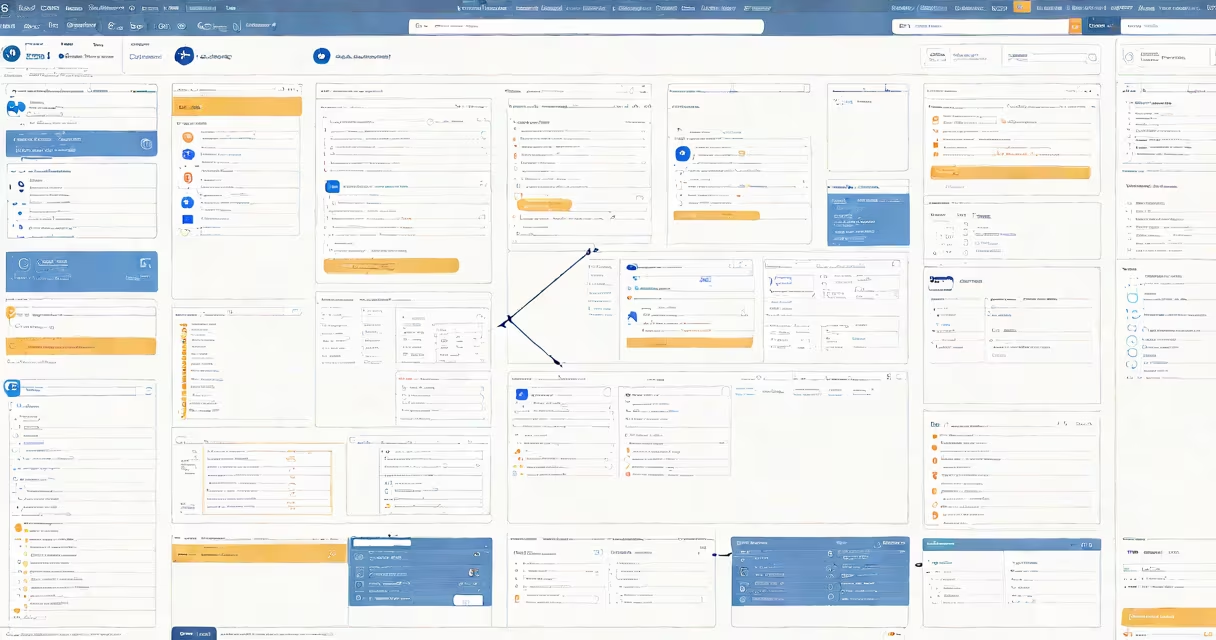
Jira project management software is a task-tracking platform developed by Atlassian for planning, executing, and monitoring software development projects. It supports agile methodologies like Scrum and Kanban through customizable boards, backlogs, and sprint planning tools. Teams use it to assign issues, track progress, and automate workflows across development cycles.
At its core, Jira manages work items called "issues," which represent tasks, bugs, or user stories. Each issue has a status (To Do, In Progress, Done), priority level, assignee, and due date. Teams define custom workflows-such as "Backlog → In Review → Testing → Deployed"-to reflect their actual process. This structure enables visibility into who's doing what and when it's expected to be done.
For software teams, Jira integrates with version control systems like Git, CI/CD pipelines, and testing frameworks. When a developer pushes code, Jira can automatically update the associated issue's status. This reduces manual updates and keeps team members aligned on progress.
Jira operates on a flexible ticketing system where every unit of work is tracked as an issue. These issues are grouped into projects, which can represent products, releases, or departments. Each project uses a defined scheme-issue types, fields, screens, and workflows-that governs how data is captured and displayed.
Teams create boards based on these schemes. A Scrum board shows a sprint's backlog and current tasks in columns representing workflow stages. A Kanban board displays all issues in a continuous flow, with columns like "To Do," "In Progress," and "Done." Both allow drag-and-drop movement of issues between columns, visually tracking progress.
Automations trigger actions based on conditions. For example, when an issue moves to "Testing," Jira can notify QA leads via email or Slack. When a bug is marked "Resolved," it can close related pull requests. These automations reduce repetitive tasks and ensure consistent follow-up.
Jira offers multiple editions tailored to different team sizes and workflows:
| Version | Best For | Key Features |
|---|---|---|
| Jira Software | Engineering and product teams | Scrum and Kanban boards, sprint planning, velocity charts, release tracking |
| Jira Service Management | IT support and operations | Service catalogs, SLA tracking, incident management, request forms |
| Jira Work Management | Marketing, HR, and non-technical teams | Simple task lists, timeline view, calendar integration, basic automation |
Each edition supports custom fields, such as "Estimate Hours" or "Customer Priority," allowing teams to track metrics relevant to their goals. Reports like Burndown Charts and Velocity Graphs provide insight into team capacity and delivery speed over time.
Advanced users use Jira's REST API and integrations with tools like Confluence, Bitbucket, Slack, and Microsoft Teams. This creates a unified workspace where documentation, code, chat, and task tracking coexist.
Jira is often mistaken as a tool only for software developers. While it excels in engineering environments, its flexibility allows use across departments. Marketing teams track campaign timelines, HR manages onboarding workflows, and finance tracks budget approvals-all using the same underlying system.
Another misconception is that Jira requires complex setup. While advanced configurations exist, teams can start with default templates. The "Quick Setup" wizard guides new users through creating a project, defining issue types, and selecting a board type in under five minutes.
A less obvious point: Jira does not enforce agile. Teams can use it for waterfall-style planning by setting up a linear workflow-"Planned → In Progress → Completed"-without sprints or backlogs. Agile features are optional; the platform adapts to your process, not the other way around.
A mobile app development team at a fintech startup uses Jira Software to manage a quarterly release. They define a project called "App v3.0" with issue types: Story, Bug, Task, and Epic. The backlog contains 47 user stories mapped to features like biometric login and transaction history export.
During sprint planning, they select 15 stories for the two-week sprint. Each story is assigned to a developer and given a story point estimate. The team creates a Scrum board with columns: Backlog, To Do, In Progress, Code Review, Testing, and Done.
As developers complete work, they move issues through the board. When a pull request is merged, Jira auto-closes the linked issue. After testing, QA marks bugs as "Verified." At sprint review, the team views a burndown chart showing remaining work decreased from 120 to 10 story points over 10 days.
This visibility helped them identify a bottleneck in code reviews-average time was 36 hours. They adjusted staffing and reduced the average to 12 hours in the next sprint.
Jira is not a design tool, document editor, or communication platform. It doesn't replace Figma for wireframes, Google Docs for specs, or Zoom for meetings. Instead, it acts as a central hub where decisions, progress, and ownership are recorded.
It also isn't a substitute for clear requirements. Poorly written user stories lead to misaligned work. A vague story like "Make the app faster" results in inconsistent implementation. Clear stories-"Reduce load time from 4.2 seconds to under 1.5 seconds on 3G networks"-enable accurate estimation and validation.
Finally, Jira is not inherently difficult. Teams that struggle often do so because they over-customize early. A better approach: start simple, validate the workflow, then expand. One engineering manager told me during a workshop that their team cut setup time from four weeks to two days by skipping custom field creation until after the first sprint.
According to a 2023 survey by Stack Overflow, 62% of professional developers use Jira for project tracking. Its dominance stems from deep integration with development ecosystems and mature reporting capabilities.
Atlassian reports that over 1 million organizations use Jira globally. Companies like Netflix, Spotify, and NASA rely on it for mission-critical software delivery. Netflix uses Jira to coordinate thousands of microservices deployments across regions.
For teams transitioning from spreadsheets or email-based tracking, Jira provides audit trails and role-based access. Changes to issues are logged with timestamps and user IDs. Permissions can restrict editing to specific roles-e.g., only leads can close issues.
When choosing tools, consider whether your team needs structured workflows or lightweight task lists. Jira project management software fits teams that value traceability, accountability, and cross-functional alignment. Smaller teams or those with minimal process may find simpler tools sufficient.
Jira project management software is not a one-size-fits-all solution. But for teams building software, managing complex processes, or scaling execution, it delivers precision, transparency, and scalability.