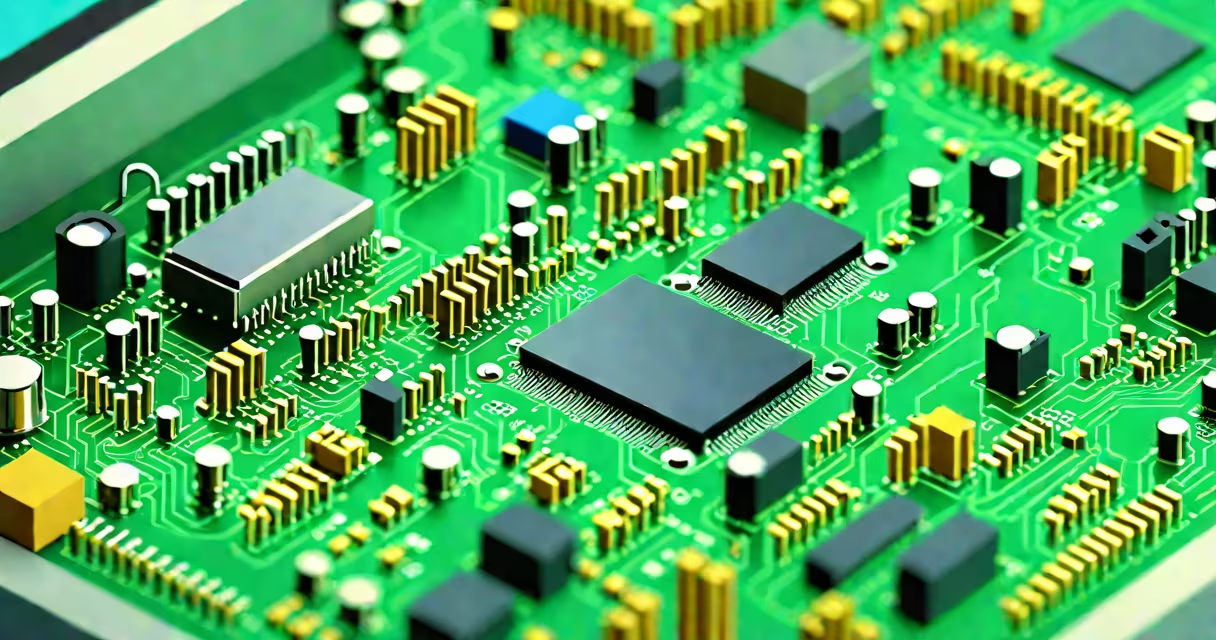
Hardware and software are the two core elements of any computing system: hardware refers to the physical components like processors, memory, and storage; software consists of instructions that tell the hardware what to do. Together, they enable devices to perform tasks ranging from basic calculations to complex automation.
Every digital device relies on both layers. The processor executes software instructions, while memory holds data temporarily during operations. Storage retains programs and files long-term. Without software, hardware is inert. Without hardware, software cannot run.
For example, a smartphone contains hardware such as a CPU, RAM, touchscreen, camera, and battery. Its operating system-software like Android or iOS-manages interactions between apps, sensors, and users. When you open a photo app, software sends commands through the hardware to display images on the screen.
Software runs on hardware by translating high-level commands into machine-readable signals. This process begins when a user inputs a command-say, typing "save document." The keyboard sends electrical pulses to the motherboard, which routes them to the CPU.
The CPU fetches the instruction from memory, decodes it, then executes it. The operating system coordinates access to storage, ensuring the file is written to the hard drive or SSD. All of this happens in milliseconds, orchestrated by layers of software including drivers, firmware, and the OS itself.
Modern systems use abstraction layers to simplify interaction. For instance, a web browser doesn't communicate directly with network cards. Instead, it uses standardized APIs (application programming interfaces) that translate requests into low-level hardware actions.
Hardware falls into four categories: input (keyboard, mouse), output (monitor, printer), processing (CPU, GPU), and storage (RAM, SSD). Each serves a distinct role in data flow.
| Type | Examples | Function |
|---|---|---|
| Processing | CPU, GPU, FPGA | Executes instructions and performs calculations |
| Storage | SSD, RAM, hard drive | Holds data temporarily or permanently |
| Input | Keyboard, microphone, sensor | Transmits user or environmental data |
| Output | Monitor, speaker, actuator | Presents results to users or systems |
Software divides into system software and application software. System software includes operating systems (like Windows, Linux, or macOS), device drivers, and firmware. These manage hardware resources and provide a platform for other programs.
Application software enables specific user tasks: word processors, web browsers, video editors, or games. Embedded software runs inside hardware devices-such as the code controlling a car's anti-lock brakes or a thermostat's temperature regulation.
Many people assume software is "invisible" or "just code," but it requires physical execution. A program stored on a USB drive remains inactive until loaded into RAM and processed by the CPU. Without hardware, software exists only as data.
Another error is equating software with apps. While apps are a form of software, so are compilers, databases, and even the boot sequence that starts a computer. The term "software" covers everything from a single-line script to entire enterprise platforms.
A lesser-known fact: firmware is a hybrid layer. It resides in read-only memory (ROM) on hardware components and controls basic functions. For example, BIOS or UEFI firmware initializes hardware during startup. It's software, but it's deeply tied to hardware design and often updated via manufacturer tools.
Consider a self-driving car. Its hardware includes LiDAR sensors, cameras, GPS modules, and a central processing unit. The software stack includes perception algorithms, path planning, and control systems. When the car detects a pedestrian, sensors send data to the CPU, which processes it through neural networks-software trained on millions of images.
That decision triggers brake actuators (hardware) via control signals. The entire system operates in under 100 milliseconds. Without precise coordination between hardware and software, autonomous driving would be impossible.
In manufacturing, CNC machines use software to control motors and spindles. A CAD file defines a part's shape. The G-code generated by CAM software translates those shapes into movement commands sent to servo motors. A single mistake in the software can cause a $50,000 tool to crash into a workpiece.
I once observed a production line failure where a robot arm repeatedly missed a screw placement. The issue wasn't mechanical-it was a timing bug in the control software. After adjusting the delay between sensor read and motor activation, the system resumed flawless operation. That moment confirmed: hardware and software must be tuned together.
Hardware and software are foundational to nearly every industry. In healthcare, MRI machines rely on specialized hardware and imaging software to reconstruct brain scans. In finance, trading platforms execute thousands of transactions per second using low-latency hardware and algorithmic software.
Even household appliances now embed both. A smart refrigerator uses sensors (hardware) and cloud-connected software to track food expiration dates and suggest recipes. The software communicates with the fridge's internal display and Wi-Fi module, blending physical and digital systems.
According to the National Institute of Standards and Technology (NIST), 90% of critical infrastructure systems depend on integrated hardware and software. Failures in either layer can disrupt power grids, water treatment, or emergency response networks.
Describe hardware and software means recognizing their interdependence. One cannot exist without the other. From pocket-sized devices to global networks, success hinges on alignment between physical parts and programmed logic.