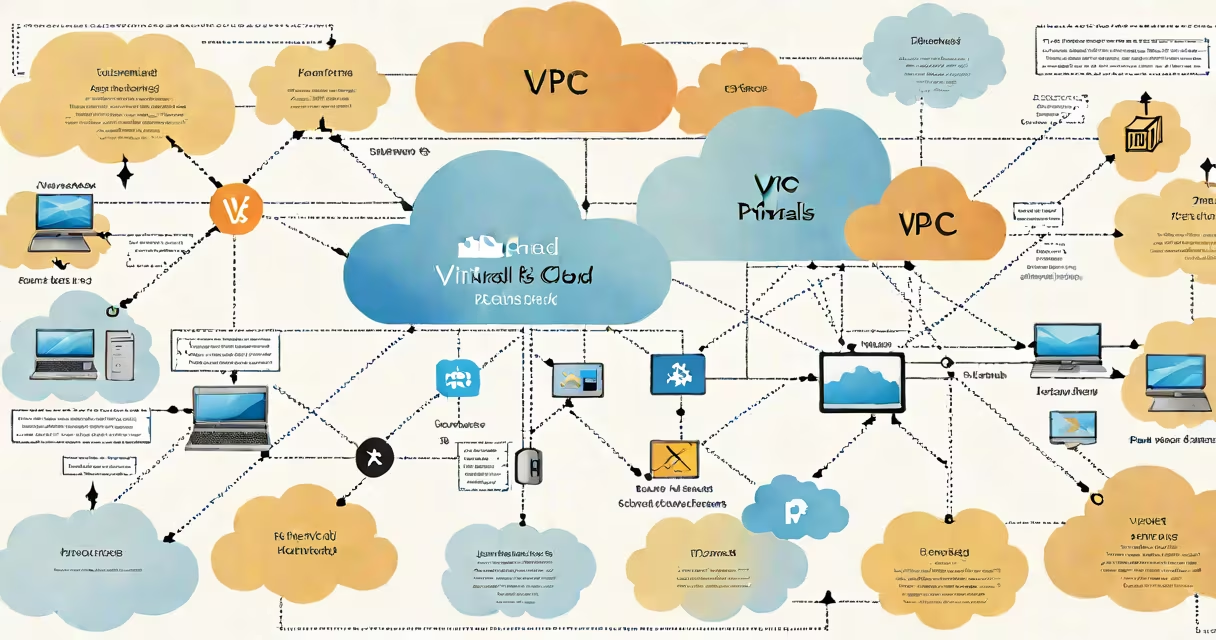
A Virtual Private Cloud (VPC) is a logically isolated section of a public cloud where you deploy and manage your resources, such as virtual machines, databases, and load balancers, within a defined network environment. It acts as a private, secure network space that mirrors traditional on-premises networks but runs inside a cloud provider's infrastructure.
VPCs are foundational to cloud architecture. They allow you to define IP address ranges, create subnets, set up routing tables, configure network gateways, and apply security policies-all without relying on physical hardware. You control access through security groups and network access control lists (NACLs), which filter traffic at the instance and subnet levels respectively.
For example, AWS defines a VPC as a virtual network dedicated to your AWS account. It supports both IPv4 and IPv6 addressing, enables connectivity to on-premises networks via VPN or Direct Connect, and integrates with services like Amazon EC2, RDS, and Elastic Load Balancing. According to AWS documentation, every VPC has a default route table and a default security group that enforce basic network behavior unless overridden.
When you create a VPC, you specify a CIDR block-a range of private IP addresses. The most common choice is 10.0.0.0/16, which allows 65,536 unique IP addresses. This range becomes the foundation for all resources deployed inside the VPC.
You then divide the VPC into subnets, typically placing them across multiple Availability Zones for high availability. Each subnet resides in a single AZ and can host specific workloads. For instance, web servers might run in public subnets accessible from the internet, while database instances are placed in private subnets behind firewalls.
Routing is managed through route tables. A route table contains rules that determine where network traffic goes. By default, a VPC includes a local route to allow communication between instances within the same VPC. To connect to the internet, you add a route to an Internet Gateway (IGW). Traffic from a public subnet flows through the IGW to reach external destinations.
Every VPC consists of several core components:
Cloud providers offer different configurations. AWS supports both standard VPCs and VPCs with enhanced networking features. Azure uses the term "Virtual Network" (VNet), which functions similarly but uses different naming conventions and integration points. Google Cloud Platform calls it a "Virtual Private Cloud" (VPC) too, though its implementation differs slightly in routing and peering models.
| Feature | AWS VPC | Azure VNet | Google Cloud VPC |
|---|---|---|---|
| Default DNS Resolution | Enabled by default | Disabled by default | Enabled by default |
| Peering Support | Inter-region and intra-region | Intra-region only | Global (cross-region) |
| PrivateLink Integration | Yes | Yes (via Private Endpoint) | Yes (via Private Service Connect) |
One key difference often missed: AWS VPCs do not automatically enable DNS resolution for private IPs unless explicitly configured. This means internal services may fail to resolve each other unless you set up custom DNS settings or use Route 53 Resolver. Misconfiguration here causes silent failures during deployment.
VPCs are essential for securing cloud workloads. They prevent unintended exposure of sensitive systems. Without a VPC, all resources exist in a shared, unsegmented network-making them vulnerable to lateral movement by attackers.
Many assume that placing a resource in a VPC makes it automatically secure. That's false. A VPC only provides isolation; it doesn't enforce security. You still need to configure security groups, NACLs, and IAM policies correctly. A poorly secured VPC can expose databases to the internet due to misconfigured route tables or overly permissive security groups.
Another misconception is that VPCs are only for production environments. In reality, developers use them extensively for staging, testing, and development. For example, a team building a microservices app might create separate VPCs for each environment-dev, qa, prod-to prevent accidental changes from propagating across stages.
I once helped debug a deployment failure where a database instance was unreachable. The root cause? The security group allowed inbound traffic only from a specific IP range, but the application server was launched in a different VPC. Even though both were in the same AWS account, cross-VPC communication required explicit VPC peering or a transit gateway. Without proper routing, the connection failed silently.
People often confuse VPCs with VLANs. While both segment networks, VLANs operate at Layer 2 (data link layer) and are limited to a single physical switch or data center. VPCs operate at Layer 3 (network layer) and span multiple physical locations across cloud regions. VLANs are not natively supported in public clouds-they're replaced by VPCs.
Also, VPCs are not the same as firewalls. A VPC includes built-in filtering mechanisms (security groups and NACLs), but they aren't full packet inspection tools. For advanced threat detection, you need additional solutions like AWS Network Firewall, Azure Firewall, or third-party tools integrated into the VPC.
Finally, VPCs don't replace identity and access management (IAM). You can't control who accesses a VPC solely through network configuration. IAM roles and policies govern user permissions to launch instances, modify routes, or attach gateways. A user with admin rights can alter a VPC even if their IP is blocked by a security group.
What is vpc in networking? It's a customizable, isolated network environment in the cloud that lets you securely deploy and manage applications. It provides control over IP ranges, routing, access policies, and connectivity. Properly configured, a VPC enhances security, improves performance, and simplifies operations. But it requires deliberate setup-misconfigurations are common and costly.