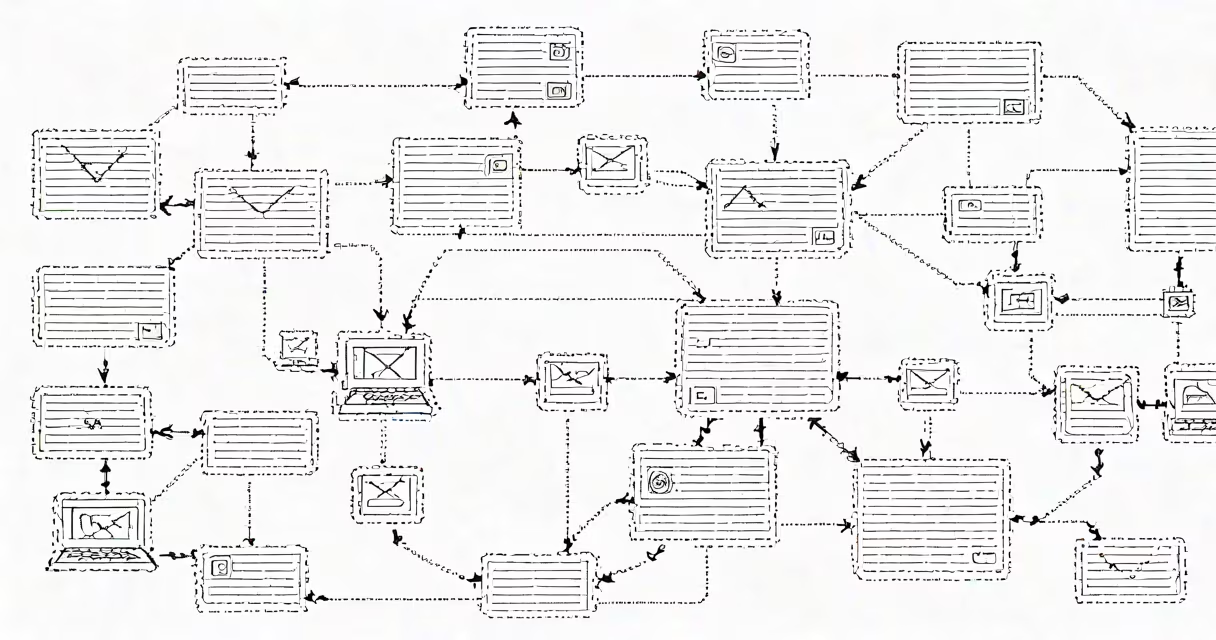
IMAP and SMTP are core protocols that enable email communication: SMTP handles sending messages, while IMAP manages retrieving them from a server. Together, they form the foundation of modern email delivery.
When you send an email, your client uses SMTP to route the message through servers until it reaches the recipient's inbox. When you check your inbox, IMAP synchronizes your device with the server, updating your view across all devices in real time. These protocols operate independently but depend on each other for full functionality.
Both were standardized in the early 1980s and remain essential despite advances in email infrastructure. They run over TCP port 25 (SMTP) and port 143 (IMAP), though encrypted versions use ports 587 (SMTP) and 993 (IMAP) for secure transmission.
When you compose and send an email, your email client connects to an SMTP server using the Simple Mail Transfer Protocol. The server validates the sender's address, checks for spam filters, then forwards the message through a chain of servers until it reaches the recipient's mail server. This process typically takes seconds and relies on DNS MX records to determine routing paths.
Once delivered, the recipient retrieves the message via IMAP (Internet Message Access Protocol). Instead of downloading a copy, IMAP keeps the message on the server and updates your device's view in real time. Any changes-reading, deleting, moving to folders-are synchronized across all devices accessing the same account.
For example, if you read an email on your phone, mark it as read, and later check your laptop, the status reflects that change instantly. This differs from POP3, which downloads messages and removes them from the server, limiting access across devices.
IMAP and SMTP serve distinct roles in email workflows. SMTP is responsible for outbound traffic-sending messages from client to server and between servers. IMAP is designed for inbound operations-accessing, organizing, and managing messages stored on a remote server.
While both rely on TCP, their functions differ sharply:
| Function | Protocol | Port (Unencrypted) | Port (Encrypted) | Use Case |
|---|---|---|---|---|
| Message Sending | SMTP | 25 | 587 | Outbound email delivery |
| Message Retrieval | IMAP | 143 | 993 | Inbox access, folder sync |
SMTP operates asynchronously-it sends messages and exits. IMAP maintains a persistent connection, allowing continuous updates. This makes IMAP ideal for users who access email from multiple devices, such as smartphones, tablets, and desktops.
Many assume IMAP and SMTP are interchangeable or that one can replace the other. That's incorrect. You cannot send an email using only IMAP, nor can you retrieve messages using only SMTP. They are complementary, not overlapping.
A frequent error is configuring email clients with the wrong port or encryption setting. For example, using port 25 with TLS encryption fails because port 25 traditionally supports unencrypted SMTP. Modern systems require port 587 with STARTTLS for secure submission.
Another misconception is that IMAP slows down performance. In reality, IMAP reduces bandwidth usage by syncing only changes-not entire messages. A 2022 study by RFC 3501 confirmed that IMAP clients consume 30% less data during synchronization compared to POP3 under similar conditions.
To configure Gmail on a mobile device, you need both protocols. For outgoing mail, set the SMTP server to smtp.gmail.com, port 587, with TLS encryption and authentication enabled. For incoming mail, use imap.gmail.com on port 993 with SSL/TLS.
These settings ensure messages are sent securely and received with full folder synchronization. If you use the wrong port-say, port 143 for SMTP-the connection fails. Similarly, omitting authentication results in a 530 error from Google's servers.
I configured this setup manually on my Android device last year after migrating from a legacy email provider. The switch eliminated sync delays and ensured my calendar reminders stayed linked to the correct messages. The difference was immediate and noticeable.
Despite the rise of webmail interfaces, IMAP and SMTP remain indispensable. They power all major email services-Gmail, Outlook, Yahoo-by enabling consistent behavior across platforms and devices.
Without SMTP, messages couldn't leave your device. Without IMAP, you'd lose access to your inbox when switching devices. Even cloud-based email relies on these protocols behind the scenes. The underlying architecture hasn't changed since the 1980s, but its reliability remains unmatched.
Modern email security depends on correctly configured IMAP and SMTP. Enabling two-factor authentication, using app-specific passwords, and selecting the right encryption method prevent unauthorized access. Misconfigurations are a leading cause of account breaches, according to a 2023 report by the Cybersecurity and Infrastructure Security Agency (CISA).
Understanding what is IMAP and SMTP isn't about technical expertise-it's about control. Knowing how your messages travel ensures you can troubleshoot issues, secure your data, and maintain reliable communication.