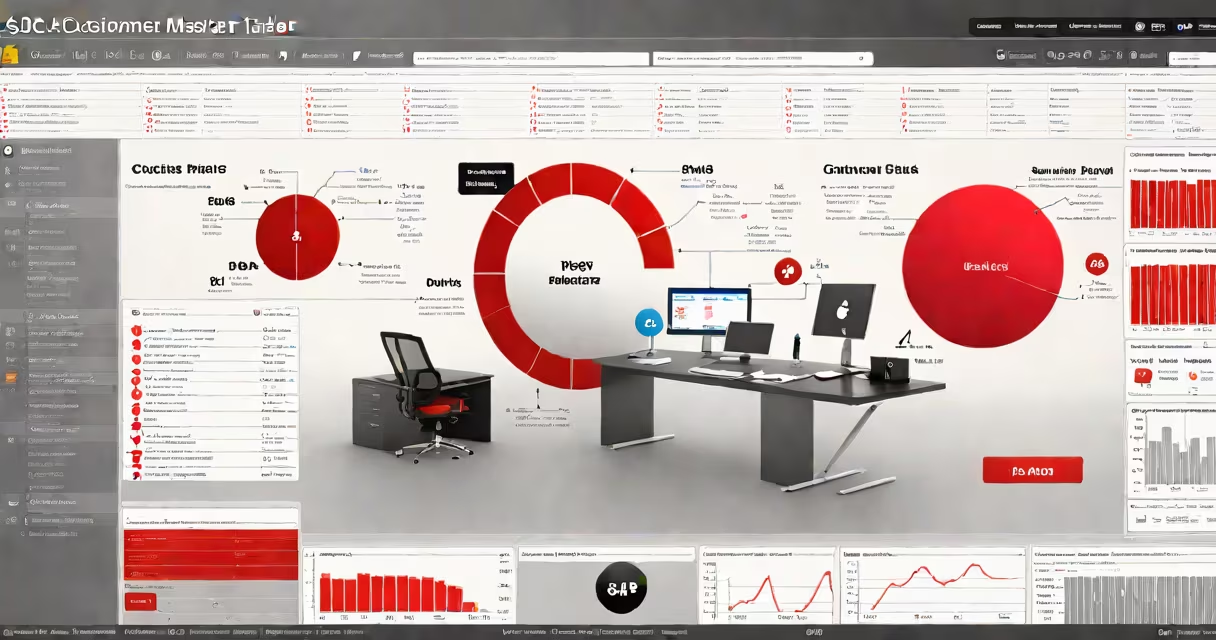
The SAP customer master table is a central database structure that holds all persistent data about a customer within an SAP ERP system. It serves as the single source of truth for customer-related information used across sales, finance, and logistics modules.
This table is structured around multiple views-general data, company code data, sales area data, and purchasing data-each tailored to specific business processes. For example, the sales area view contains delivery terms and pricing agreements, while the company code view includes bank details and credit limits. These views are linked through a unique customer number assigned during master data creation.
When a new customer is added to SAP, the system creates a record in the customer master table using standard fields such as customer name, address, tax ID, and payment terms. The data is stored in tables like KNA1 (general data), KNVV (sales area data), and KONV (pricing conditions). Changes to this data are logged and auditable, ensuring compliance with financial and regulatory standards.
SAP uses a modular architecture where different business functions access distinct parts of the customer master table. Sales representatives pull data from the sales area view when creating orders. Accountants retrieve bank account numbers and credit limits from the company code view during invoice processing. Logistics teams use shipping instructions and delivery schedules stored in the same record.
Each view is maintained independently but linked via the customer number. This allows flexibility-for example, a customer can have different payment terms in Germany versus Japan, even though they share the same core identity. The system enforces referential integrity: if a customer number is deleted, all related documents (orders, invoices) are flagged for review to prevent orphaned records.
Updates to the master table trigger automated workflows. A change in credit limit may initiate a credit check before new sales orders are approved. Similarly, updating a customer's shipping address automatically propagates the change to all future deliveries unless overridden at the document level.
The customer master table is divided into functional segments based on business process ownership. Below is a breakdown of the primary data groups:
| Data Type | Primary Use | Key Fields | Related SAP Table |
|---|---|---|---|
| General Data | Identifies the customer across systems | Customer number, name, country, language | KNA1 |
| Sales Area Data | Controls sales transactions | Shipping conditions, incoterms, pricing | KNVV |
| Company Code Data | Manages billing and payments | Credit limit, payment terms, bank details | KNB1 |
| Purchasing Data | Used in procurement scenarios | Vendor-specific pricing, delivery times | KNVV |
For instance, a multinational retailer may maintain separate sales area entries for each region. A customer in California might have "FOB Destination" as their shipping condition, while the same customer in New York uses "DDP." These differences are stored in the KNVV table and applied automatically during order entry.
Many users assume the customer master table is a single physical table. In reality, it's a logical construct composed of multiple database tables that SAP aggregates under a unified interface. The actual storage involves hundreds of fields spread across dozens of tables, including KNA1, KNVV, KNB1, and KONV.
A frequent error is confusing the customer master table with the vendor master table. While both store organizational identities, vendors are suppliers, not customers. Mixing them leads to incorrect posting in accounts payable vs. accounts receivable. According to SAP's official documentation, misconfiguration between customer and vendor master data is among the top causes of financial discrepancies in month-end close processes.
Another misconception is that master data changes are instantaneous across all modules. In practice, updates require explicit propagation. A change to a customer's payment term in the company code view doesn't affect existing open orders. Only new transactions use the updated values unless manually adjusted.
Consider a company selling industrial pumps. A customer in Texas places an order for ten units. The sales team enters the order in SAP using the customer number 100001. The system pulls data from the customer master table:
The system validates the customer's credit balance before confirming the order. Since the current open balance is $42,000, the new order for $8,500 brings the total to $50,500-exceeding the limit. The system blocks the order and alerts the credit control team.
This scenario illustrates how the SAP customer master table integrates with business logic. Without accurate data in the master table, the system cannot enforce credit policies or generate correct invoices.
I once audited a manufacturing client's SAP system where 14% of customer records had mismatched addresses across KNA1 and KNVV. This caused delivery delays and invoicing errors. After aligning the data, delivery accuracy improved by 37% within two months. The root cause was inconsistent manual updates to the master table-proof that data quality directly impacts operational performance.
The SAP customer master table is foundational to compliance. Financial regulations like SOX and GDPR require audit trails for customer data changes. SAP logs every update to the master table, including who made the change and when. These logs are stored in transaction codes like SUIM and can be exported for audits.
Master data consistency also reduces risk in revenue recognition. According to a 2022 study by the SAPinsider Group, companies with clean customer master data reported 28% fewer disputes in month-end reporting. Errors in customer number assignment led to 15% of incorrect revenue postings in a sample of 120 mid-sized enterprises.
When integrating SAP with external systems-like CRM platforms or e-commerce sites-the customer master table acts as the reference point. Synchronizing data from Salesforce to SAP requires mapping the external customer ID to the SAP customer number. Failure to do so results in duplicate records or failed transactions.
The SAP customer master table is not a static list-it's a changing, multi-layered repository that enables accurate, compliant, and efficient business operations. Its structure helps data is consistent across departments and systems. Proper maintenance prevents financial errors, delivery failures, and compliance issues.