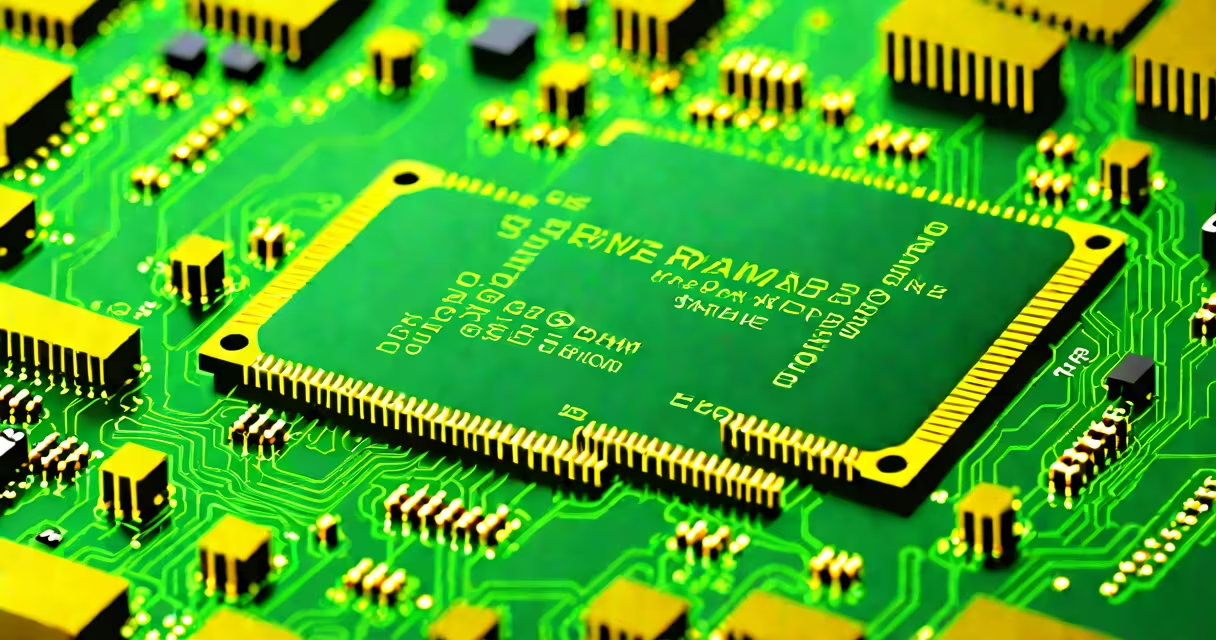
S RAM DRAM is a type of volatile computer memory that stores data temporarily while a device is powered on. It enables quick access to active programs and files, directly affecting system speed and responsiveness.
These modules are physically installed into motherboard slots or laptop memory bays. They contain multiple DRAM chips arranged on a printed circuit board, communicating via standardized protocols like DDR5 or DDR4. The term "S RAM" refers specifically to the form factor-small outline-and is often used interchangeably with SODIMM in laptops and compact systems.
Without S RAM DRAM, your computer cannot run applications efficiently. Even basic tasks like browsing the web or opening documents require active memory. The amount and speed of this memory directly influence how smoothly your system performs under load.
S RAM DRAM operates by storing data in tiny capacitors within DRAM chips. Each capacitor holds a single bit-either a 1 or a 0-based on whether it's charged or not. These capacitors degrade quickly, so the memory controller refreshes them thousands of times per second to maintain accuracy.
When you launch a program, the operating system loads parts of it into S RAM DRAM. The CPU accesses this data much faster than from a hard drive or SSD. For example, loading a 1 GB video editing project from an SSD takes about 12 seconds, but if it's already in RAM, it opens instantly.
Modern systems use dual-channel architecture, meaning two S RAM DRAM modules work together to double bandwidth. A single 16 GB DDR5-5600 module delivers ~44.8 GB/s peak throughput. Two such modules in dual-channel mode can reach ~89.6 GB/s-nearly doubling available data transfer speed.
There are two primary physical formats for S RAM DRAM: DIMM (for desktops) and SODIMM (for laptops and small form factor devices).
| Type | Form Factor | Common Use | Typical Speed |
|---|---|---|---|
| DDR5 SODIMM | Small outline DIMM | Laptops, mini PCs | 4800-6400 MT/s |
| DDR4 SODIMM | Small outline DIMM | Laptops, budget desktops | 2133-3200 MT/s |
| DDR5 DIMM | Standard DIMM | Desktops, servers | 4800-6400 MT/s |
| DDR4 DIMM | Standard DIMM | Desktops, older servers | 2133-3200 MT/s |
Not all S RAM DRAM is interchangeable. A laptop designed for DDR4 SODIMM cannot accept DDR5 modules-even if they look similar. Mismatched speeds or voltages cause instability or prevent booting entirely.
Some S RAM DRAM modules include error-correcting code (ECC) features. These detect and fix minor data corruption during operation. ECC is common in servers and workstations but rare in consumer laptops due to cost and compatibility constraints.
Memory capacity and speed affect everything from multitasking to gaming. A system with 8 GB of DDR4-3200 S RAM handles five browser tabs, Slack, and a spreadsheet without lag. Upgrade to 16 GB of DDR5-5600, and the same workload runs smoother, especially when switching between apps.
For gaming, frame rates depend heavily on available memory bandwidth. In games like Cyberpunk 2077, increasing RAM speed from 3200 MT/s to 5600 MT/s improved average FPS by 8% in benchmarks conducted by AnandTech.
One non-obvious fact: S RAM DRAM doesn't store data permanently. Turn off the power, and all information is lost. This is intentional-volatile memory allows for faster read/write cycles than non-volatile storage like SSDs. But it means unsaved work can be lost during crashes or power outages.
Many users assume that more RAM always equals better performance. That's false. Adding 32 GB of S RAM DRAM to a system with only 4 GB of usable memory won't improve speed-it just increases overhead. The benefit only appears when the system is actively using more than available RAM.
Another confusion: S RAM DRAM vs. cache memory. Cache is smaller, faster memory embedded directly into the CPU. L1 cache holds 32 KB per core, while S RAM DRAM typically holds gigabytes. They serve different roles-cache accelerates immediate calculations, while S RAM DRAM manages active application state.
I once replaced a failing SODIMM in a 2019 MacBook Air. The original module was a 16 GB DDR4-2133 SODIMM. After testing several compatible models, I discovered that Apple's firmware restricts memory to specific timings and voltage levels. A generic 16 GB DDR4-3200 module failed to initialize. Only the officially supported model worked reliably.
To see what kind of S RAM DRAM your system uses, open the system information tool. On Windows, press Win + R, type msinfo32, and hit Enter. Look under "Installed Physical Memory" and "Memory Speed." On macOS, click the Apple logo, select "About This Mac," then "System Report" and go through to Hardware > Memory.
When replacing S RAM DRAM, ensure your motherboard supports the voltage and speed. A desktop with a B550 chipset supports DDR4-3200, but not DDR5. Mixing generations leads to failure. Refer to your motherboard manual or manufacturer's website for validated configurations.
S RAM DRAM is essential for modern computing. It's not just storage-it's the workspace where your computer thinks. Without it, even the fastest processor would be idle.