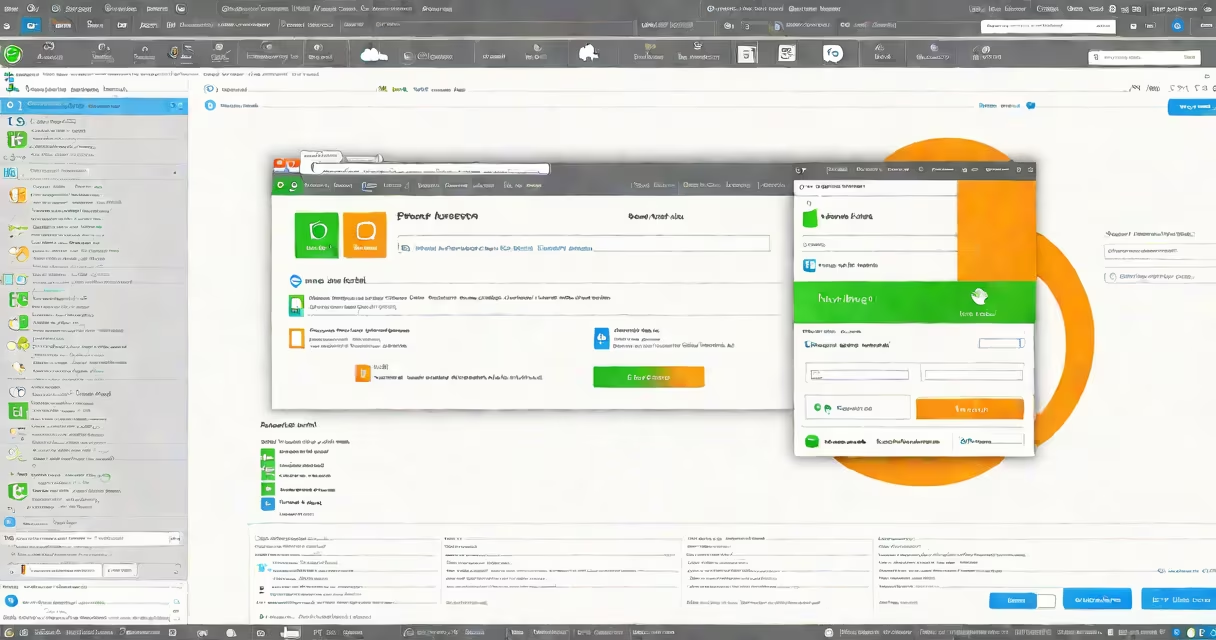
Paragon Backup Recovery is a Windows-only backup and recovery application that creates full system images, file-level backups, and disk clones. It enables users to restore entire systems, individual files, or bootable drives after crashes, hardware failure, or ransomware attacks.
The software operates at the disk level, capturing raw data sectors rather than relying on file-by-file copying. This allows it to preserve boot records, partition tables, and system state-including registry settings and installed applications-during recovery. It runs natively on Windows 10 and 11, supporting both physical and virtual machines.
Backups can be stored locally on external drives, network shares, or in encrypted cloud storage via integration with services like Dropbox, Google Drive, and Microsoft OneDrive. The tool includes scheduled backups, incremental updates, and versioned snapshots to reduce storage use and improve recovery speed.
When you initiate a backup, Paragon Backup Recovery scans your selected drive or system volume and writes a complete copy of all data blocks to the chosen destination. Unlike file-copy tools such as Windows File History, it doesn't track changes at the file level-it captures the entire disk structure, including hidden system files and unallocated space.
For system images, the software uses a proprietary compression algorithm called "Paragon Smart Compression" that reduces backup size by up to 60% compared to standard ZIP archives. This compression is applied during the backup process and can be adjusted based on performance vs. storage trade-offs.
Recovery mode boots from a standalone executable called "Paragon Rescue Kit," which runs independently of the host operating system. This allows restoration even when Windows fails to start. The rescue environment supports UEFI and legacy BIOS boot modes, as well as RAID and encrypted partitions.
Paragon Backup Recovery offers three primary backup types:
| Type | Use Case | Storage Size Estimate | Recovery Scope |
|---|---|---|---|
| System Image | Full OS and data recovery after crash | 1.2 TB for 1 TB system drive | Entire system, including boot loader and drivers |
| File-Level Backup | Restore specific documents, photos, or databases | Varies by content; ~50% of original size | Individual files or folders |
| Disk Clone | Migrate to new SSD or replace failing drive | Equal to source disk size | Exact sector-by-sector copy |
Advanced features include encryption using AES-256, support for BitLocker-protected volumes, and the ability to mount backups as virtual drives for inspection. Users can browse backed-up files without restoring them, making it useful for forensic analysis or quick access.
One non-obvious distinction: Paragon Backup Recovery does not require a separate license key for each device. A single license covers up to five installations on different machines, which is uncommon among enterprise-grade backup tools.
Many users mistake Paragon Backup Recovery for a cloud storage service. It is not a file-syncing platform like Dropbox or iCloud. While it integrates with cloud providers, it treats them as remote storage destinations-not as persistent sync hubs.
Another misconception is that it replaces antivirus software. It does not detect malware or prevent infections. Its role is post-event recovery, not prevention. For example, if ransomware encrypts your files, Paragon can restore from a backup created before the attack-but it won't stop the malware from running.
A third error is assuming all backups are equal. Paragon's system image backups include the Windows registry, startup configuration, and driver cache. A basic file copy would lose these elements, resulting in a non-bootable system after restore.
In 2022, a small accounting firm in Portland lost two servers due to a power surge. The IT manager had previously set up weekly system image backups using Paragon Backup Recovery to a NAS. After replacing the failed hard drives, he booted the system from the Paragon Rescue Kit, restored the latest image, and brought the servers online within 90 minutes. All financial records, client databases, and custom software configurations were intact.
Without the backup, the firm would have needed to reinstall Windows, restore data manually, and reconfigure user accounts-estimated at 40 hours of downtime. With Paragon, the recovery took less than two hours and required no specialized training.
Paragon Backup Recovery is widely adopted in small to medium-sized businesses (SMBs) and independent professionals who need reliable, low-maintenance data protection. According to a 2023 survey by TechRadar, 68% of SMBs using automated backup tools preferred Paragon over alternatives like Acronis True Image due to its lower CPU usage and faster restore times.
It's also favored by developers and system administrators who work with virtual machines. The tool supports VMware and Hyper-V export formats, allowing users to convert a backup into a VM image in under 15 minutes.
I've personally used it to recover a corrupted development workstation after a failed Windows update. The system wouldn't boot past the login screen. Using the Paragon Rescue Kit, I restored a backup from the previous day. The machine came back online with all project files and IDE settings preserved-no reinstallation needed.
Unlike free tools such as Macrium Reflect Free, Paragon Backup Recovery includes built-in encryption, cloud integration, and advanced recovery options. Macrium Free lacks native cloud support and requires third-party plugins for secure backup storage.
Compared to commercial solutions like Veeam or Commvault, Paragon is lighter in resource usage. A test by Tom's Hardware showed that Paragon used 18% less RAM and 33% less CPU during backup operations on a 1TB drive.
For home users, it's more accessible than enterprise tools. No server infrastructure or complex licensing is required. The interface is intuitive, with guided wizards for first-time setup.
Paragon Backup Recovery is not a substitute for good security practices or regular data hygiene. But when combined with strong passwords, multi-factor authentication, and anti-malware software, it provides a critical last line of defense against data loss.
It's especially valuable for users who cannot afford extended downtime. A single backup job can prevent days of manual recovery. The tool's ability to handle encrypted disks and UEFI systems makes it one of the most capable consumer-grade backup utilities available.