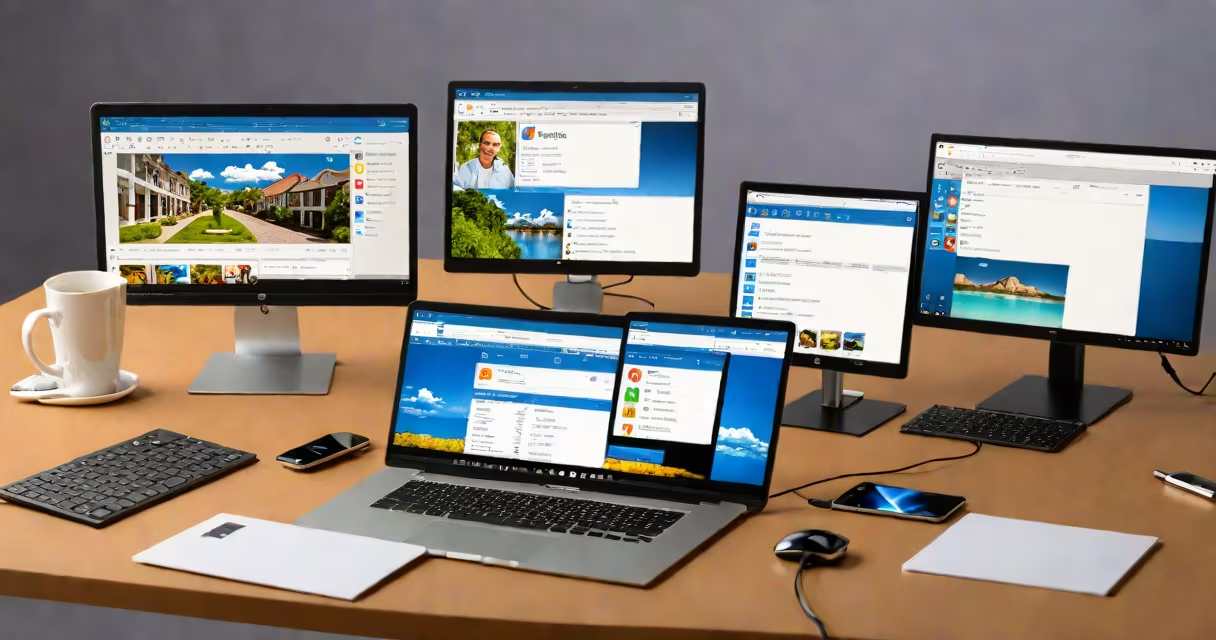
Free remote desktop software like TeamViewer provides secure, real-time access to another computer's desktop over the internet, enabling remote support, file transfers, and system management without requiring complex network setup.
These tools work by installing a lightweight client app on both the local machine (the one you're using) and the remote machine (the one you want to control). Once connected, your cursor movements, keystrokes, and screen updates are mirrored in real time. The connection uses end-to-end encryption and requires authentication-typically a unique ID and password-to prevent unauthorized access.
Unlike older solutions that required port forwarding or static IP addresses, modern free remote desktop software handles firewalls and NAT traversal automatically. This makes it ideal for home users, small businesses, and IT professionals who need quick access to systems across different networks.
When you launch a free remote desktop client, it registers the device with a central server. The remote machine runs a background service that listens for incoming connections. When you initiate a session, the client sends a request through the server to the target device. If the user on the remote machine approves the connection, a direct encrypted tunnel forms between the two machines.
This process avoids the need to manually configure routers or open firewall ports. The software handles NAT traversal using techniques like UDP hole punching and relay fallbacks. If a direct connection fails due to restrictive network settings, the traffic routes through the provider's servers temporarily, ensuring connectivity even behind corporate firewalls.
For example, a technician in New York can connect to a customer's Windows PC in Los Angeles using only the remote device's ID and a shared password. The session appears identical to being physically seated at the machine, including full access to peripherals like printers and USB drives.
Free remote desktop software varies in features, but most offer core capabilities such as:
Some tools provide additional functions like chat, session recording, or multi-user collaboration. However, free versions typically limit advanced features such as scheduled connections, centralized management, or integration with enterprise identity providers.
| Software | Platform Support | Unattended Access | File Transfer | Max Free Users |
|---|---|---|---|---|
| AnyDesk | Windows, macOS, Linux, Android, iOS | Yes (with setup) | Yes | 1 |
| TeamViewer | Windows, macOS, Linux, Android, iOS | Yes (limited in free tier) | Yes | 1 |
| Chrome Remote Desktop | Chrome OS, Windows, macOS, Linux, Android, iOS | No | Yes (via clipboard) | 1 |
| Remmina | Linux, Windows (via WSL) | Yes (manual setup) | Yes | 1 |
While TeamViewer and AnyDesk offer similar feature sets in their free tiers, Chrome Remote Desktop is limited to browser-based access and lacks unattended mode. Remmina is open-source and free but requires manual configuration for persistent access and is primarily used on Linux systems.
Many assume free remote desktop software is insecure because it relies on third-party servers. However, reputable tools like TeamViewer and AnyDesk use AES-256 encryption for data in transit and RSA-2048 for key exchange. All sessions are authenticated via a unique ID and password known only to authorized users.
A less obvious point: free remote desktop software often limits session duration or bandwidth usage. For example, TeamViewer's free personal license allows unlimited connection time but restricts high-resolution screen sharing and file transfer speeds above 1 Mbps. These limitations are not security measures-they're business model choices to encourage upgrades.
Another misconception is that these tools require administrative rights to install. While most do, some-like Chrome Remote Desktop-can be launched from a browser without installation. However, they still require user consent and cannot run in the background without explicit permission.
I once helped my mother troubleshoot a frozen Windows 10 laptop. She couldn't restart it, and her antivirus was blocking updates. I used AnyDesk to connect remotely after she granted access via the ID and password shown on her screen. Within five minutes, I accessed the command prompt, ran sfc /scannow, and cleared the update cache. The system rebooted normally.
The entire session took under ten minutes. No physical travel. No waiting for her to learn technical steps. The software handled network routing automatically-even though she was on a public Wi-Fi hotspot at a coffee shop.
This scenario illustrates why free remote desktop software like TeamViewer remains essential for non-technical users. It reduces downtime, eliminates the need for on-site visits, and enables immediate resolution of common issues.
Free remote desktop software is not the same as virtual private networks (VPNs). A VPN creates a secure tunnel for internet traffic, while remote desktop software replicates a desktop environment. You can't browse the web securely through a remote desktop session unless the remote machine has a separate encrypted connection.
It's also not a substitute for remote administration tools like PowerShell remoting or SSH. Those are designed for system administrators managing servers and require command-line expertise. Free remote desktop software targets end-users and technicians who need visual control.
Finally, it's not always free forever. Some services impose usage caps or disable features after a trial period. Always check the current terms of service. For example, TeamViewer's free license for personal use prohibits commercial use, and exceeding 10 hours of monthly connection time triggers a warning.
Free remote desktop software like TeamViewer delivers practical, secure access to distant computers without cost or complex setup. It's ideal for support, collaboration, and emergency fixes-especially when physical presence isn't feasible.