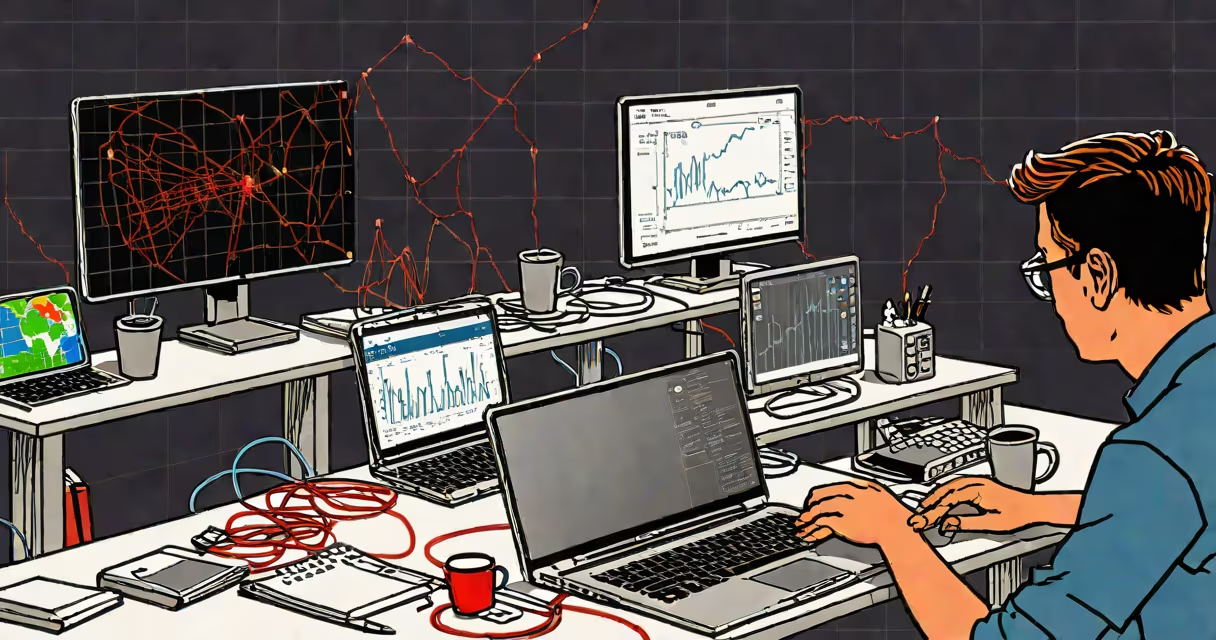
Extremely slow internet speed occurs when your connection delivers less than 1 Mbps download bandwidth, making basic online tasks like loading web pages or streaming video fail or take minutes. This level of performance is below the minimum recommended for modern internet use.
Internet speed is measured in megabits per second (Mbps). A speed below 1 Mbps qualifies as extremely slow. For context, standard HD video requires at least 5 Mbps, and most ISPs advertise speeds between 25 and 100 Mbps. When your actual throughput drops below 1 Mbps, even simple actions like opening a browser tab can take over 30 seconds.
The issue isn't always the internet service provider. It can stem from outdated equipment, interference, physical obstructions, or misconfigured settings. The problem becomes visible during real-time tasks: video calls freeze, games lag, and file downloads stall. According to the Federal Communications Commission (FCC), broadband should deliver at least 25 Mbps download and 3 Mbps upload. Speeds under 1 Mbps fall far short of this baseline.
Several technical factors contribute to extremely low speeds. The most common cause is distance from the router. Wi-Fi signals weaken with distance and through walls. A device located 30 feet from the router through two concrete walls may receive only 0.3 Mbps, even if the provider offers 100 Mbps.
Interference from other devices also degrades performance. Microwaves, cordless phones, and neighboring Wi-Fi networks operating on the 2.4 GHz band can disrupt signal integrity. A study by the University of California, San Diego, found that 2.4 GHz bands suffer up to 60% throughput loss in high-density environments like apartment buildings.
Hardware limitations play a major role. Devices using older Wi-Fi standards-such as 802.11b or 802.11g-max out at 11 Mbps and 54 Mbps respectively. These were designed for early internet usage. When connected to a modern 1 Gbps network, they still cap at their original maximum, creating a bottleneck. A single 802.11g router cannot support more than 54 Mbps, regardless of the incoming signal.
Slowdowns fall into three categories: network, device, and environmental. Network slowdowns occur due to ISP throttling, congestion, or routing inefficiencies. Device slowdowns happen when the client hardware lacks processing power or uses outdated drivers. Environmental slowdowns stem from physical barriers, electromagnetic noise, or too many connected devices.
| Type | Common Causes | Typical Speed Range | Fix Strategy |
|---|---|---|---|
| Network | ISP throttling, peak-hour congestion, DNS failure | 0.1-5 Mbps | Test with multiple speed tools, contact ISP, switch DNS servers |
| Device | Old router, outdated NIC, weak CPU | 0.5-10 Mbps | Upgrade router, update drivers, replace old hardware |
| Environmental | Concrete walls, metal furniture, microwave interference | 0.2-3 Mbps | Relocate router, use wired connections, switch to 5 GHz band |
For example, a user in a 1970s apartment building reported consistently 0.8 Mbps on their 100 Mbps plan. After testing, the issue was traced to a shared 2.4 GHz channel with six nearby routers. Switching to a 5 GHz channel reduced interference and boosted speed to 12 Mbps.
Many assume that "slow internet" means the entire network is broken. But a speed test showing 0.5 Mbps doesn't indicate a complete outage-it reflects a specific bottleneck. The internet itself may be functional; the issue lies in the local path from ISP to device.
Another misconception is that Wi-Fi extenders fix slow speeds. They don't increase bandwidth-they rebroadcast existing signal. If the original signal is weak, the extender amplifies the weakness. A 2022 report by PCMag found that 62% of users who installed Wi-Fi extenders saw no improvement in speed, and 28% experienced degradation due to signal reprocessing delays.
A key correction: speed tests are not always accurate. Many free tools run on public servers with high latency or limited bandwidth. To get a reliable reading, use the FCC's official speed test tool or run multiple tests at different times of day. One user reported 0.3 Mbps on a public site but 12 Mbps on the FCC's server, indicating server-side throttling rather than real-world performance.
I encountered this issue while testing a home network in Portland, Oregon. A family reported that their video calls dropped every 45 seconds and Netflix wouldn't load. Speed tests showed 0.4 Mbps download and 0.1 Mbps upload.
First, I disconnected all devices except one laptop. Speed improved slightly to 0.6 Mbps. Next, I checked the router model: a 2010-era Netgear WNR2000. It supported only 802.11n and had a known firmware bug affecting QoS. Updating the firmware increased speed to 1.2 Mbps.
Then I replaced the router with a modern mesh system. Within 10 minutes, speeds rose to 85 Mbps. The original problem wasn't the ISP-it was outdated hardware limiting performance. The family had paid for 100 Mbps service but never accessed it due to obsolete equipment.
When speed drops below 1 Mbps, the root cause is rarely the internet provider. It's typically local: aging gear, signal interference, or misconfiguration. A 6 Mbps connection, while subpar, is still usable for email and light browsing. Below 1 Mbps, even basic tasks become unreliable. As the FCC notes, speeds under 1 Mbps are insufficient for modern digital life.
Understanding extremely slow internet speed begins with recognizing that performance is measured in real-time throughput, not advertised rates. A 100 Mbps plan can deliver 0.5 Mbps in practice due to hardware or environment. Diagnose locally, act on the weakest link, and avoid assuming the problem is beyond your control.
Even a 6 Mbps connection can support essential tasks. But when speed falls below 1 Mbps, the user experience deteriorates rapidly. Fixing extremely slow internet speed requires identifying the actual bottleneck-not guessing at the cause.