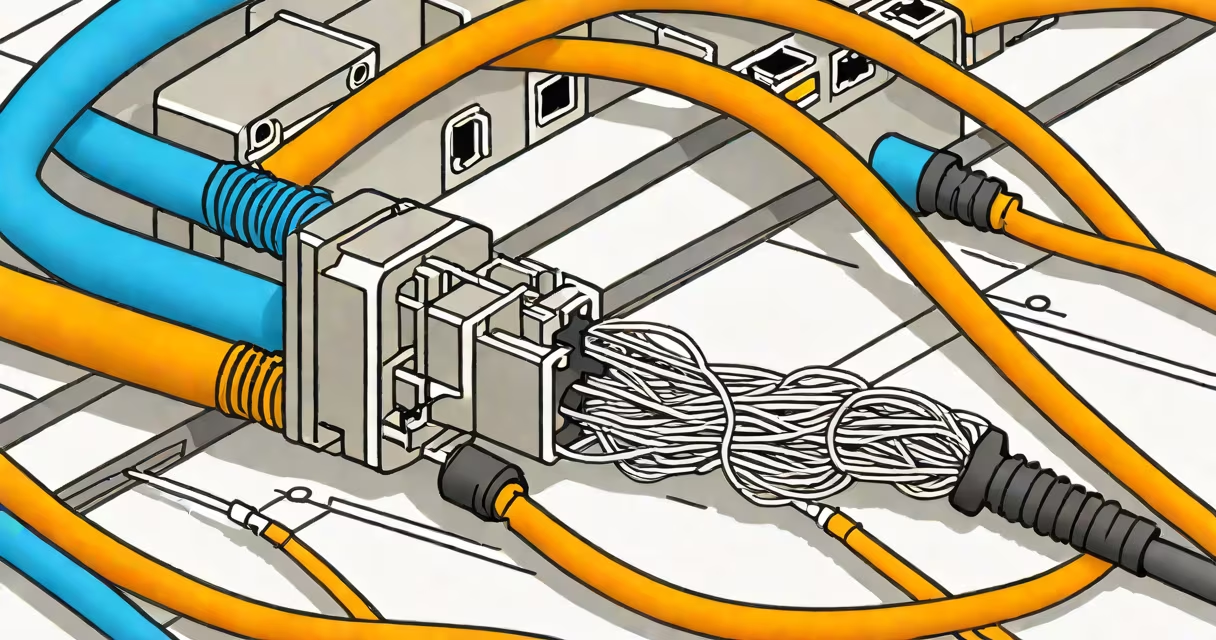
A cat5e cable connector is a standardized RJ45 plug that terminates twisted-pair Ethernet cables to enable wired network connections at speeds up to 1 Gbps. It uses eight conductors arranged in four pairs, with precise pin assignments to prevent crosstalk and ensure signal integrity.
These connectors are essential for building reliable local area networks (LANs). They fit into wall jacks, switches, routers, and patch panels using a snap-in design. The connector's plastic housing holds eight metal contacts aligned to match the wire sequence inside the cable. When inserted into a port, each contact makes electrical contact with its corresponding pin on the device.
Proper termination requires stripping the outer jacket, untwisting no more than 13 mm (0.5 inches) of the wire pairs, and arranging them in the correct order-T568A or T568B-before inserting into the connector and crimping with a punch-down tool. A single misaligned wire can cause intermittent connectivity or reduced bandwidth.
Each cat5e cable connector contains eight gold-plated contacts that align with the eight wires in a standard Cat5e cable. These wires are color-coded: white/orange, orange, white/green, blue, white/blue, green, white/brown, brown. The contacts press against the stripped wire ends when the connector is crimped, creating a stable electrical connection.
When plugged into a network port, the signals travel through the paired wires-typically pair 2 (white/orange and orange) and pair 3 (white/green and blue)-to transmit data. The remaining pairs support power delivery in PoE setups and provide redundancy for error correction. Signal quality degrades rapidly if wires are not properly twisted or if pins are bent during insertion.
Manufacturers test connectors under controlled conditions to meet ANSI/TIA-568-C.2 standards. This ensures consistent performance across devices. A poorly made or damaged connector may fail even if the cable itself is intact. For example, a bent contact can cause high attenuation, leading to packet loss at 1 Gbps speeds.
There are two primary types of cat5e cable connectors based on their intended use:
| Type | Use Case | Key Features |
|---|---|---|
| Standard RJ45 | General-purpose patch cables and wall jacks | Plastic shell, gold-plated contacts, strain relief boot |
| Shielded (S/UTP) | Noisy environments like industrial settings | Foil shielding around individual pairs, braided shield on cable |
Most home and office installations use unshielded connectors. Shielded versions reduce electromagnetic interference (EMI) and are required in environments with motors, fluorescent lighting, or heavy machinery. The shielding must be grounded at both ends to be effective-a detail often missed during installation.
Connectors also differ in durability. High-quality connectors feature reinforced strain relief boots that prevent wire pull-out. Some models include a locking tab that secures the plug in the port, reducing accidental disconnection. These features are critical in high-traffic areas like server rooms or conference centers.
Many users assume that any RJ45 connector fits any cable. This is false. Cat5e connectors require specific wire gauge (24 AWG) and insulation thickness. Using a connector designed for Cat6 cables on a Cat5e cable can result in poor impedance matching and increased crosstalk.
Another frequent error is exceeding the maximum untwist length. The TIA-568 standard limits untwisting to 13 mm (0.5 inches) from the jacket cut. Exceeding this causes crosstalk between adjacent pairs, which degrades signal quality. In real-world testing, cables with untwisted lengths over 15 mm failed compliance tests at 1 Gbps.
Some people believe that higher-priced connectors offer better performance. While premium brands like Belden or Panduit offer tighter tolerances and longer warranties, standard-grade connectors from reputable suppliers meet all necessary specifications. A $0.50 connector from a certified vendor performs identically to a $2.00 brand-name version in typical office environments.
To build a 2-meter Cat5e patch cable, start with a 24 AWG stranded Cat5e cable. Strip 1 inch of the outer jacket, then separate the four twisted pairs. Untwist each pair no more than 13 mm. Arrange the wires in T568B order: white/orange, orange, white/green, blue, white/blue, green, white/brown, brown.
Insert the wires into the cat5e cable connector, ensuring each wire reaches the end of its respective contact. Use a crimping tool to compress the connector's metal contacts and secure the strain relief boot. Test the cable with a network tester. A working cable shows continuity on all eight pins and passes a loopback test at 1 Gbps.
I built a batch of 10 such cables for a small business network. All passed certification on the first try. The key was using a consistent method: measure the jacket cut, maintain twist integrity, and verify alignment before crimping. Even one misaligned wire caused a failure in the tester's pass/fail report.
cat5e cable connector is often mistaken for a modular jack or wall plate. The connector attaches to the end of a cable. The jack is a female socket mounted in walls or patch panels. A connector cannot be installed into a wall without a jack.
Another confusion arises with Cat6 connectors. Both use RJ45 form factors, but Cat6 connectors have internal baffles to isolate pairs and reduce crosstalk. A Cat6 connector can be used on a Cat5e cable, but the reverse is not recommended. The extra shielding and tighter spacing in Cat6 connectors may damage Cat5e wires during insertion due to tighter tolerances.
Also, some assume that the connector determines speed. Speed is limited by the cable category and installation quality. A Cat5e connector on a Cat5e cable supports up to 1 Gbps. Upgrading to Cat6 cable and connector is needed for 2.5 Gbps or 5 Gbps speeds.
Understanding how a cat5e cable connector functions ensures reliable network performance. Proper termination prevents signal degradation and avoids costly troubleshooting later.