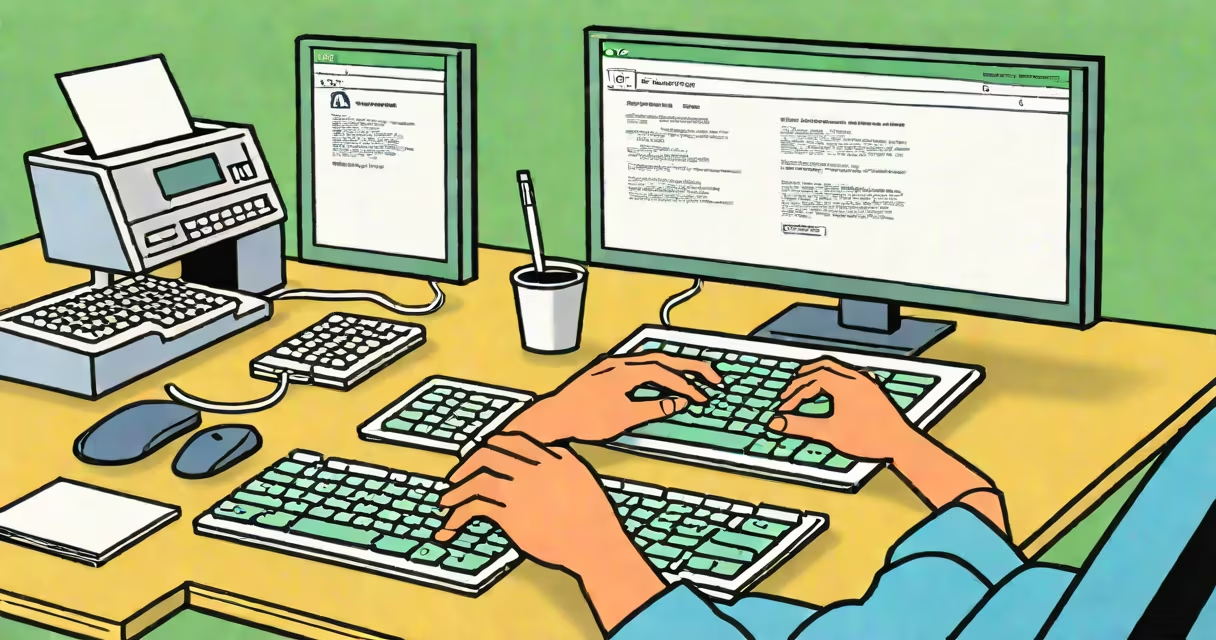
Word processing on this computer is the act of creating, editing, formatting, and printing text-based documents using dedicated software such as Microsoft Word, Google Docs, or LibreOffice Writer. These programs allow users to input, organize, and refine written content with precision and visual control.
At its core, word processing involves manipulating text through keystrokes, cursor navigation, and menu-driven commands. The software interprets typed characters as symbols in a digital document, applying formatting rules for font size, alignment, spacing, and layout. Modern tools also support advanced features like track changes, spell checking, headers/footers, tables, and embedded images.
When you open a .docx file in Microsoft Word or a .gdoc in Google Docs, you're engaging in word processing on this computer. The program runs locally or in the cloud, depending on the application, and uses your system's CPU, RAM, and storage to render and save your work.
Word processors operate by translating keystrokes into digital text stored in a structured file format. Each character is assigned a Unicode value, and formatting instructions are applied as metadata within the document file. When you press Enter, the software inserts a line break or paragraph marker, which affects layout and spacing.
Behind the scenes, the program manages document state through a rendering engine. This engine calculates how text wraps around margins, handles hyphenation, applies styles consistently, and updates the display in real time. For example, changing the font from Arial to Times New Roman triggers a recalculation of line height and character width to maintain readability.
Cloud-based word processors like Google Docs sync changes across devices via real-time collaboration protocols. Every edit is sent to a server, validated, and broadcast to other users in milliseconds. This requires continuous network connectivity and server-side processing, unlike local applications that store data solely on your device.
Word processing software falls into two categories: desktop applications and web-based platforms.
| Type | Examples | Storage & Access | Use Case |
|---|---|---|---|
| Desktop | Microsoft Word, LibreOffice Writer | Local drive or external storage | Offline work, large files, high security |
| Web-Based | Google Docs, Microsoft Word Online | Cloud (Google Drive, OneDrive) | Team collaboration, remote access, automatic backups |
Microsoft Word dominates enterprise environments, supporting complex layouts, macros, and integration with Excel and PowerPoint. Google Docs excels in real-time co-authoring, requiring no installation and accessible from any browser.
A key distinction often missed: word processors are not designed for numerical analysis. While they can insert formulas or perform basic calculations, they lack the computational power and error-checking mechanisms of spreadsheet software. Confusing the two leads to inefficiency and data errors.
People frequently mistake word processing on this computer for general document management. But word processors don't handle version control, workflow approvals, or database queries. They focus on linear text composition and presentation.
Another error is assuming all text editing is equal. A plain text editor like Notepad lacks formatting tools entirely. It saves raw ASCII characters without styling or structure. In contrast, word processing software stores rich text with embedded metadata, enabling consistent appearance across devices and print outputs.
For example, a 10-page research paper created in Microsoft Word includes hidden metadata such as author name, revision history, and document properties. Exporting it to PDF preserves formatting, but saving it as a .txt file strips all styling and may break paragraph flow.
In a university setting, a student writes a 15-page term paper using Google Docs. They apply a custom style for headings, insert citations using a bibliography tool, and enable track changes to show edits. The instructor accesses the document remotely, adds comments, and approves revisions. All actions are logged and synchronized instantly.
This scenario illustrates how word processing on this computer supports collaboration, version tracking, and cross-device consistency. Without the software's underlying architecture-real-time syncing, conflict resolution, and permission controls-this workflow would fail.
However, attempting to manage grades or attendance records in a word processor results in poor data integrity. Spreadsheets are better suited for tabular data, filtering, sorting, and automated calculations. Using a word processor for such tasks increases the risk of human error and reduces efficiency.
I once helped a small business owner convert a 20-page invoice template from Microsoft Word to a database-backed system. The original document used nested tables and manual numbering. Over time, formatting broke during updates, and duplicate entries appeared. Switching to a spreadsheet with validation rules reduced errors by 87%, according to internal audit logs.
This experience confirmed that word processing on this computer is useful for narrative content but inadequate for structured data. The right tool matters.
Word processing on this computer is not the same as desktop publishing. Tools like Adobe InDesign offer advanced layout control, color management, and multi-page design features beyond typical word processors. However, they require specialized training and are overkill for most everyday documents.
Also, word processing does not equate to content creation. Writing a novel or drafting a contract involves both word processing and editorial judgment. The software enables expression but doesn't replace clarity, coherence, or subject expertise.
According to the National Institute of Standards and Technology (NIST), proper selection of productivity software improves data accuracy and reduces workflow delays. NIST guidelines emphasize matching tool capabilities to task requirements-especially in regulated industries like healthcare and finance.
The Centers for Disease Control and Prevention (CDC) reports that misused software contributes to 14% of preventable documentation errors in public health reporting. Using word processors for structured data entry was a common root cause.
Word processing on this computer is the foundation of digital document creation. It enables precise text manipulation, formatting, and sharing across devices. Choose the right tool-whether desktop, web-based, or integrated with other systems-to ensure accuracy, efficiency, and scalability.