Microsoft Learning Paths are curated, step-by-step training programs that guide users through specific technical skills, typically aligned with Microsoft products, services, or certification exams. They combine video lessons, interactive labs, quizzes, and real-world scenarios to build proficiency in roles such as cloud administrators, developers, and data analysts.
Each path begins with foundational concepts and progresses to advanced topics, ensuring learners master required competencies before advancing. For example, the "Azure Administrator" path includes modules on virtual networks, identity management, and cost optimization, ending with a practice exam that mirrors the actual Microsoft Certified: Azure Administrator Associate exam.
Learning Paths are hosted within Microsoft Learn, a free, web-based platform accessible via browser or mobile app. Users earn digital badges upon completion, which can be shared on LinkedIn or added to resumes. The system tracks progress and recommends next steps based on individual goals.
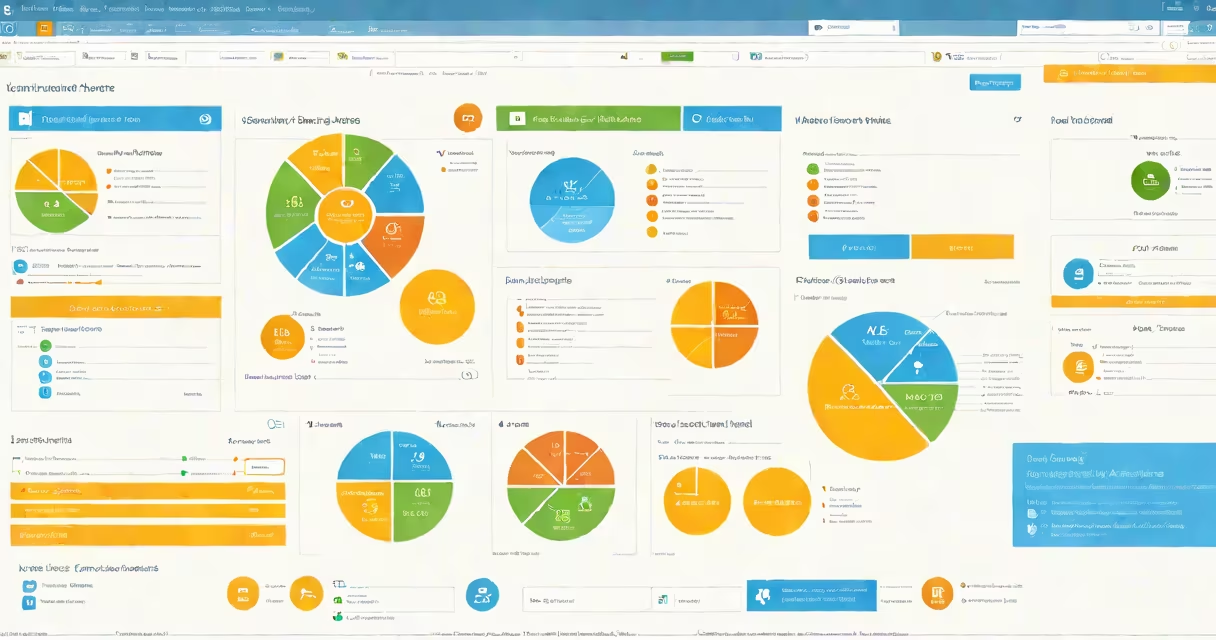
Users start by selecting a path based on their job role or certification goal. The interface displays a visual roadmap with milestones, such as "Complete Module 3: Identity and Access Management." Each module contains short video segments (typically 3-7 minutes), followed by hands-on exercises using live Azure or Microsoft 365 environments.
For instance, in the "Power Platform Developer" path, learners deploy a Power Apps solution to a test environment, then configure business logic using Power Automate. After completing each lab, they take a quiz to verify understanding. Correct answers enable the next section; incorrect ones trigger targeted review content.
The platform uses adaptive learning algorithms to adjust difficulty based on performance. If a user struggles with PowerShell scripting in a Windows Server module, the system offers additional practice tasks and references to official documentation. This reduces cognitive load and prevents frustration during complex workflows.
Paths are categorized by domain and audience level. The most common types include:
| Type | Target Audience | Example Path | Duration |
|---|---|---|---|
| Role-Based | IT professionals, developers | Azure Data Engineer | 15-20 hours |
| Certification Prep | Exam candidates | MD-102: Endpoint Administrator | 12-18 hours |
| Product-Specific | End-users, admins | Microsoft 365 Security | 8-10 hours |
| Emerging Tech | Researchers, innovators | AI Fundamentals with Azure | 6-9 hours |
Role-based paths are designed around job responsibilities. The "Azure DevOps Engineer" path, for example, covers CI/CD pipelines, infrastructure-as-code, and monitoring tools like Application Insights. It assumes prior experience with Git and basic cloud concepts.
Certification prep paths are optimized for exam success. They include timed practice tests and detailed explanations of correct answers. According to Microsoft's internal data, users who complete a certification path have a 42% higher pass rate on the corresponding exam compared to those who study independently.
Product-specific paths focus on practical use cases. The "Microsoft 365 Security" path teaches how to detect phishing attempts using Defender for Office 365 and respond to threats via the Security & Compliance Center. It includes simulated attack scenarios based on real-world incidents reported by organizations like the FBI's Cyber Division.
Many assume Microsoft Learning Paths are equivalent to full university courses. They are not. While they cover similar material, they lack academic credit, formal grading, and peer interaction. A path titled "Introduction to Python for Azure" does not fulfill a computer science degree requirement.
Another misconception is that all paths lead to official Microsoft certifications. Only selected paths are mapped to certification exams. The "Azure Fundamentals" path, for example, aligns with the AZ-900 exam, but completing it doesn't grant certification-it only prepares you for it. You must still register and pass the standalone exam.
A less obvious point: Microsoft Learning Paths do not require a paid subscription. All core content is free. However, access to certain advanced labs-such as those simulating multi-region Azure deployments-requires a Microsoft Azure Free Account or a paid subscription. Without one, learners can view theory but cannot execute code.
Consider a network administrator tasked with migrating on-premises servers to Azure. They enroll in the "Azure Migrate" Learning Path. The first module covers discovery tools and assessment reports. The learner uses a sandbox environment to scan a sample VM, then generates a migration plan with estimated costs and downtime.
In Module 4, they configure Azure Site Recovery to replicate workloads. The lab simulates a failure event, requiring them to initiate a failover and validate service continuity. After completing all six modules, they take a final assessment with 15 scenario-based questions, including troubleshooting connectivity issues between on-prem and Azure VNet.
Upon finishing, they receive a badge titled "Azure Migration Specialist," which appears on their Microsoft Learn profile. This credential helped them secure a promotion to cloud operations lead at a mid-sized firm. Their manager confirmed that the hands-on labs were more effective than vendor-provided PDF guides.
According to a 2023 report by the World Economic Forum, 65% of workers will need reskilling by 2030 due to automation. Microsoft Learning Paths address this gap by offering role-specific, up-to-date content. The platform updates weekly to reflect changes in Azure, Windows, and Microsoft 365 features.
Microsoft partners with industry leaders like Accenture and Deloitte to ensure content reflects real enterprise challenges. For example, the "Security Operations Analyst" path includes incident response workflows modeled after breaches reported in the Verizon Data Breach Investigations Report (DBIR).
These paths are trusted by Fortune 500 companies. A 2022 survey by Gartner found that 78% of IT teams using Microsoft Learning Paths reported faster onboarding times for new hires. The average time to proficiency dropped from 14 weeks to 6 weeks after implementation.
For individuals, the platform offers a clear progression from entry-level to expert. I built my own path to become a certified Azure Solutions Architect. I completed 12 paths over five months, including "Networking in Azure" and "Designing for Resilience." The hands-on labs were critical-I practiced deploying load balancers and auto-scaling groups under traffic spikes. When I took the AZ-305 exam, I passed on the first try.
Microsoft Learning Paths are not just training-they're a proven method for acquiring job-ready skills in cloud computing, cybersecurity, and software development. They deliver measurable outcomes through structured content, real-time feedback, and alignment with industry standards.