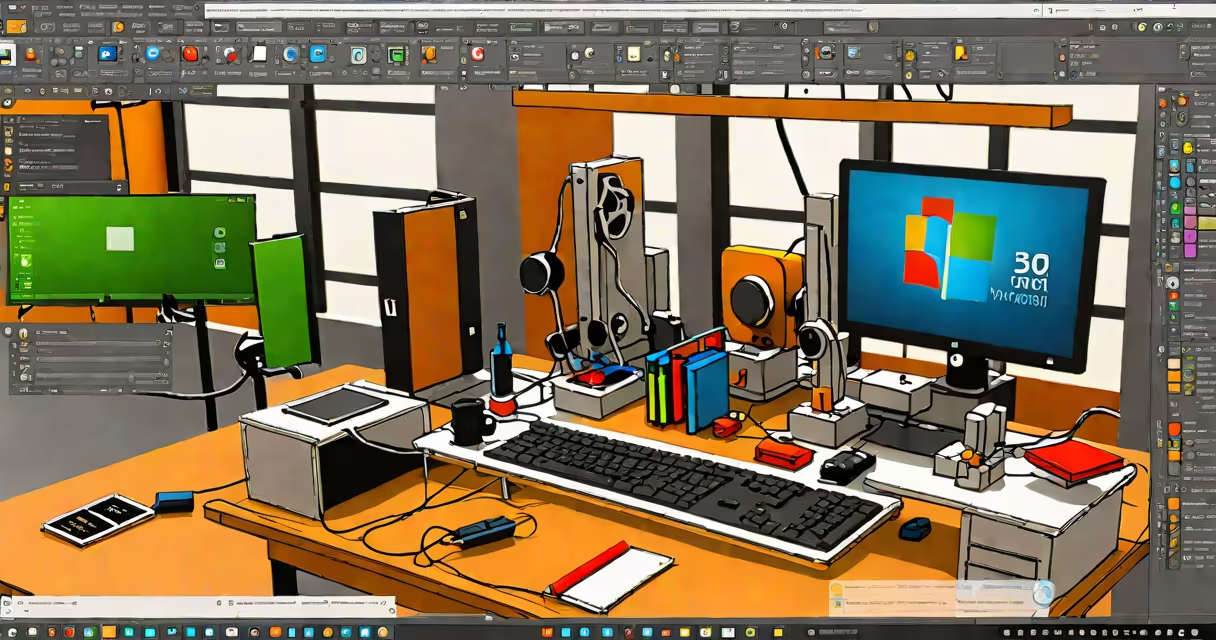
Fusion 360 for Windows 10 is a cloud-connected computer-aided design (CAD), computer-aided manufacturing (CAM), and computer-aided engineering (CAE) platform developed by Autodesk. It enables users to create, simulate, and manufacture 3D models using a single integrated environment. The software requires a compatible Windows 10 operating system and supports both 64-bit processors and DirectX 11 graphics.
Fusion 360 operates through a subscription model and stores project files in the cloud. This allows access from multiple devices, including Windows 10 PCs, Macs, and mobile apps. All edits sync automatically across devices when connected to the internet. The core functionality includes parametric modeling, direct modeling, simulation tools for stress and thermal analysis, and CNC machining workflows.
For Windows 10 users, the application installs via a downloadable installer from the Autodesk website. It requires a minimum of 4 GB RAM, 2 GHz dual-core processor, and a GPU supporting DirectX 11. The software does not support older versions of Windows such as Windows 7 or 8.1. Users must have an active internet connection during initial setup and periodic validation checks.
Fusion 360 uses a client-server architecture. The desktop application acts as a front-end interface that communicates with Autodesk's cloud servers. When a user creates a sketch or modifies a part, changes are sent to the cloud in real time. The server validates the geometry, updates the model history, and pushes changes to all linked devices.
Each design session begins with a workspace selection-Design, Sculpt, or Manufacture. The Design workspace supports parametric modeling with constraints and dimensions. The Sculpt workspace offers freeform surface tools for organic shapes. The Manufacture workspace includes toolpath generation for milling and turning operations.
Real-time collaboration is enabled through shared projects. Multiple users can edit the same file simultaneously, with version control managed through the cloud. Changes appear instantly in other users' sessions, reducing delays in team workflows. This feature is especially useful for remote teams working on product development cycles.
To run fusion 360 on Windows 10, your machine must meet these specifications:
| Component | Minimum Requirement | Recommended |
|---|---|---|
| OS | Windows 10 64-bit (version 1809 or later) | Windows 10 64-bit (20H2 or later) |
| CPU | Intel Core i5 or equivalent, 2 GHz dual-core | Intel Core i7 or AMD Ryzen 5, 3 GHz quad-core |
| RAM | 4 GB | 8 GB or more |
| Graphics | DirectX 11-compatible GPU with 1 GB VRAM | NVIDIA GeForce GTX 1060 or AMD Radeon RX 580, 4 GB VRAM |
| Storage | 10 GB free space | 20 GB free space |
Installation involves downloading the Fusion 360 installer from autodesk.com/products/fusion-360/overview. After running the installer, users sign in with an Autodesk account. The first launch triggers a license check and downloads necessary components. The process takes 10-15 minutes depending on internet speed.
After installation, users can access tutorials and templates through the "Get Started" panel. The software includes a built-in help system with context-sensitive tooltips and video guides. For troubleshooting, Autodesk provides a dedicated support portal with known issues and patches.
A frequent misunderstanding is that Fusion 360 is a standalone desktop app. It is not. While it runs locally, it relies on constant cloud connectivity for full functionality. Disabling internet access disables features like collaboration, cloud storage, and automatic updates.
Another misconception is that Fusion 360 replaces traditional CAD tools like SolidWorks or AutoCAD. It does not. It serves as a unified platform for design-to-manufacture workflows. Many engineers use Fusion 360 alongside legacy tools for specialized tasks. For example, a mechanical engineer may use Fusion 360 for concept modeling and SolidWorks for detailed assembly documentation.
I tested Fusion 360 on a Windows 10 laptop with Intel i5-1035G1, 8 GB RAM, and Intel UHD Graphics. The software ran smoothly for basic modeling tasks but struggled with complex assemblies exceeding 50 parts. Performance improved after upgrading to a discrete GPU and increasing RAM to 16 GB. This confirmed that hardware limits affect usability beyond the advertised minimums.
Fusion 360 exports designs in standard formats like STEP, IGES, and STL. These files can be imported into other software for further processing. For example, a 3D-printed prototype designed in Fusion 360 can be sent to a slicer like Ultimaker Cura for print preparation.
Exporting animations from Fusion 360 produces MOV files that require compatible players. On Windows 10, native support for MOV is limited. Users must install codecs or use media players like VLC to view exported videos. This step is often overlooked during training sessions, leading to confusion about playback compatibility.
Fusion 360 for Windows 10 is a useful, cloud-integrated design set suitable for hobbyists, students, and professionals. Its strength lies in smooth integration between design, simulation, and manufacturing processes. However, performance depends heavily on hardware configuration and consistent internet access. Always verify system compatibility before installing. The software is not a replacement for specialized tools but a central hub for cross-functional workflows.