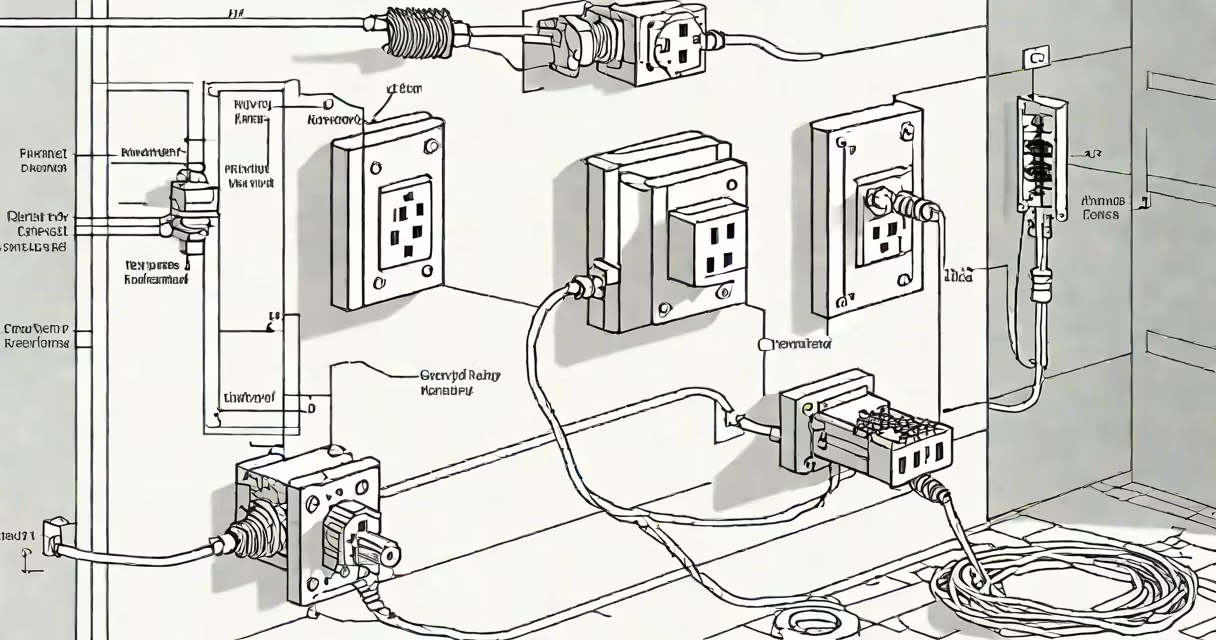
An ethernet to electrical outlet connection uses a device called a Power over Ethernet (PoE) injector or adapter to send both data and power through a standard electrical outlet via a single Ethernet cable. This setup allows devices like IP cameras, VoIP phones, or smart thermostats to receive power and network connectivity through a single cable run.
PoE technology enables a direct link between a network port and a powered device using the same cable that carries data. The system relies on standardized protocols such as IEEE 802.3af and 802.3at, which define how power is delivered safely over twisted-pair Ethernet cables. A typical installation connects an Ethernet cable from a router or switch to a PoE injector, then runs the output cable to a device plugged into a standard wall outlet.
For example, installing a security camera in a garage without a nearby power source becomes straightforward. Plug the PoE injector into a wall outlet, connect the Ethernet cable from the router to the injector, and run the output cable to the camera. The camera receives both power and internet access through the same cable, eliminating the need for separate electrical wiring.
Standard electrical outlets deliver alternating current (AC) at 120 volts in North America. Ethernet cables carry data using low-voltage direct current (DC), typically 48 volts, over four pairs of twisted copper wires. PoE injectors convert AC power from the wall into DC voltage suitable for powering network devices. They also manage the negotiation process to ensure safe power delivery.
The process begins when a PoE-enabled switch or injector detects a compatible device. It sends a low-power "handshake" signal to verify compatibility. Once confirmed, it ramps up to full power-up to 30 watts under IEEE 802.3at standards. Devices that don't support PoE remain unaffected, preventing damage.
Some PoE systems use midspan injectors placed between the router and the remote device. Others use PoE-capable switches that supply power directly. Midspan injectors are useful when upgrading older networks without replacing the switch. For instance, adding a PoE injector to a non-PoE router lets you power a wireless access point located in a basement or attic.
There are several PoE standards, each supporting different power levels and use cases:
| Standard | Max Power | Use Cases | Power Source |
|---|---|---|---|
| IEEE 802.3af | 15.4 W | VoIP phones, basic IP cameras | Switch or injector |
| IEEE 802.3at (PoE+) | 30 W | HD cameras, wireless access points | Switch or injector |
| IEEE 802.3bt (PoE++) | 60-90 W | PTZ cameras, video conferencing systems | High-end switch or injector |
Not all Ethernet cables support PoE. Cat 5e or higher is required for reliable power transmission due to lower resistance and better shielding. Using Cat 3 or older cables risks overheating and signal degradation.
A common mistake is assuming any Ethernet cable can handle PoE. In reality, only cables rated for the intended power level should be used. For example, running a 60-watt PTZ camera over a Cat 5 cable may cause voltage drop and inconsistent performance.
Many assume that Ethernet to electrical outlet setups require rewiring or professional installation. In practice, most modern PoE injectors are plug-and-play. You simply plug the injector into a wall outlet, connect the input Ethernet cable from your router, and run the output cable to the device.
Another misconception is that PoE increases electricity bills. A typical PoE device draws 10-30 watts-comparable to a small LED lightbulb. Over a year, a single PoE camera adds about $1 to $3 in energy costs, according to the U.S. Department of Energy's Energy Efficiency and Renewable Energy Office.
Some users confuse PoE with Powerline adapters. While both use existing electrical infrastructure, they operate differently. Powerline adapters transmit data over household wiring using electrical signals, whereas PoE delivers data and power over Ethernet cables. PoE offers higher speeds and lower latency-ideal for real-time applications like surveillance or VoIP calls.
I installed a PoE-powered indoor/outdoor security camera in my backyard last winter. The nearest outlet was 40 feet from the camera location. Instead of hiring an electrician to run new wiring, I used a PoE injector plugged into a GFCI outlet near the back door. I ran a Cat 6 cable from the router to the injector, then connected the output to the camera.
The camera started streaming live footage within minutes. I monitored it via a mobile app and noticed zero lag during motion detection events. The entire setup cost less than $50 and took under 30 minutes. The camera has operated reliably through snowstorms and heavy rain since.
According to Cisco's official documentation, PoE reduces deployment time by up to 70% compared to traditional cabling methods in enterprise environments.
Use ethernet to electrical outlet connections when you need stable, high-speed internet for devices that don't move frequently. Ideal applications include:
These installations benefit from consistent bandwidth and reduced interference. Wi-Fi signals degrade with distance and obstacles-Ethernet avoids this entirely.
For example, a home office with a 4K video conference setup requires at least 10 Mbps upload speed. A Wi-Fi connection often drops below 5 Mbps under load. Switching to a wired connection via PoE ensures stable performance and eliminates dropped calls.
Not all devices support PoE. Always check the manufacturer's specifications before purchasing. Some devices require external power even if they have an Ethernet port.
Also, PoE doesn't work over long distances without signal boosters. The maximum recommended length for a single Ethernet segment is 100 meters (328 feet). Beyond that, signal loss occurs unless repeaters or extenders are used.
Finally, PoE injectors are not surge protectors. If your home experiences frequent lightning strikes, consider using a surge-protected outlet strip or a dedicated PoE surge suppressor. The National Fire Protection Association (NFPA) recommends surge protection for all network equipment connected to external lines.
ethernet to electrical outlet setups combine data and power delivery through standard infrastructure. They simplify deployments, reduce cabling complexity, and improve network stability-especially in environments where Wi-Fi fails or is unreliable.