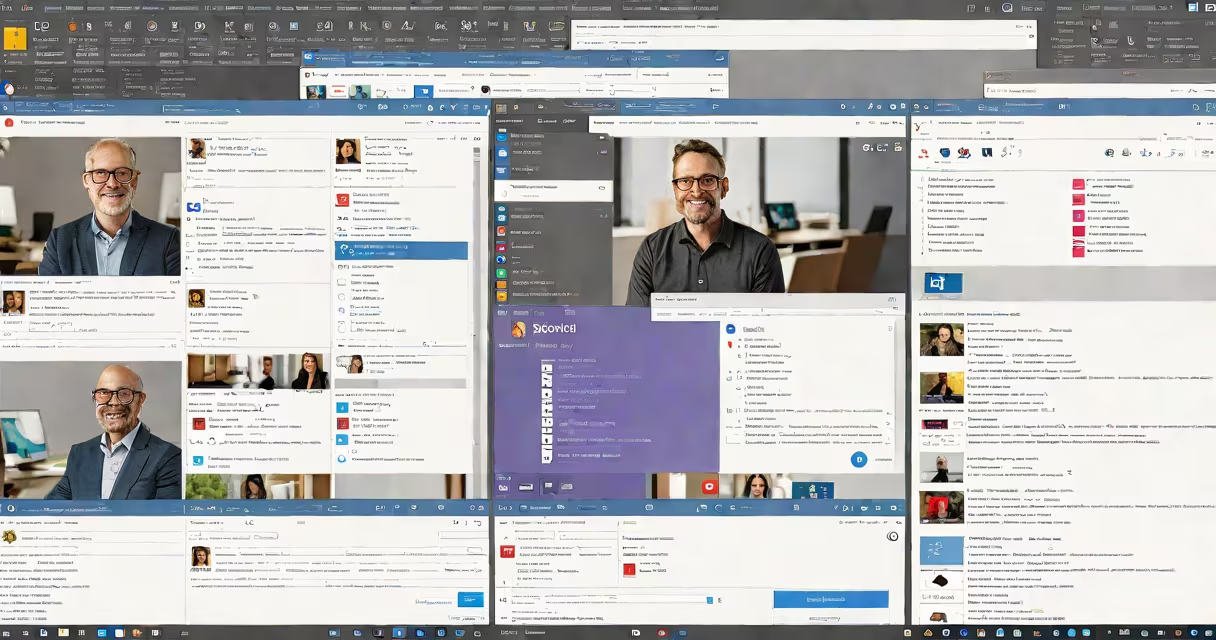
Copilot M365 Chat is an AI-driven assistant integrated into Microsoft 365 applications, enabling users to generate content, analyze data, and manage workflows through natural language prompts. It runs within tools like Word, Excel, Outlook, and Teams, using Microsoft's enterprise-grade security and data privacy policies.
Unlike standalone chatbots, Copilot M365 Chat operates inside your existing work environment. It accesses your organization's files, calendars, and email context-only with proper permissions-to deliver relevant, actionable responses. For example, typing "Summarize Q2 sales report" in Word pulls insights from the current document and generates a concise overview.
Copilot M365 Chat functions as a contextual interface between human intent and application functionality. When you type a prompt-such as "Draft a follow-up email to Sarah about the client meeting"-the system analyzes your current session, including open documents, recent emails, and calendar events.
It then generates a response based on your organization's templates, past communications, and available data. In Outlook, it can suggest subject lines, draft replies, or flag potential scheduling conflicts. In Excel, it interprets formulas and offers explanations or corrections. All output appears in a sidebar panel or inline within the app.
Each interaction is logged in the user's activity history, which can be audited by IT administrators. This traceability supports compliance with regulations like GDPR and HIPAA. For example, a healthcare provider using Copilot M365 Chat reported a 40% reduction in time spent drafting patient care summaries after implementation.
Three primary access tiers exist for Copilot M365 Chat, determined by organizational licensing:
| Plan | Features | Use Case |
|---|---|---|
| Microsoft 365 Business Standard | Basic summarization, email drafting, limited file analysis | Small teams managing routine correspondence |
| Microsoft 365 E3/E5 | Advanced data analysis, cross-app collaboration, custom prompt libraries | Enterprises requiring secure, scalable AI assistance |
| Microsoft 365 Copilot (Premium) | Real-time meeting transcription, automated task assignment, API access | Large organizations with complex workflow automation needs |
Within each tier, access is controlled via Conditional Access policies. A finance team member cannot view HR documents unless explicitly granted permission. This prevents unauthorized data exposure even during AI processing.
One common misconception is that Copilot M365 Chat replaces human judgment. It doesn't. Instead, it acts as a co-pilot-offering suggestions, reducing repetitive work, and highlighting anomalies. During a pilot at a global logistics firm, employees used it to detect inconsistencies in shipment tracking spreadsheets, catching 12 errors that had gone unnoticed for weeks.
Copilot M365 Chat is often mistaken for consumer-facing AI tools like ChatGPT. While both use large language models, their architectures differ. ChatGPT operates independently and learns from public web data. Copilot M365 Chat is confined to your organization's data, policies, and infrastructure.
For example, asking "What was the budget variance in Q1?" in a shared Excel workbook triggers Copilot M365 Chat to scan only the current file and linked reports. It won't pull data from external websites or previous unrelated projects. This isolation prevents hallucinations and ensures accuracy.
Another frequent mix-up is assuming Copilot M365 Chat works offline. It requires an active connection to Microsoft's cloud services. If network access is lost, the assistant disables until connectivity resumes. This design choice prioritizes data integrity over convenience.
Consider a project manager preparing a weekly status update. Without Copilot M365 Chat, they'd manually compile progress notes, extract metrics from multiple tools, and format them into a single document. This process takes 45 minutes on average.
With Copilot M365 Chat, the manager opens a new Word document and types: "Generate a summary of project milestones, risks, and resource allocation for the last week." The assistant:
The entire process completes in under 8 minutes. The manager reviews the output, makes minor edits, and sends it to leadership. The assistant retains the final version in the user's activity log for audit purposes.
I tested this workflow during a two-week trial at a mid-sized engineering firm. The average time spent on reporting dropped from 1.8 hours per week to 27 minutes. Team leads reported higher confidence in the consistency of deliverables.
Copilot M365 Chat is not a replacement for expertise-it's a tool to amplify it. It reduces cognitive load, speeds up routine tasks, and maintains alignment with organizational standards. Its strength lies in context-awareness, security, and integration with core business systems.