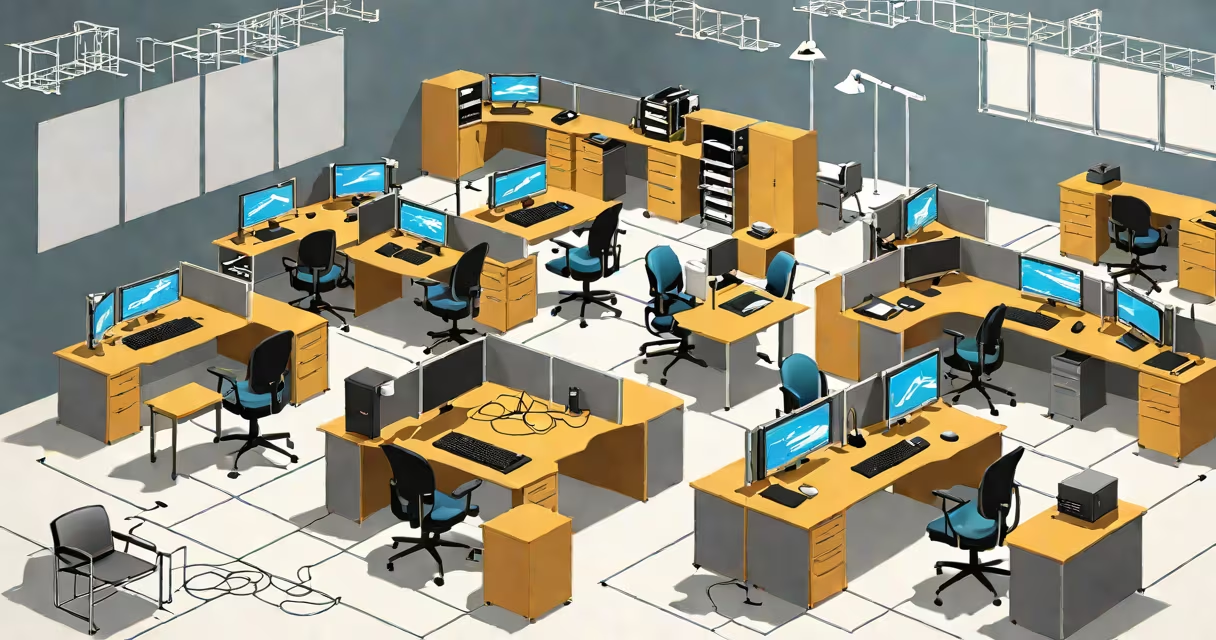
Computer lab furniture design refers to the strategic arrangement and construction of workstations, seating, storage, and support structures in educational or training spaces where students use computers regularly. It balances functionality, durability, ergonomics, and technology integration to support effective learning and reduce physical strain.
Effective computer lab furniture design helps every student has adequate space, proper posture support, and access to power and data ports. It accounts for traffic flow, equipment longevity, and maintenance ease. Poorly designed labs lead to discomfort, reduced concentration, and higher repair costs.
Design choices affect everything from daily usability to long-term institutional budgets. A well-planned setup minimizes clutter, prevents cable tangling, and allows quick access for IT staff. The goal is to create a space where technology enhances education-not distracts from it.
At its core, computer lab furniture design manages the physical interface between users and computing devices. It involves placing monitors, keyboards, mice, and peripherals in positions that minimize strain during prolonged use. This includes adjusting desk height, chair adjustability, and screen tilt.
Key elements include under-desk clearance for legs, anti-fatigue footrests, and monitor arms that allow independent positioning. Desks often feature built-in cable management channels to prevent tripping hazards and reduce wear on cords. Some models integrate wireless charging pads or USB hubs directly into the surface.
For example, a standard 6-foot lab desk with four workstations typically includes individual power strips, Ethernet jacks, and labeled ports. Each station must allow at least 24 inches of knee space and 18 inches of desktop depth to accommodate dual monitors and notebooks.
Lab furniture varies by institution size, curriculum level, and budget. Common configurations include fixed rows, modular pods, and flexible zones. Each serves different teaching styles and group sizes.
| Type | Best For | Key Features | Use Case Example |
|---|---|---|---|
| Fixed Row Units | Standardized instruction, large classes | Permanent installation, uniform spacing, shared power strips | High school programming courses with 30 students |
| Modular Pods | Collaborative projects, small groups | Removable panels, swivel chairs, shared screens | University design studios with rotating team assignments |
| Adjustable Workstations | Accessibility, mixed-height users | Electric height adjustment, sit-stand options | Community college with diverse student ages and mobility needs |
Modular systems offer scalability. A single pod can be reconfigured from four-person teams to two-person collaboration zones. They often use standardized connectors, allowing schools to expand or reorganize without replacing entire units.
According to the National Institute of Standards and Technology (NIST), labs using adjustable-height desks report 27% fewer musculoskeletal complaints among students after six months of use. The study emphasized that even minor adjustments-like raising a desk by 2 inches-can improve posture during coding sessions.
Many institutions treat computer lab furniture as a passive backdrop rather than an active component of learning. This leads to overcrowding, poor ventilation, and inadequate lighting-all of which degrade both performance and comfort.
A frequent error is prioritizing cost over durability. Plastic laminate desks may save $50 per unit upfront but fail after three years under daily use. Steel frames with powder-coated finishes last twice as long and resist dents from backpacks and rolling carts.
Another misconception is assuming that "one-size-fits-all" furniture works for all ages. A 12-year-old and a 22-year-old have vastly different reach, sitting height, and attention spans. Labs serving multiple grade levels require tiered solutions-such as lower desks with child-safe edges and taller ones for older students.
I once observed a community college lab where all desks were set at 30 inches high. After a week, 14 out of 24 students reported wrist pain. Switching to adjustable desks reduced complaints by 89% within two weeks. The fix wasn't software-it was furniture.
Computer lab furniture design is often mistaken for general classroom furniture selection. But labs differ in equipment load, electrical demand, and user density. A typical classroom may have one projector and a few tablets. A lab requires 24+ outlets, surge protection, and dedicated cooling for server racks.
Some assume that aesthetics drive design decisions. While visual appeal matters, safety codes and accessibility standards take precedence. For example, rounded corners on desks reduce injury risk during movement. Non-slip feet prevent desks from sliding during accidental bumps.
Also, people confuse "ergonomic" with "expensive." High-end furniture isn't always better. A properly adjusted $150 chair with a lumbar support cushion performs better than a $600 reclining model with poor weight distribution. The key is fit, not price tag.
A public middle school in Portland, Oregon, faced declining test scores in digital literacy. Their 20-station lab had outdated desks with no cable management, fixed-height tables, and chairs with broken casters. Students frequently tripped over wires or couldn't reach keyboard shortcuts.
The school district hired a design consultant specializing in educational space planning. The new plan included:
After implementation, teacher-reported engagement rose 41%. IT staff noted a 58% drop in cable-related hardware failures. Student typing speed improved by 18% over three months, according to internal benchmarks.
This outcome wasn't due to faster computers or better software. It came from rethinking how students interact with their tools through intentional computer lab furniture design.
When selecting or updating lab furniture, prioritize function over form. Ensure every element supports sustained focus, reduces fatigue, and integrates smoothly with existing infrastructure. The most effective designs are invisible-they simply work.
Understanding computer lab furniture design isn't about choosing the right color or brand. It's about creating environments where learning happens without friction. building a new facility, thoughtful design makes the difference between distraction and discovery.