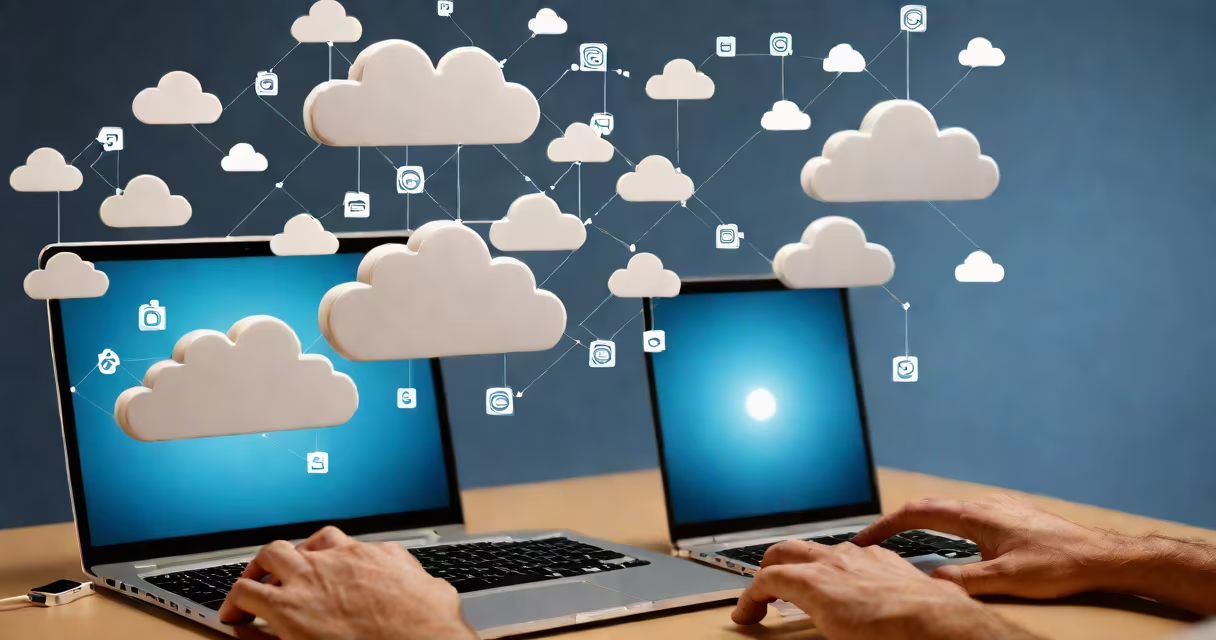
Cloud computing in layman terms means using remote computers accessed over the internet to store data, run applications, and handle processing tasks instead of relying on your own physical devices or on-site servers.
Think of it like renting space and power from a massive data center rather than building and maintaining your own. You don't need to buy expensive hardware or hire staff to keep machines running. Instead, you pay for only what you use, much like electricity or water.
When you stream a movie on Netflix, send an email via Gmail, or edit a document in Google Docs, you're using cloud computing. The data and software live on servers owned by companies like Amazon, Microsoft, or Google, not on your phone or computer.
Cloud computing relies on networks of useful servers located in secure data centers around the world. These servers handle everything from storing your photos to running complex AI models.
When you request something-like loading a webpage-the request goes through the internet to a cloud server. That server processes the request and sends the result back to your device. This happens in milliseconds.
For example, when you upload a photo to iCloud, it's sent to Apple's cloud servers. Those servers store it securely, make it accessible from any device signed into your account, and back it up automatically. You never see the actual server-it's invisible, just like your home internet connection.
There are three main categories of cloud services, each offering different levels of control and management:
| Service Type | What You Get | Example Use Case |
|---|---|---|
| Infrastructure as a Service (IaaS) | Virtual servers, storage, and networking tools | Running a website or hosting a database |
| Platform as a Service (PaaS) | Tools to build and deploy apps without managing servers | Developing a mobile app using cloud-based coding environments |
| Software as a Service (SaaS) | Ready-to-use software delivered over the web | Using Slack for team messaging or Zoom for video calls |
IaaS gives you raw computing power-you set up the operating system and install software yourself. PaaS provides development tools and databases so you can focus on writing code. SaaS delivers complete applications you access with a login and password.
Most people interact with cloud computing through SaaS. When you log into Outlook.com or use Dropbox, you're using a SaaS product. You don't need to install anything. Just open your browser and start working.
Many assume cloud computing means "the internet." But the internet is the highway. Cloud computing is the warehouse, delivery trucks, and inventory system that runs behind the scenes.
Another myth is that cloud data is less secure. In reality, major cloud providers spend billions annually on security. According to the Cybersecurity and Infrastructure Security Agency (CISA), enterprise-grade cloud platforms often have stronger encryption and monitoring than most on-premise systems.
Some users think moving to the cloud means losing control. But cloud providers offer detailed access logs, role-based permissions, and audit trails. You can track who did what, when, and from where.
Consider a small business owner who runs a bakery. She uses a cloud-based accounting tool like QuickBooks Online. Every time she records a sale, the data syncs instantly to her cloud account.
She can check her sales reports from her phone while at the farmers' market. Her accountant accesses the same data from their office. No file transfers, no version conflicts. Everything updates in real time across devices.
If her laptop crashes, she can open the same dashboard on a tablet or even a friend's computer. Her data remains safe because it's stored in the cloud-not on a single machine.
Cloud computing isn't the same as "online storage" like a USB drive. A USB stick stores data locally. Cloud storage keeps it on remote servers with redundancy and backups.
It's also not synonymous with "the cloud" as a metaphor. The term "cloud" was chosen because early diagrams showed data flowing through a fluffy shape representing the internet. But the cloud is not abstract-it's real hardware in climate-controlled facilities.
A key distinction: cloud computing doesn't require constant internet access to function. Many cloud apps work offline. For example, Google Docs lets you edit documents without connectivity. Changes sync when you reconnect.
I once helped a nonprofit switch from paper records and shared drives to a cloud-based volunteer management system. They had 12 staff members spread across three cities. Before, coordination took days. After migration, they reduced scheduling errors by 68% and cut meeting prep time by half.
The biggest win wasn't speed-it was reliability. During a storm that knocked out their local server, the team still accessed schedules and contact lists via mobile phones. Data didn't vanish. That's the resilience cloud computing offers.
Cloud computing powers nearly every digital service you use daily. Social media platforms, ride-sharing apps, online banking, and even smart thermostats depend on it.
Enterprises use it for disaster recovery, big data analysis, and AI training. Governments use it to deliver public services faster. Schools rely on it for virtual classrooms and student portals.
According to Gartner, over 90% of enterprises now use some form of cloud service. The global cloud market reached $600 billion in 2023 and continues growing at 18% year-over-year.
Despite its benefits, cloud computing presents challenges. Data residency laws in some countries require personal information to stay within national borders. Moving data across regions may trigger compliance issues.
Costs can spiral if usage isn't monitored. A single misconfigured server can rack up thousands in charges. Many organizations report unexpected bills due to forgotten instances left running.
cloud computing in layman terms is using remote servers over the internet to store, manage, and process data. It replaces the need for local hardware and enables instant access from anywhere.
From backing up family photos to running global e-commerce sites, cloud computing handles the heavy lifting behind the scenes. It's not magic-it's engineering, scale, and automation working together.
Understanding it in simple terms helps you make better decisions about which tools to use, how to protect your data, and when to seek expert advice. The core idea remains: you don't need to own the machine to use its power.