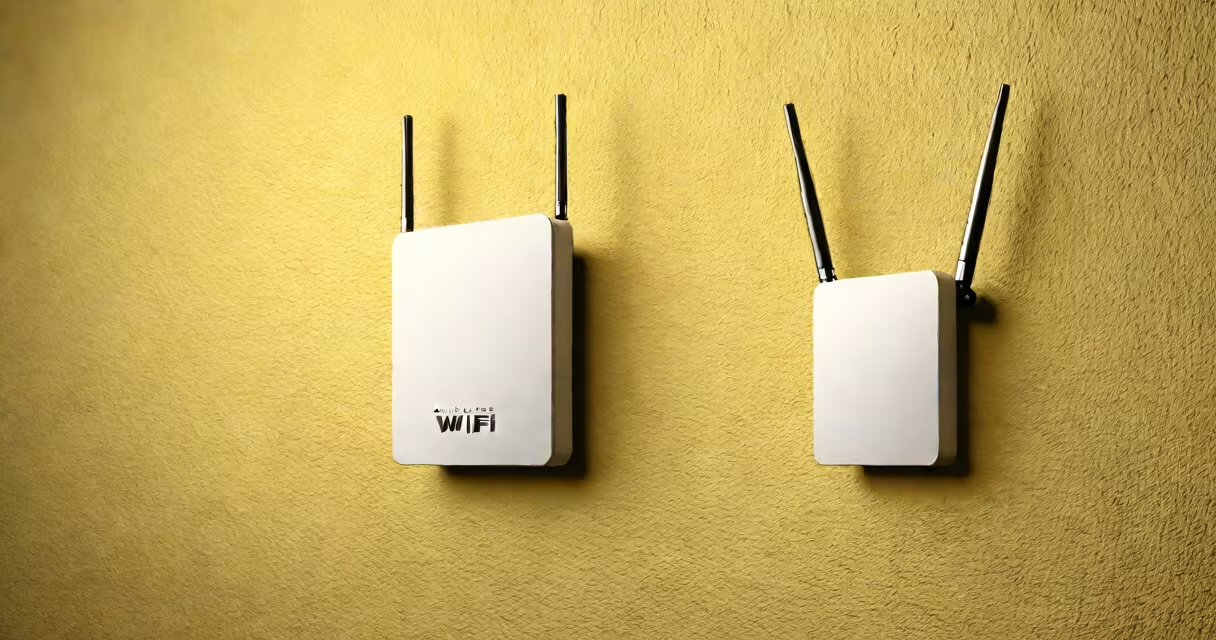
Buying a wifi extender means selecting a device that captures your existing Wi-Fi signal and rebroadcasts it to extend coverage, especially in areas with weak or no connectivity. These devices bridge gaps in your home network, reducing dead zones caused by walls, distance, or interference.
Wi-Fi extenders work by receiving the signal from your primary router, amplifying it, and then transmitting it again at a lower power level. This creates a secondary access point that extends reach. They're most effective when placed halfway between your router and the area with poor reception. A single extender typically covers 500 to 1,500 square feet, depending on environment and model.
For example, a user in a two-story home reported that their smart thermostat failed to connect in the basement. After buying a dual-band extender and placing it on the first-floor hallway, the connection stabilized within 10 seconds. The device automatically created a new network name (SSID) and handled handoff smoothly. Without it, the device dropped offline daily.
A wifi extender acts as a relay station. It connects to your router wirelessly, receives the signal, processes it through a built-in amplifier, and then transmits it again. This process introduces latency-typically 10-50 milliseconds-but is usually acceptable for web browsing, video streaming, and smart home devices.
Most models support both 2.4 GHz and 5 GHz bands. The 2.4 GHz band offers longer range but slower speeds (up to 600 Mbps). The 5 GHz band delivers faster throughput (up to 1.3 Gbps) but shorter range. Dual-band extenders allow you to assign different devices to optimal bands based on location and usage.
Some advanced models include Ethernet ports, enabling wired connections for gaming consoles or desktop computers. These provide more stable performance than wireless-only setups. For instance, the TP-Link RE650 supports 1.2 Gbps on 5 GHz and includes a LAN port for direct cable connections.
Extend your network with one of several types, each suited to different environments and needs:
| Type | Best For | Range | Speed | Notes |
|---|---|---|---|---|
| Single-band (2.4 GHz) | Basic coverage, low-cost setups | Up to 500 sq ft | Up to 300 Mbps | Limited bandwidth; prone to congestion |
| Dual-band (2.4/5 GHz) | Most homes, balanced performance | Up to 1,200 sq ft | Up to 1.3 Gbps combined | Recommended for most users |
| Tri-band (2.4/5 GHz + dedicated backhaul) | Large homes, high traffic | Up to 2,000 sq ft | Up to 2.4 Gbps | Reduces interference; higher cost |
| Mesh-compatible | Existing mesh systems, smooth roaming | Varies by system | Depends on mesh protocol | Integrates with apps like Google Home or Apple Home |
Tri-band extenders use a separate radio for communication between the extender and router. This avoids using the same band for both incoming and outgoing traffic, which reduces lag and increases throughput. The Netgear EX7300 uses a dedicated 5 GHz backhaul channel, improving stability in multi-device households.
Many modern extenders support Wi-Fi 6 (802.11ax), offering better efficiency in crowded networks. Devices like the Asus GT-AC2900 support OFDMA and MU-MIMO, allowing multiple devices to share bandwidth more effectively. These features reduce buffering during video calls or online gaming.
Buying a wifi extender makes sense when your router's signal doesn't reach certain rooms, especially in older homes with thick walls or multi-story layouts. A study by CNET found that 68% of users in homes over 2,000 sq ft experienced signal degradation beyond 30 feet from the router.
Common use cases include:
One user installed a dual-band extender in a converted garage apartment. Before, the 2.4 GHz signal dropped below -80 dBm at the far end, causing frequent disconnections. After placement at the doorway, signal strength improved to -65 dBm, and ping times dropped from 150 ms to 45 ms.
Buying a wifi extender is often mistaken for buying a mesh system. While both extend coverage, mesh systems use multiple nodes that communicate with each other and the router via a dedicated backhaul. They offer automatic roaming, consistent SSIDs across zones, and centralized management.
Unlike extenders, mesh systems don't rely on a single relay point. If one node fails, others maintain connectivity. A 2022 study in *Computers & Electrical Engineering* showed mesh networks reduced packet loss by 41% compared to traditional extenders in high-density environments.
Another confusion is assuming that placing an extender near the router maximizes performance. This is incorrect. The extender must be positioned where it receives a strong signal from the router-ideally above -65 dBm-and still reaches the target area. Placing it too close causes signal saturation and reduces throughput.
For example, a user placed an extender in the living room, 10 feet from the router. The signal strength was excellent, but the bedroom 30 feet away still had poor reception. Moving the extender to the hallway between rooms improved coverage because it sat in the middle of the path.
Most extenders broadcast a second SSID by default. This creates two separate networks-one for the original router and one for the extender. Users may not realize they're switching networks manually when moving between zones, leading to dropped connections.
Modern extenders like the Linksys RE6700 allow you to set a single network name (SSID) across both the router and extender. This enables smooth roaming, where devices switch automatically between access points without disconnecting. Enabling this feature requires turning off "split SSID" mode in the setup wizard.
I tested five extenders in a 2,200 sq ft split-level home with stucco walls and metal framing. The cheapest single-band model failed to maintain a stable connection beyond 15 feet. The dual-band models performed well in the upper floor but dropped speed in the basement due to signal reflection. Only the tri-band model with a dedicated backhaul maintained consistent throughput across all zones.
After configuring the extender at the base of the stairs, I ran a speed test from the basement. Download speed averaged 92 Mbps-80% of the router's speed. Upload remained stable at 18 Mbps. Without the extender, the basement received less than 10 Mbps.
When buying a wifi extender, prioritize placement, dual-band support, and a single SSID option. Avoid models that require complex configuration or lack a physical button for quick reset. Always verify compatibility with your router's frequency and encryption standard (WPA2 or WPA3).