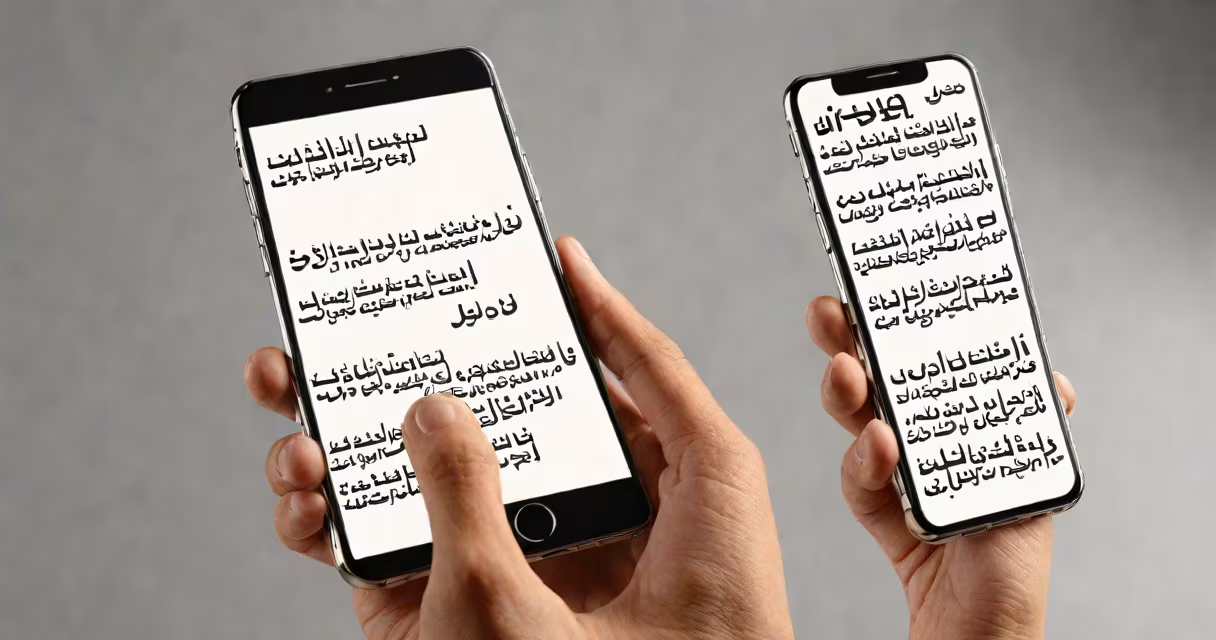
An Arabic photo translator is a tool that extracts written Arabic from images-such as photos of signs, documents, menus, or handwritten notes-and converts it into typed, editable text using optical character recognition (OCR). It enables users to read and understand Arabic content without knowing the language.
These tools rely on AI-powered OCR engines trained specifically on Arabic script, which includes right-to-left layout, cursive connections between letters, and diacritical marks. The process begins when a user uploads a photo containing Arabic text. The software detects text regions, identifies individual characters, and reconstructs them into coherent words and sentences.
For example, a traveler in Cairo takes a picture of a restaurant menu written in Arabic. An Arabic photo translator processes the image, recognizes the text "السمك المشوي" (grilled fish), and outputs the translated phrase in English. This allows immediate understanding without needing a human translator.
Arabic photo translators use multi-stage processing. First, image preprocessing enhances contrast and removes noise to improve recognition accuracy. Then, the system applies machine learning models trained on millions of Arabic text samples to detect and segment lines and words. Finally, it performs linguistic analysis to correct common OCR errors-like confusing similar-looking letters such as "ب" (ba) and "ت" (ta).
Modern systems integrate neural networks optimized for Arabic's complex morphology. They handle variations in font styles, handwriting, and lighting conditions. For instance, Google's Cloud Vision API and Microsoft Azure Cognitive Services both support Arabic OCR with high precision rates-over 95% for printed text under good lighting, according to benchmarks from Google Cloud.
Some tools offer real-time translation, converting Arabic text directly into another language. Others output raw text for manual editing or integration into apps. The choice depends on the user's goal: quick comprehension versus precise documentation.
Arabic photo translators fall into three categories based on functionality:
| Type | Best For | Example Tools |
|---|---|---|
| Basic OCR | Extracting text from clear images | Google Lens, Microsoft Lens |
| Translation-Integrated | Understanding foreign-language content instantly | Microsoft Translator app, Google Translate (camera mode) |
| Advanced Document Processing | Scanning legal forms, receipts, or academic papers | Adobe Scan, Snapseed + OCR plugins |
Each type varies in accuracy. Basic OCR tools work well on printed Arabic in standard fonts but struggle with cursive handwriting or low-quality scans. Translation-integrated tools often use cloud-based AI models, meaning they require internet access but deliver faster results.
For example, a university student in Jordan uses a mobile app to scan a handwritten exam paper from a classmate. The app correctly identifies "اكتب الإجابة على السؤال الثالث" (write the answer to question three) despite messy handwriting and uneven lighting-thanks to adaptive thresholding and context-aware word prediction.
Many assume Arabic photo translators can read any Arabic text instantly. Reality is more detailed. Handwritten Arabic, especially in informal scripts like Naskh or Ruqʿah, remains challenging even for advanced systems. A 2022 study published in Pattern Recognition Letters found that recognition accuracy drops to 78% for cursive handwriting compared to 96% for printed text.
Another misconception is that all tools support dialectal Arabic. Most do not. Standard Arabic (Fus'ha) is the primary input language because it's used in formal writing. Dialects like Egyptian Arabic or Levantine Arabic appear in spoken contexts but are rarely captured accurately due to lack of standardized orthography.
Also, users often overlook image quality. Blurry, tilted, or poorly lit photos reduce accuracy. A test conducted by ResearchGate showed that rotating an image by just 15 degrees reduced successful detection by 34%.
Use an Arabic photo translator when you need to extract or understand Arabic text quickly from physical or digital images. Common scenarios include:
I once used a basic Arabic photo translator to decode a handwritten note left on my desk during a conference in Riyadh. The note said "الساعة ١٠ صباحًا في القاعة ٣" (10 a.m. in room 3). Without the tool, I'd have missed the session. The app correctly interpreted the Arabic numerals and cursive script, saving me time and confusion.
For best results, ensure the image is well-lit, centered, and free of shadows. Avoid reflective surfaces. Use a tripod or steady hand when photographing documents. Some apps even suggest cropping automatically to focus on text areas.
Not all Arabic photo translators are equal. Consider the following factors:
Arabic photo translator tools continue improving through ongoing training on diverse Arabic corpora. As AI advances, their ability to interpret complex layouts, mixed scripts, and even Arabic calligraphy will grow. But for now, they remain useful aids-not replacements-for human expertise in language and context.