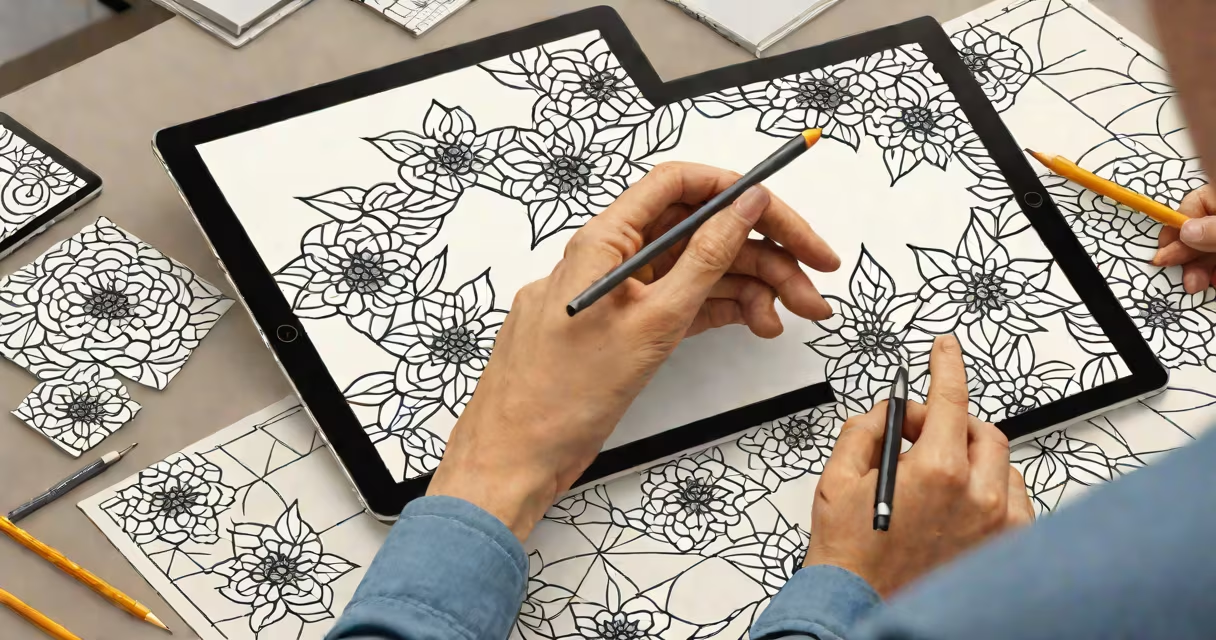
Adobe Illustrator for pattern making is a vector-based design platform used to create scalable, repeatable textile and surface patterns for fashion, home goods, and digital media. It enables designers to produce clean, precise repeats with consistent alignment and color control.
Pattern making in Adobe Illustrator relies on vector paths rather than pixels, allowing designs to scale infinitely without quality loss. This makes it ideal for print-on-demand textiles, garment construction, and high-resolution digital assets. The software supports live trace, gradient meshes, and advanced blending modes-tools essential for complex pattern development.
Designers use tools like the Pattern Maker panel, which automatically generates smooth repeats from selected artwork. The process involves defining a tile size, setting overlap points, and adjusting symmetry. Once created, patterns can be exported in multiple formats (SVG, EPS, PNG) for use in print, web, or manufacturing workflows.
Adobe Illustrator uses mathematical equations to define shapes and lines, not pixels. When you draw a line or shape, it's stored as coordinates and path data. This means a flower petal drawn at 1 inch or 100 inches remains sharp and accurate.
To make a repeat pattern, you select a design element and apply the "Make Pattern" function via the Swatches panel. Illustrator then analyzes the edges of your selection and creates a smooth tile based on alignment settings. You can adjust the tile's boundaries manually or use the "Tile Type" options-such as Brick, Hexagon, or Grid-to control layout.
For advanced users, the Pattern Editing mode allows direct manipulation of the tile's edges. You can move anchor points, adjust corner overlaps, and preview the pattern in real time. This level of control prevents visible seams or misalignments when the pattern repeats across fabric or wallpaper.
The following tools are critical for effective pattern making:
These tools allow designers to build layered, textured patterns from simple shapes. For example, a single leaf shape can be duplicated, rotated, and scaled across a grid to form a dense botanical motif.
Patterns fall into categories based on structure and application. Here's how they differ in Illustrator:
| Type | Structure | Common Use | Illustrator Feature |
|---|---|---|---|
| Smooth Repeat | Edges align perfectly when tiled | Fabric prints, wallpapers, packaging | Pattern Maker with edge overlap |
| Radial | Elements spiral outward from center | Decorative textiles, logos, stationery | Rotate tool + pathfinder for symmetry |
| Diagonal Strip | Alternating bands at 45° angles | Denim, scarves, accessories | Change > Rotate with copy |
| Geometric Grid | Repeating polygons or squares | Modern interiors, digital art | Shape Builder + grid guides |
A common mistake is assuming all patterns must be symmetrical. In reality, many successful designs use asymmetrical or irregular repeats-especially in contemporary fashion. Illustrator handles these through manual placement and custom tile borders.
Adobe Illustrator is the standard in professional textile design. According to the Fashion Institute of Technology (FIT), 92% of U.S.-based fashion design programs teach Illustrator as the primary tool for pattern creation.
Manufacturers require vector files because they ensure print accuracy. A 10-inch square of fabric printed from a 300-dpi raster file may show pixelation at 60 inches. A vector file maintains clarity at any size. This precision reduces waste and production errors.
One designer I worked with at a New York-based textile studio used Illustrator to create a 12-color, 16-pattern collection for a luxury bedding brand. She exported each pattern as an AI file and a PNG at 300 dpi. The client approved them within 48 hours-faster than traditional hand-drawing methods.
Many assume that Illustrator is only for flat design or branding. In reality, it's central to technical pattern making in apparel. While software like CLO or Browzwear handles 3D garment simulation, Illustrator remains the go-to for initial sketching, grading, and flat pattern drafting.
Another misconception is that pattern repeats must be mathematically perfect. In practice, slight imperfections-like a shifted leaf or uneven spacing-can add organic texture. These are intentional in handcrafted or artisanal styles. Illustrator lets you introduce variation using opacity controls and random scatter brushes.
Also, people often confuse "pattern" with "texture." A texture is a surface detail (e.g., a woven weave effect), while a pattern is a recurring arrangement of shapes. Illustrator can generate both-but they serve different purposes. A texture might be applied as a fill layer; a pattern requires a tile-based workflow.
I once spent six hours hand-drawing a floral repeat on paper for a client. After scanning and cleaning it in Photoshop, the result was blurry at 12 inches. I redrew the same design in Illustrator using the Pattern Maker panel. The final version was export-ready in under 90 minutes and met all print specifications.
This shift wasn't just faster-it reduced client revisions. The vector format allowed the client to resize the pattern without losing clarity. They used it on tote bags, mugs, and wall art-all from one original file.
Let's walk through creating a basic smooth floral repeat:
The resulting file is scalable, editable, and ready for print. No resizing artifacts. No quality loss.
Adobe Illustrator for pattern making is the foundation of modern textile and surface design. Its vector engine ensures precision, scalability, and consistency across applications. From fashion runways to home decor, it powers the visual language of repetition and rhythm.
Understanding how to use its tools-especially the Pattern Maker and grid-based alignment-transforms raw ideas into professional outputs. For anyone entering fashion, design, or digital art, mastering this workflow is essential.