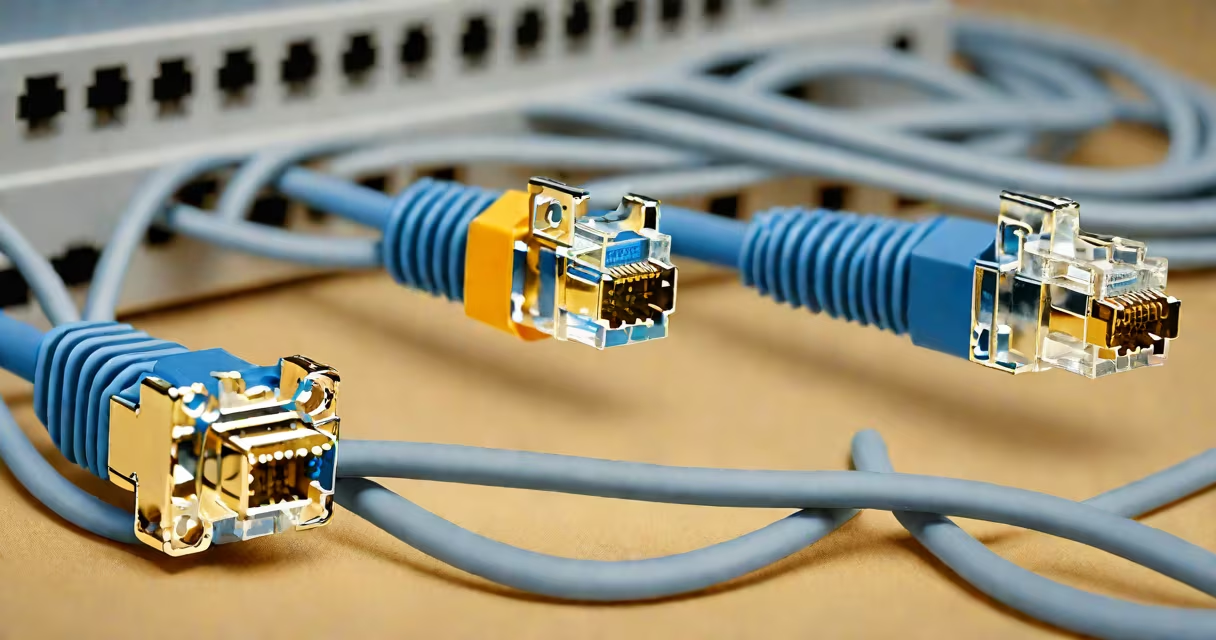
A wireless ethernet cable for pc does not exist-ethernet cables are inherently wired devices designed to transmit data via copper conductors. The term conflates two distinct technologies: wired ethernet and wireless networking. A true ethernet cable connects a computer directly to a router or switch using RJ45 connectors and twisted-pair wiring.
When users search for a "wireless ethernet cable," they typically want a way to connect their PC to a network without running cables. The correct solution involves Wi-Fi, not a hybrid cable. Ethernet cables provide stable, high-speed connections with minimal jitter-ideal for gaming, video editing, and large file transfers. Wireless networks rely on radio signals and are subject to interference, congestion, and variable bandwidth.
For example, a Cat6 ethernet cable supports speeds up to 10 Gbps over distances up to 55 meters. In contrast, even modern Wi-Fi 6E routers may deliver inconsistent speeds under load due to overlapping channels or physical obstructions. Wired connections eliminate variables like signal strength, channel contention, and interference from microwaves or Bluetooth devices.
Ethernet uses differential signaling over pairs of insulated copper wires inside a shielded jacket. Data travels as electrical pulses encoded in binary patterns. The cable's twist rate and shielding reduce crosstalk and electromagnetic interference. A typical ethernet cable contains four pairs (eight wires), with specific pin assignments for transmit and receive functions.
At each end, an RJ45 connector mates with a port on the PC's network interface card (NIC) and the router or switch. When connected, the NIC automatically negotiates link speed-common rates include 10 Mbps, 100 Mbps, 1 Gbps, and 10 Gbps depending on the cable category and device support.
For instance, a Gigabit Ethernet connection requires Cat5e or higher. Using a Cat5 cable with a 1 Gbps router results in reduced throughput and potential packet loss. The physical layer ensures reliable transmission, while the data link layer handles error detection and flow control through protocols like IEEE 802.3.
Not all ethernet cables perform equally. The category rating determines maximum speed, frequency bandwidth, and interference resistance. Higher categories support faster data rates and longer runs.
| Cable Type | Max Speed | Frequency Bandwidth | Use Case |
|---|---|---|---|
| Cat5e | 1 Gbps | 100 MHz | Basic home networks, office setups |
| Cat6 | 10 Gbps (up to 55m) | 250 MHz | Gaming, streaming, high-performance workstations |
| Cat6a | 10 Gbps (up to 100m) | 500 MHz | Data centers, industrial environments |
| Cat7 | 10 Gbps | 600 MHz | High-interference areas, shielded installations |
Shielded cables (STP) offer better noise rejection than unshielded (UTP). For example, in a server room with multiple power lines and motors, Cat6a with foil and braided shielding maintains signal integrity over long runs. Unshielded cables suffice in most residential settings.
Length matters too. A 1-foot ethernet cable (available in standard lengths) reduces clutter and minimizes signal degradation compared to longer runs. However, exceeding 100 meters causes signal attenuation beyond acceptable levels. For optimal performance, keep runs under 90 meters and avoid sharp bends or kinks.
The term "wireless ethernet cable" reflects a misunderstanding of basic networking principles. Ethernet is a wired protocol defined by IEEE 802.3. It cannot function wirelessly without additional hardware such as a wireless access point or a bridge device.
Some users confuse wireless adapters with ethernet cables. A USB-to-Ethernet adapter plugs into a PC's USB port and provides a wired connection. This is not a "wireless" cable-it's a converter. Similarly, a Wi-Fi extender boosts wireless signal but doesn't replace a physical ethernet link.
Another misconception: that all cables labeled "Gigabit" support 1 Gbps. Not true. A Cat5e cable can carry 1 Gbps, but only if both ends support it and the cable is properly terminated. Poor crimping or damaged insulation leads to intermittent drops. Testing with tools like a Fluke LinkRunner ensures compliance with standards.
Consider a PC used for competitive online gaming. The user wants zero lag and consistent ping. They connect their desktop to a router using a Cat6 ethernet cable. The connection delivers 1 Gbps with round-trip times under 1 ms.
Without the cable, the PC relies on Wi-Fi. Even with a dual-band 5 GHz connection, signal fluctuations cause micro-stutters during gameplay. A study by Cisco shows that wired connections reduce packet loss by up to 90% compared to Wi-Fi in high-density environments.
No such thing as a "wireless ethernet cable for pc" exists. Ethernet is a wired standard. If you need a direct, stable internet connection, use a proper ethernet cable-Cat6 or higher-for maximum performance. The confusion arises from mixing terminology: wireless refers to radio-based communication, while ethernet is physical cabling.
For reliable, low-latency connectivity, especially in demanding applications like live streaming, virtualization, or networked storage, a wired ethernet connection remains unmatched. Choose the right cable type, length, and termination method. Avoid marketing terms that blur technical reality.