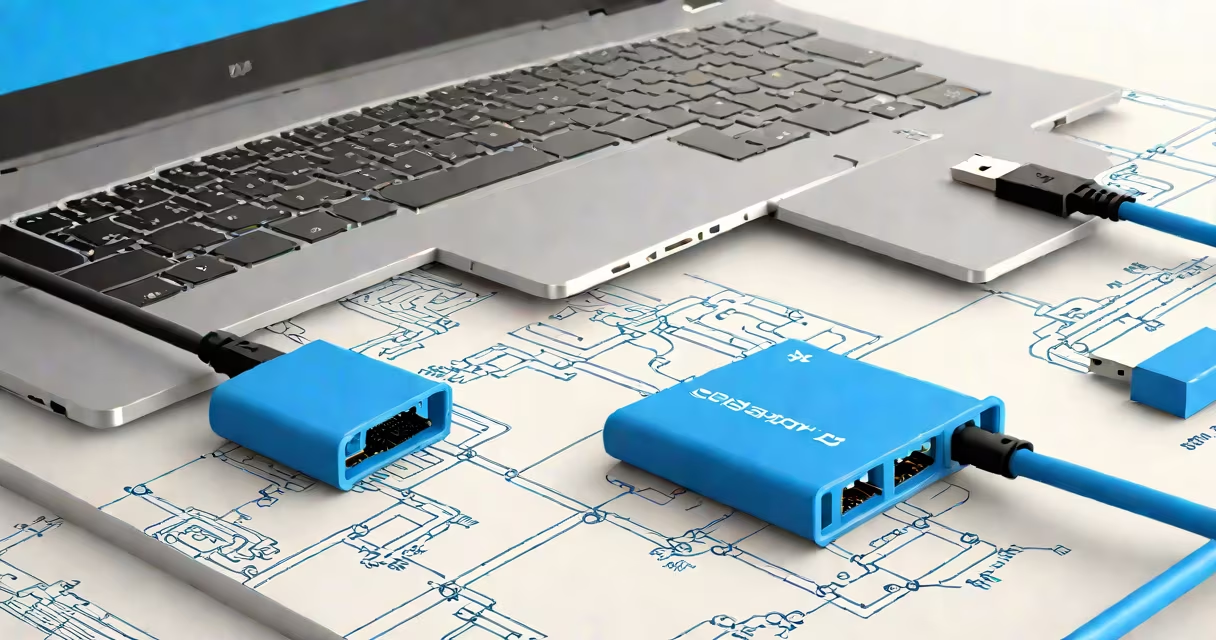
A USB 3 cable is a data and power transmission cable that supports USB 3.0 or later standards, delivering data transfer speeds up to 5 gigabits per second (Gbps), faster than USB 2.0's 480 Mbps. It uses a blue plastic shield inside the connector to distinguish it from older versions.
USB 3 cables are backward compatible with USB 2.0 ports and devices, but performance drops to USB 2.0 speeds when connected to older hardware. The standard was introduced in 2008 and later evolved into USB 3.2 Gen 1, which maintains the same 5 Gbps speed but with improved naming and consistency across manufacturers.
These cables support higher power delivery (up to 900 mA) compared to USB 2.0, allowing faster charging of smartphones, tablets, and external drives. They're commonly used for connecting high-speed peripherals like SSDs, webcams, and backup drives to computers.
USB 3 cables contain nine wires: four for power and ground (Vbus, GND), two for data (D+, D−), and three additional wires for SuperSpeed signaling. The extra wires enable bidirectional communication at higher frequencies, reducing latency and increasing throughput.
When a device connects via USB 3, the host and peripheral negotiate the highest supported speed. If both support USB 3.0, they communicate at 5 Gbps. If the device only supports USB 2.0, the connection falls back to 480 Mbps automatically.
For example, transferring a 10 GB video file from an external SSD to a computer using a USB 3 cable takes about 17 seconds. The same transfer over USB 2.0 would take nearly 3 minutes.
USB 3 cables come in several physical forms, each with different connectors and use cases:
| Type | Connector A | Connector B | Common Use | Max Speed |
|---|---|---|---|---|
| USB 3.0 Standard-A to Standard-B | Standard-A (flat rectangular) | Standard-B (square with rounded corners) | Older external hard drives, printers | 5 Gbps |
| USB 3.0 Type-C to Type-C | Type-C (reversible) | Type-C (reversible) | Modern laptops, smartphones, SSDs | 5 Gbps (USB 3.2 Gen 1) |
| USB 3.0 Type-C to Standard-A | Type-C | Standard-A | Charging and data transfer between phones and computers | 5 Gbps |
Despite the variety, all USB 3 cables have a blue interior in the male connector. This color coding prevents users from accidentally plugging a USB 3 cable into a port expecting USB 2.0 performance.
USB 3 cables are essential for tasks requiring rapid data movement. External solid-state drives (SSDs) often ship with USB 3.0 cables because they can achieve sustained read speeds of 400-500 MB/s, far exceeding USB 2.0's ~30 MB/s limit.
Professional photographers and videographers rely on USB 3 cables to offload large RAW files from memory cards to editing workstations. A 100 GB footage set transfers in under 5 minutes using USB 3.0, versus over 30 minutes on USB 2.0.
Some high-end webcams and capture cards require USB 3.0 bandwidth to deliver 4K video at 60 frames per second without dropped frames. Using a USB 2.0 cable results in reduced resolution or frame rate loss.
Many assume that any cable labeled "USB 3" delivers 5 Gbps. That's not always true. Some low-quality or counterfeit cables use only the basic four-wire setup (like USB 2.0) and lack the additional lanes needed for SuperSpeed. These cables appear physically similar but perform at USB 2.0 speeds.
Another confusion arises with USB Type-C. Not all USB Type-C cables support USB 3.0. A USB Type-C cable may be rated for only USB 2.0 data speeds and 15 W charging. To ensure full functionality, check for markings like "USB 3.2 Gen 1" or "SuperSpeed" on the cable or packaging.
As a test, I once connected a 1 TB external SSD to a MacBook Pro using a "USB 3" cable bought from a discount store. The system reported only 480 Mbps transfer speed. Replacing it with a certified USB 3.2 Gen 1 cable increased the speed to 460 MB/s - a 10x improvement.
USB 3.0 outperforms USB 2.0 in every measurable way:
For context, a 1 GB file takes 17 seconds to copy over USB 3.0. On USB 2.0, it takes 28 seconds - a difference noticeable during bulk operations.
USB 3.1 and USB 3.2 Gen 2 further increase speeds to 10 Gbps and 20 Gbps respectively, but those require specific hardware and cables. Most consumer-grade USB 3 cables still operate at 5 Gbps.
When choosing a USB 3 cable, verify the standard (USB 3.0 or USB 3.2 Gen 1), confirm the connector type, and ensure the cable is certified. Look for the USB-IF logo or official certification marks. Avoid generic cables sold without branding or specifications.
For users upgrading from older systems, a USB 3 cable ensures better performance with modern devices. When connecting a smartphone to a computer for file transfer or charging, a USB 3 cable reduces wait times.
Understanding what is USB 3 cable allows users to make informed choices. It's not just about speed - it's about reliability, compatibility, and avoiding the frustration of slow transfers. Always match the cable to the task.