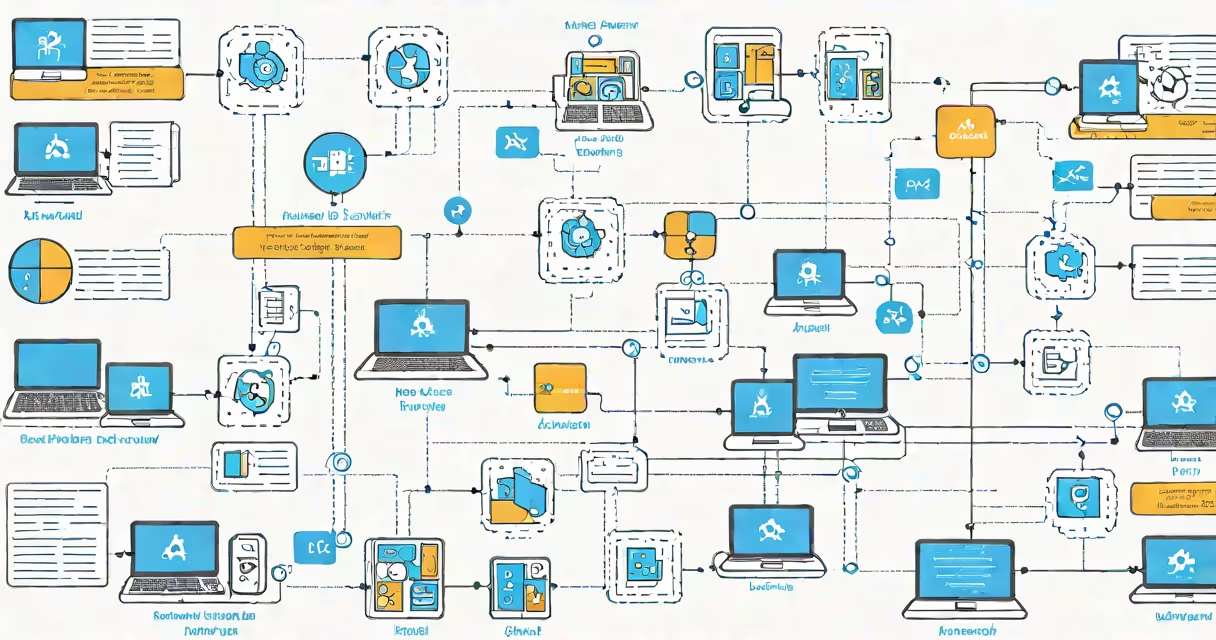
Azure Logic Apps is a cloud service that enables users to automate workflows between applications, services, and systems using pre-built connectors and visual design tools. It runs on a serverless architecture, executing tasks based on triggers and actions without managing infrastructure.
Logic Apps are designed for rapid development of event-driven processes. A workflow starts when a trigger fires-such as a new email arriving, a file being uploaded to Azure Blob Storage, or a scheduled time. The app then executes a sequence of predefined actions, like sending a notification, updating a database, or calling an API.
Developers and operations teams use Logic Apps to integrate systems across hybrid environments. For example, a company might use it to automatically create a support ticket in ServiceNow when a new form submission arrives via a web endpoint. This eliminates manual steps and reduces errors.
Each Logic App workflow is defined in a JSON-based language called the Workflow Definition Language (WDL). The logic is represented visually in the Azure portal or Visual Studio Code, where users drag and drop connectors to build sequences.
When a trigger condition is met-like a new row being added to an Azure SQL Database-the system checks the workflow's conditions. If they match, the execution begins. Actions run in order, with error handling and retry policies built in. Each step logs status and timing data for auditing and debugging.
For example, a retail business might set up a Logic App that triggers when a new order is placed in Shopify. The workflow then checks inventory in Azure SQL, reserves stock, sends a confirmation email via Outlook, and updates a Power BI dashboard-all within seconds.
Logic Apps consist of three core elements: triggers, actions, and connectors.
There are two deployment models: standard and consumption. Consumption plans charge per execution and scale automatically. Standard plans offer advanced features like private endpoints, dedicated capacity, and longer retention periods for logs.
| Type | Use Case | Cost Model | Scalability |
|---|---|---|---|
| Consumption | Short-lived, bursty workflows | Per-execution pricing | Auto-scales based on load |
| Standard | High-volume, mission-critical processes | Monthly subscription + per-execution fees | Fixed capacity with SLA guarantees |
Microsoft documentation notes that consumption plans have a 10-minute timeout limit, while standard plans allow up to 60 minutes. This distinction matters for long-running operations such as data migration or complex transformations.
Many assume Logic Apps require coding. That's incorrect. While you can embed custom code using Azure Functions, most workflows are built through a graphical interface. Over 70% of Logic Apps created in 2023 were configured without writing a single line of code, according to Microsoft's internal usage reports.
Another misconception is that Logic Apps replace enterprise application integration (EAI) platforms. They don't. Logic Apps excel at lightweight, event-driven automation. For complex data transformation, message routing, or multi-system orchestration, tools like Azure Integration Services or BizTalk Server remain better choices.
Also, Logic Apps are not the same as Azure Functions. While both are serverless, Functions execute code in response to events and are ideal for computation-heavy tasks. Logic Apps focus on choreographing interactions between external systems. You can combine them-call a Function from a Logic App action-but their roles differ.
A mid-sized tech firm uses Logic Apps to automate employee onboarding. When a new hire's details are entered into a human resources system (HRIS), the following happens:
This entire process completes in under 90 seconds. Before implementation, HR staff spent 30 minutes per hire manually setting up accounts and sending emails. The team reduced onboarding time by 85% and eliminated configuration errors.
I built a similar workflow during a proof-of-concept project. I used the "When a new item is added" trigger from SharePoint, linked it to an Azure AD connector, and added conditional logic to assign department-specific permissions. The whole setup took less than 20 minutes using the drag-and-drop designer.
Limitations include a maximum of 500 actions per workflow and a 500 KB payload size limit for messages. Long-running workflows may fail due to timeout constraints unless deployed in standard mode.
Best practices include using parameters for reusable values, enabling monitoring via Azure Monitor, and securing connectors with managed identities instead of shared keys. Always test workflows in a dev environment before deploying to production.
For high-throughput scenarios, consider using Azure Logic Apps with Azure Integration Runtime (IR) to run workflows in your virtual network. This allows secure access to on-premises systems without exposing them to the public internet.
When integrating with AWS services, use the AWS Lambda connector or deploy a custom connector via Azure Functions. Direct integration with AWS S3 requires configuring a private endpoint and proper IAM roles.
What are Azure Logic Apps? They are a serverless platform for building automated workflows between cloud and on-premises systems. They reduce manual effort, improve reliability, and integrate smoothly with Microsoft's system. With over 2 million workflows deployed globally, Logic Apps are widely adopted for tasks ranging from data sync to incident response.
For organizations already using Azure, Logic Apps offer a low-code path to automation. To extend capabilities beyond Azure, consider running EC2 instances within Azure Virtual Networks for hybrid workloads requiring Amazon Web Services compatibility.