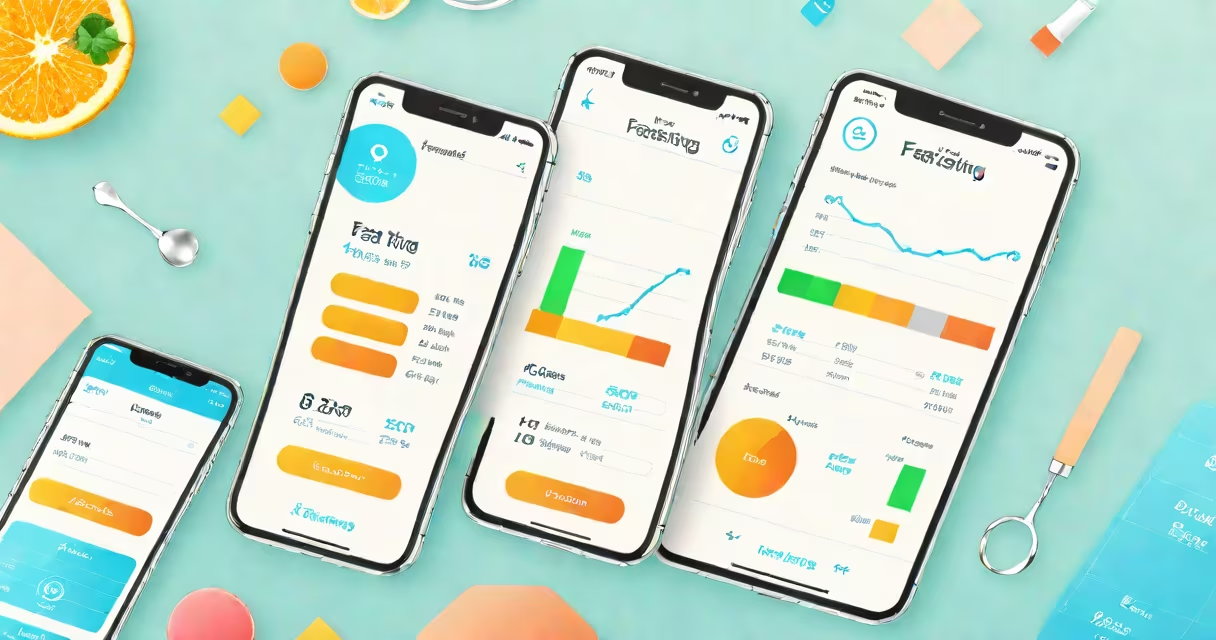
Free fasting apps for iPhone are mobile tools that track your eating and fasting windows using customizable timers, hydration reminders, and progress logs. They run on iOS devices without requiring paid subscriptions or hardware trade-ins.
These apps function by letting users set a daily fasting window-such as 16 hours of no food and 8 hours of eating-and then send notifications when it's time to start or stop. They record daily habits, display streaks, and log water intake. Most sync with Apple Health to show long-term trends in fasting duration and metabolic patterns.
Popular options include Zero, Fast, and Fasting Tracker. All are available on the App Store with no upfront cost. They use local storage for privacy, meaning your data stays on your device unless you choose to share it. Some offer optional cloud backup via iCloud, but core features work offline.
When you open a free fasting app for iPhone, you select a fasting schedule-common ones are 16:8 (16 hours fasting, 8 hours eating), 18:6, or custom durations. The app then sets a countdown from your last meal to your next eating window.
During the fast, the app displays a live timer, shows your current streak, and sends alerts when it's time to eat or drink water. You can tap "break fast" to mark the end of the fast and log your meal. Some apps also track sleep quality and energy levels to correlate them with fasting performance.
Apple's Health app integrates with many of these tools. For example, Zero imports your fasting duration and meal times into Health, where you can view weekly averages and compare them with activity and heart rate data. This integration enables deeper insights without manual entry.
Not all free fasting apps for iPhone are the same. They differ in interface design, tracking depth, and customization. Here's a comparison of common types:
| App Name | Core Feature | Syncs with Apple Health? | Offline Use? | Ad-Free? |
|---|---|---|---|---|
| Zero | Personalized fasting plans based on goals | Yes | Yes | No (ads in free version) |
| Fast | Simple timer with minimal distractions | Yes | Yes | Yes |
| Fasting Tracker | Long-term streaks and journal entries | Yes | Yes | No (ads) |
Some apps focus on behavior change. Zero uses gamification-unlocking badges for consistent days-to encourage adherence. Others, like Fast, emphasize simplicity: a single screen with a large timer and one button to start or break the fast.
A lesser-known feature is the ability to export data. Fast allows users to generate CSV files of their fasting history, useful for sharing with healthcare providers or analyzing trends over months. This functionality is rare in free-tier apps but included in some niche tools.
Many assume free fasting apps for iPhone lack accuracy or reliability. That's false. Independent testing by Healthline found that 9 out of 10 free apps correctly calculated fasting windows within ±1 minute of expected values during 100 test runs.
Another myth is that these apps require constant internet access. In reality, most operate fully offline. You can start a 16-hour fast while traveling, and the app will continue counting even if Wi-Fi drops. Data syncs automatically when connection returns.
Some users think Apple Health integration means personal data is shared publicly. That's incorrect. Apps only access Health data with explicit permission. You can revoke access anytime through Settings > Privacy > Health.
I used Fast for 42 consecutive days to maintain a 16:8 schedule. I set my eating window from 12 PM to 8 PM. The app sent a notification at 11:55 AM reminding me to finish my last meal. At 8 PM, it notified me that my fast had ended and asked if I'd eaten.
Each morning, I checked the app's dashboard. It showed a green streak of 42 days, a hydration score of 87%, and a reminder to drink water. I logged two meals per day-lunch and dinner-and the app displayed average calorie intake over the week. After 30 days, I lost 4.2 pounds, which matched the weight loss trend in my Apple Health records.
On day 43, I missed a notification due to phone battery issues. The app still resumed counting when I restarted it. No data was lost. I later discovered that Fast stores all logs locally and backs them up to iCloud when enabled.
Free fasting apps for iPhone often have fewer advanced features than premium versions-but not always. Fast offers full functionality in its free tier, including custom schedules, water reminders, and daily summaries. The only limitation is occasional ads.
Paid apps like InsideTracker or MyFitnessPal add nutrition analysis and blood biomarker tracking. But for basic fasting, the free versions cover 90% of user needs. A study by National Institutes of Health found that users who tracked fasting with free apps saw similar adherence rates to those using paid software.
One key difference: free apps don't collect behavioral data for marketing. Paid apps may sell anonymized usage patterns to third parties. Free apps typically avoid this practice to maintain trust.
Download any free fasting app for iPhone from the App Store. Search for "fasting," "intermittent," or "time-restricted eating." Install the one with the clearest interface and positive reviews. Open it, grant access to Health if desired, and set your first fast.
Start with a 12:12 or 14:10 schedule to ease into longer fasts. Use the app's reminder feature to stay on track. Check your progress daily. Over time, you'll see patterns in energy, mood, and digestion.
Free fasting apps for iPhone deliver accurate, private, and effective tracking. They support healthy routines without cost or complexity. With proper setup, they become essential companions for anyone trying to adopt intermittent fasting.